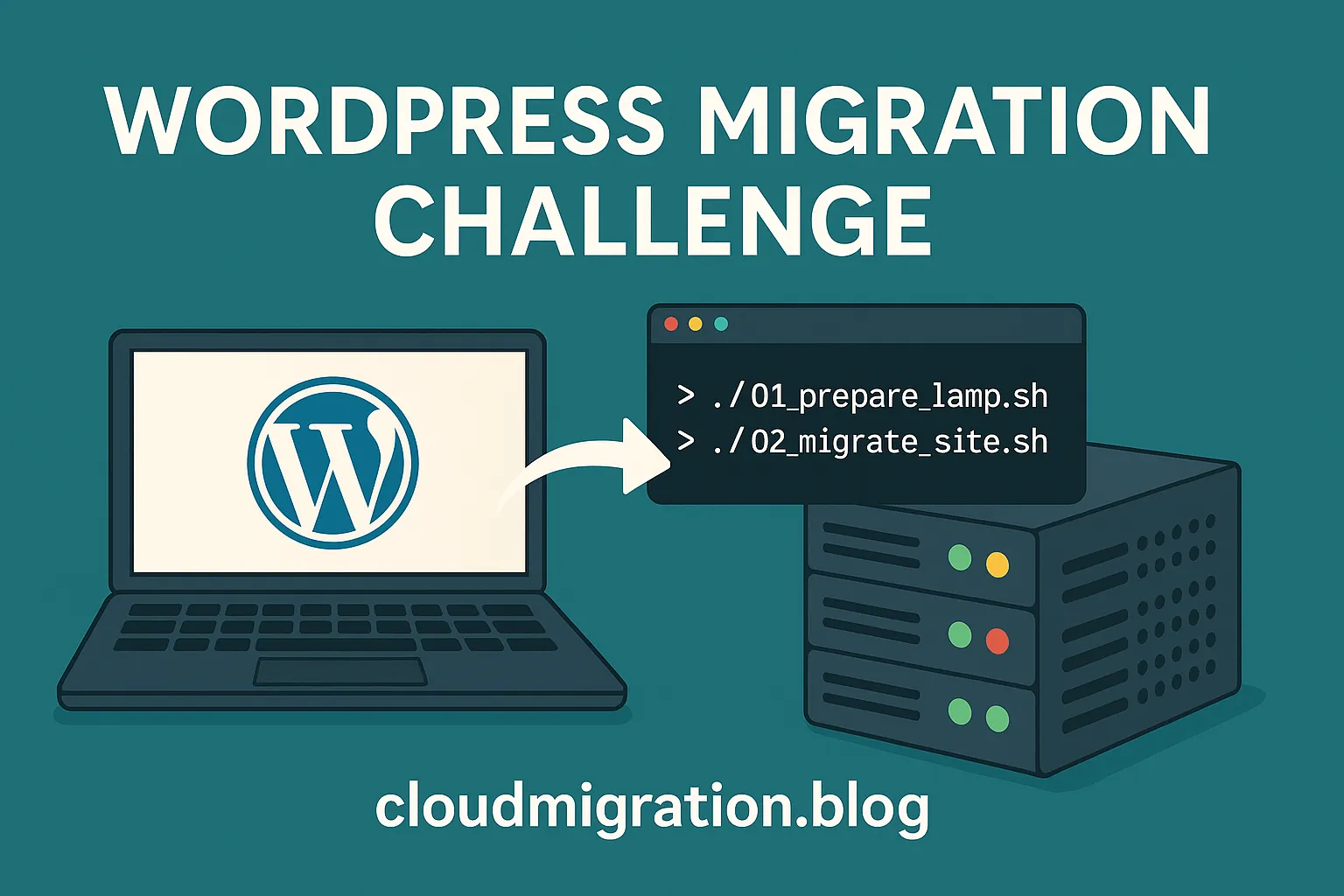
Migrating a WordPress site from SiteGround to a self-hosted VM involved FTP and SSH transfers, MySQL dump and import, DNS updates, and Let’s Encrypt setup. This post details how I automated each step - verifying file integrity, syncing databases, cleaning SiteGround plugins, and securing the new server for full WordPress functionality on my own infrastructure.
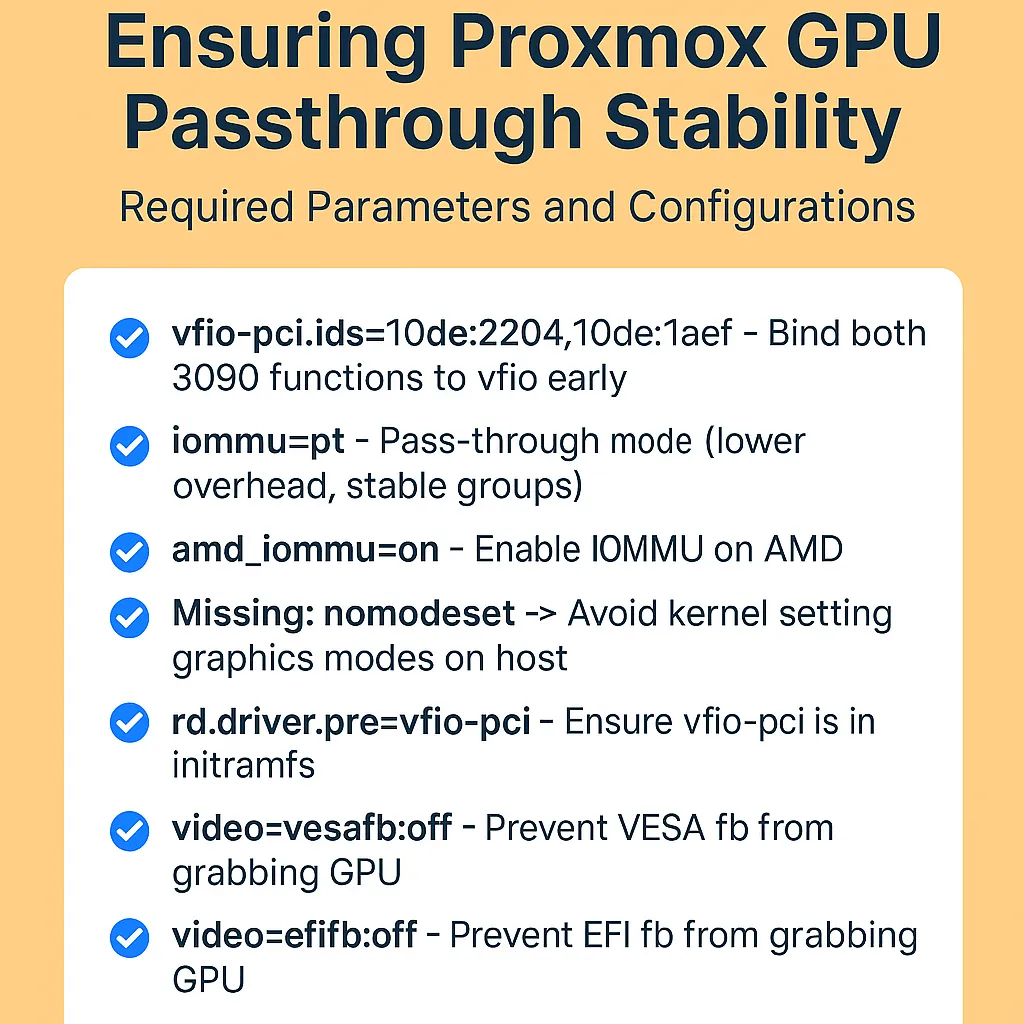
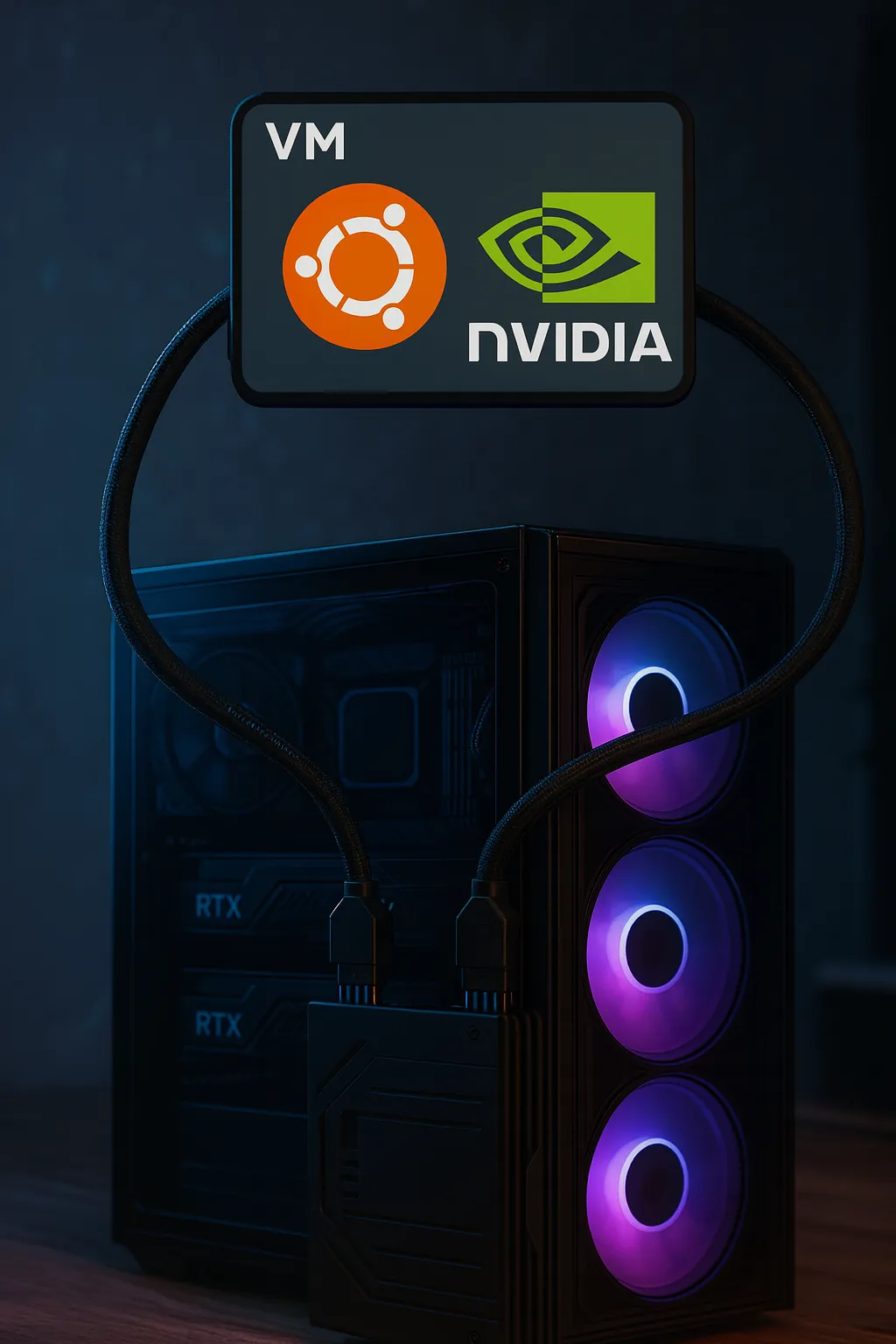
Running multiple NVIDIA GPUs for AI workloads in Proxmox VE can cause early boot hangs if the host OS tries to load conflicting drivers. In this guide I document how my Proxmox host with 2× RTX 3090 was stuck at systemd-modules-load, how I debugged it, which files to inspect (/etc/default/grub, /etc/modprobe.d/, /etc/modules-load.d/), and the final stable configuration for rock-solid GPU passthrough to an Ubuntu VM.
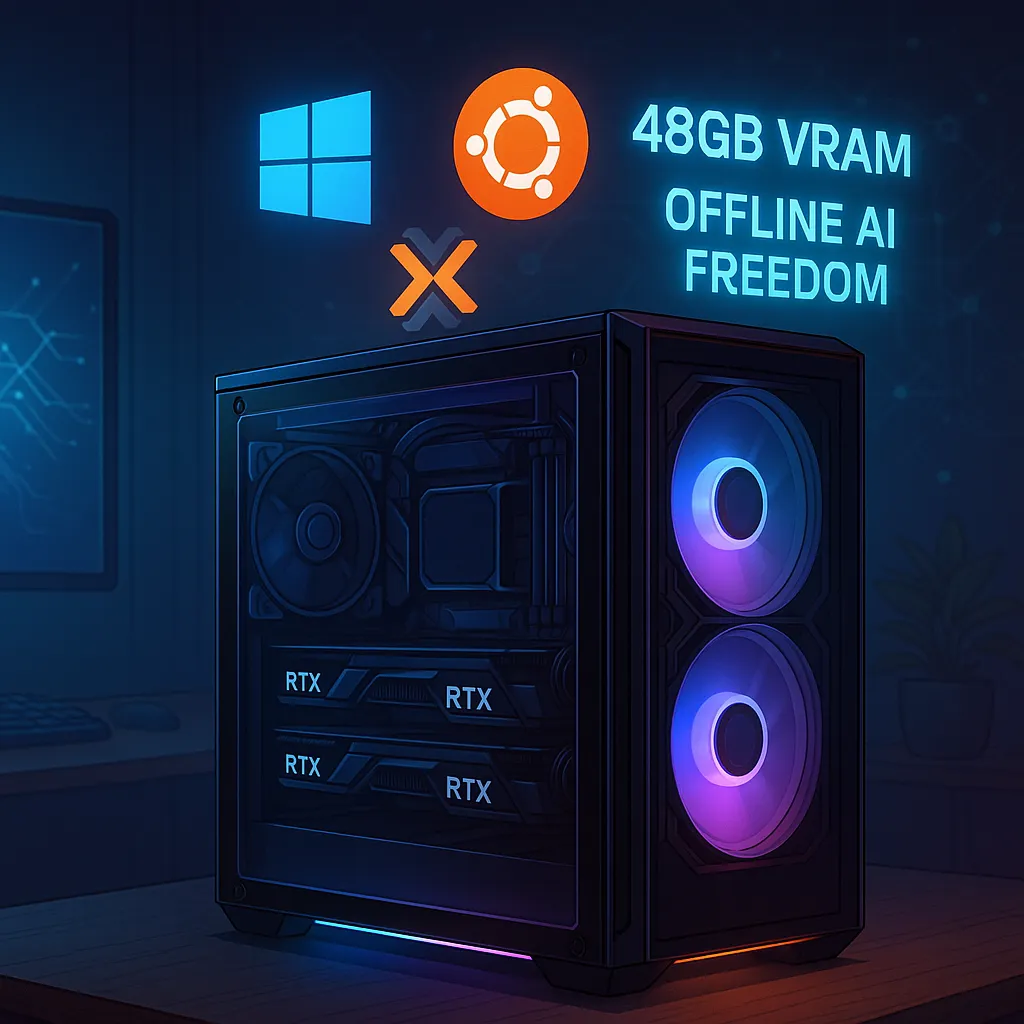
I built on my edge AI hardware by adding Proxmox VE as the virtualization layer. After prepping BIOS, using Rufus with the nomodeset trick, and installing Proxmox, I enabled IOMMU, configured VFIO, and passed through 2× RTX 3090 GPUs to a single Ubuntu VM. This setup lets me run private AI workloads at near bare-metal speed, while keeping Windows and native Ubuntu for special use cases.
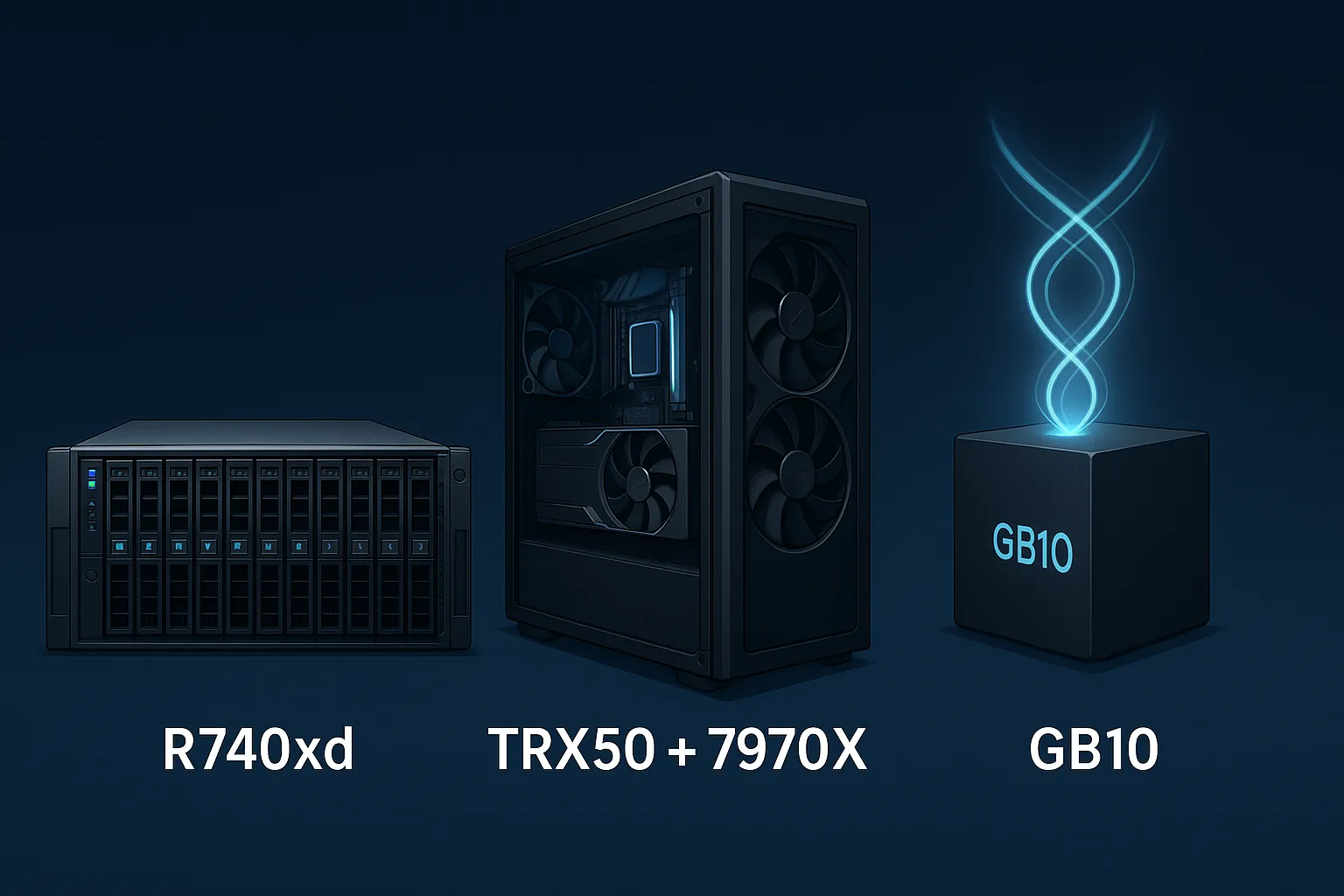
Exploring three budget AI supercomputer paths: a Dell R740xd for enterprise labs with big storage but limited GPU flexibility, a TRX50 + Threadripper 7970X workstation offering fast DDR5, Gen5 NVMe, and dual RTX GPU power, and the futuristic GB10 AI desktop with unified CPU/GPU memory. Dell is lab-friendly, GB10 is AI-only, but the TRX50 build strikes the best balance today.
Keeping up with today’s technology is both exciting and demanding. My passion for home labs started many years ago, and while my family often jokes about the time and money I spend on self-education, they understand the value of staying ahead in such a fast-moving field. What started as curiosity has grown into a journey of building cost-effective supercomputers for edge AI and virtualization.
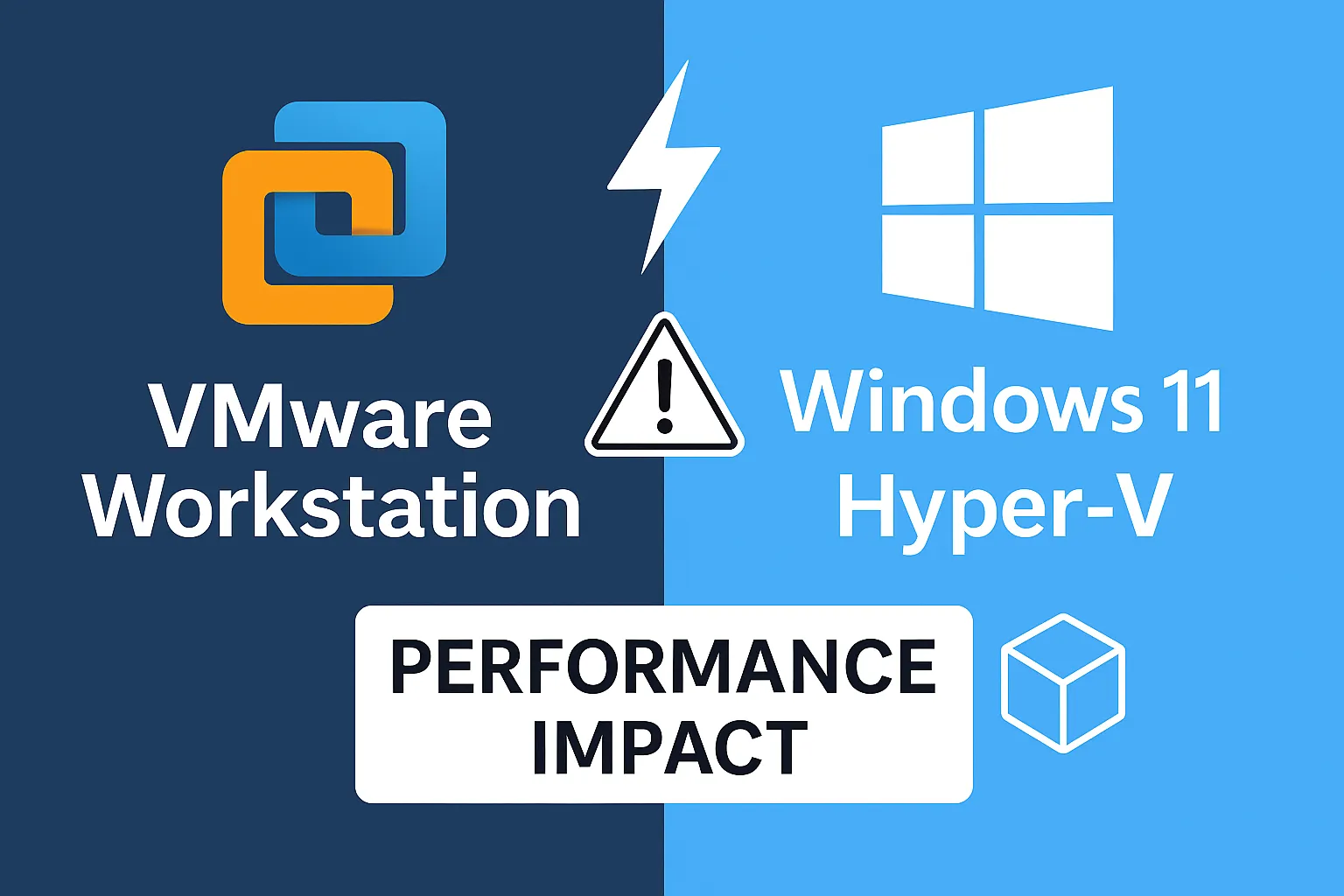
This blog explains why VMware Workstation runs slower on Windows 11 compared to Windows 10, focusing on changes like Hyper-V, VBS, and HVCI being enabled by default on modern CPUs. It explores why sharing hypervisors with native hardware causes performance issues, and why disabling Hyper-V restores full VMware performance. Step-by-step PowerShell scripts are provided to toggle Hyper-V on or off safely.
This blog explores multi-cloud networking challenges, highlighting a real-world Azure-to-AWS modernization project. It emphasizes the importance of next-generation firewall marketplace appliances like FortiGate for standardization, secure connectivity, and automation, while addressing tools like Terraform and Python for seamless multi-cloud integration.
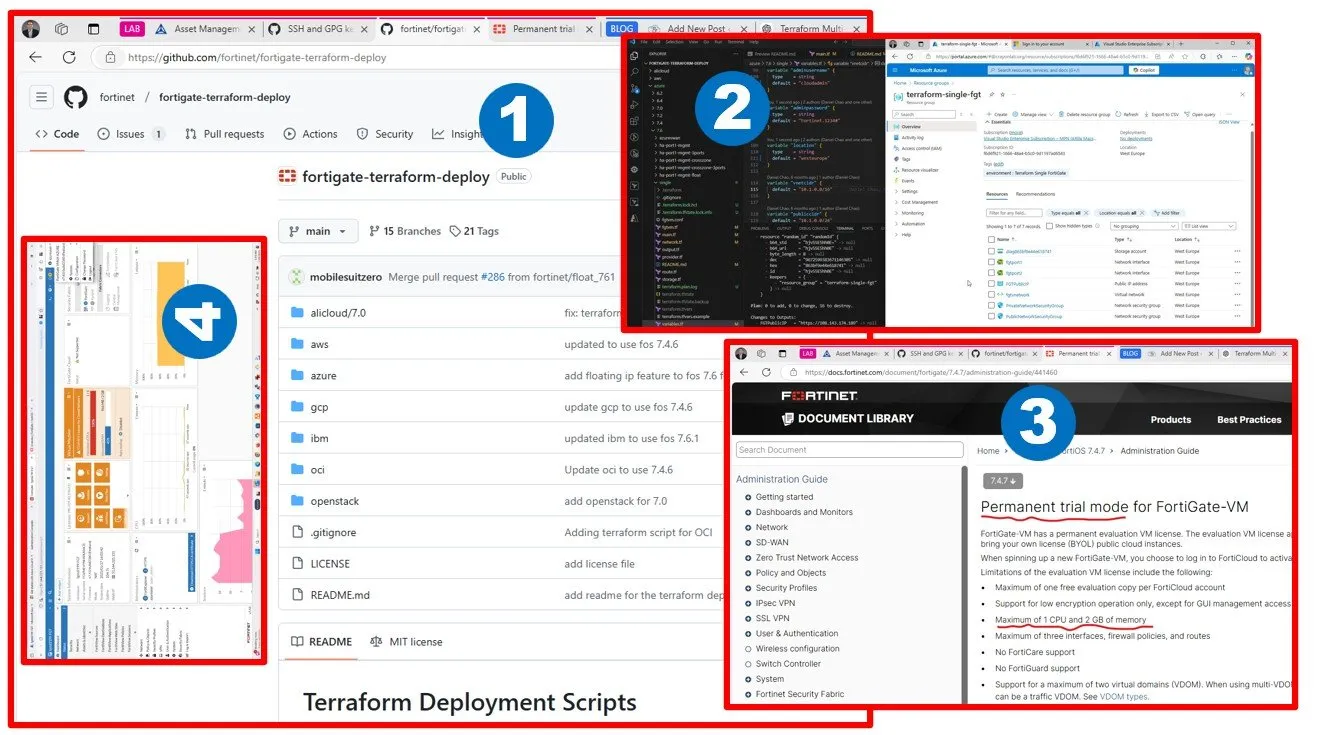
This blog explores deploying FortiGate VM in Azure, tackling challenges like license restrictions, Terraform API changes, and Marketplace agreements. It offers insights, troubleshooting tips, and lessons learned for successful single VM deployment in Azure. Using an evaluation license combined with B-series Azure VMs running FortiGate is primarily intended for experimentation and is not recommended for production environments.
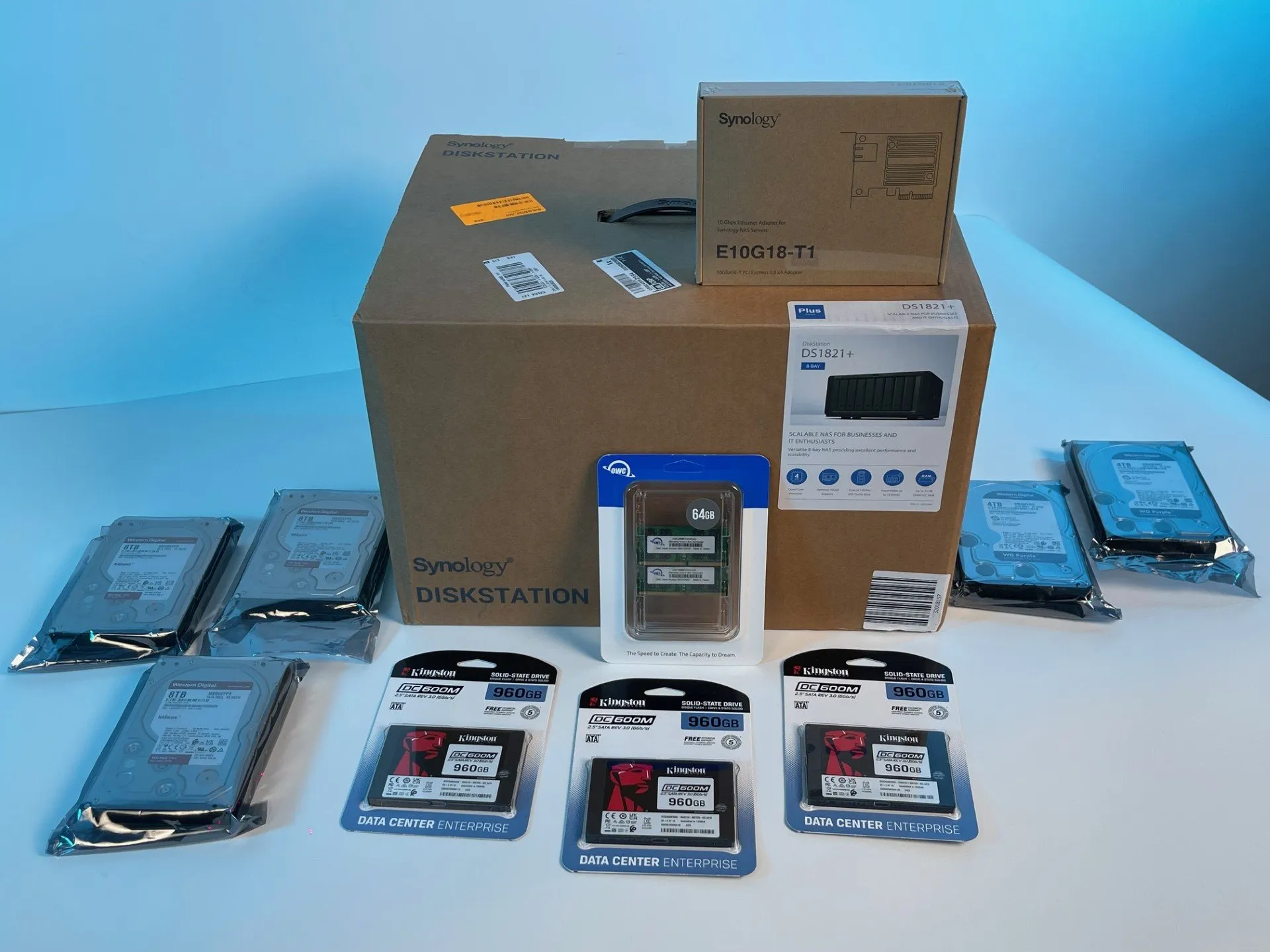
This blog explores creating a powerful VMware lab using a budget-friendly 24-core workstation, Synology NAS with SSD storage, and advanced networking setup, including a shift from MikroTik to Fortinet gateways. A hands-on guide for cost-effective, enterprise-ready cloud migration and virtualization.
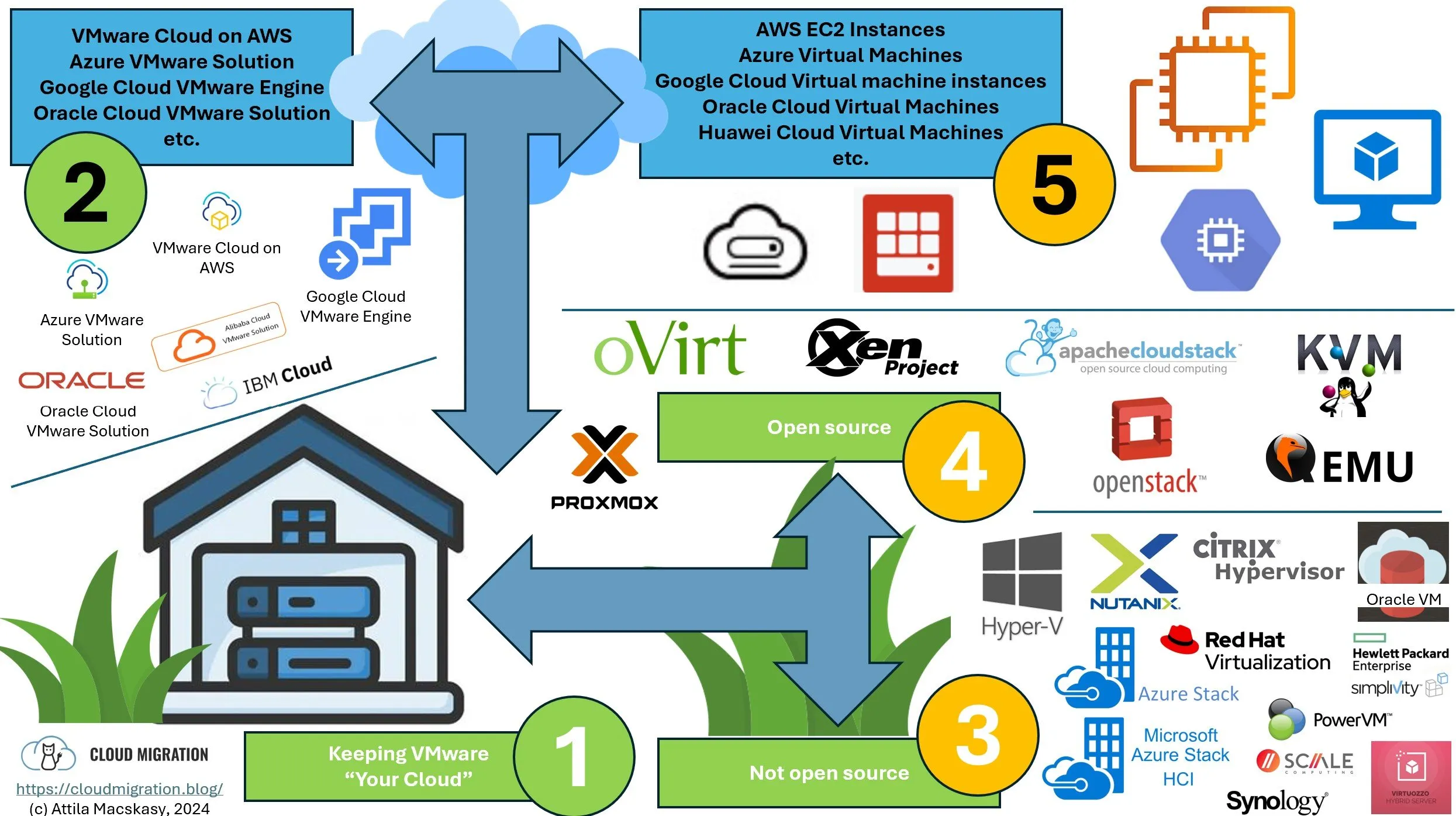
With Broadcom's acquisition of VMware raising concerns about price increases, it's crucial to explore alternatives like Hyper-V, open-source solutions, and cloud options. While I remain a strong advocate for VMware, I believe customers should have a Plan B ready to ensure flexibility and cost-effectiveness in their infrastructure strategy.
This research focused on assessing Oracle DBAs' familiarity with cloud technologies (e.g., landing zones, IaC automation) and comparing it to cloud experts' awareness of Oracle Database advancements (e.g., container/pluggable databases). Findings revealed a knowledge gap between the two groups. To address this, I plan a two-week intensive learning journey inspired by Oracle CloudWorld 2024. This includes re-deploying Oracle Database editions, exploring Autonomous Database, understanding Oracle Exadata and Real Application Clusters (RAC), and deepening my knowledge of Maximum Availability Architecture (MAA).
I’ve been waiting for this moment for two years, and at Oracle CloudWorld 2024, everything has finally come together. As a multi-cloud architect with extensive experience across all three major cloud platforms, I’m particularly excited about this opportunity because of my strong background in Oracle databases. I firmly advocate for keeping Oracle databases on their native platform when migrating to the cloud, rather than switching to competitor database engines. In this article, I’ll summarize the publicly available announcements and share what we know so far.