The microphone that took a day — and still doesn't work
You voted for this one. We are building an open-source VDI, and the microphone still does not reach the remote desktop. On Windows Server it looks blocked on licensing: free administrative sessions never open the capture channel, and the fix is probably the Remote Desktop Session Host role and its CALs. Ubuntu desktops are next. Published unfinished on purpose — this page gets updated when it works.
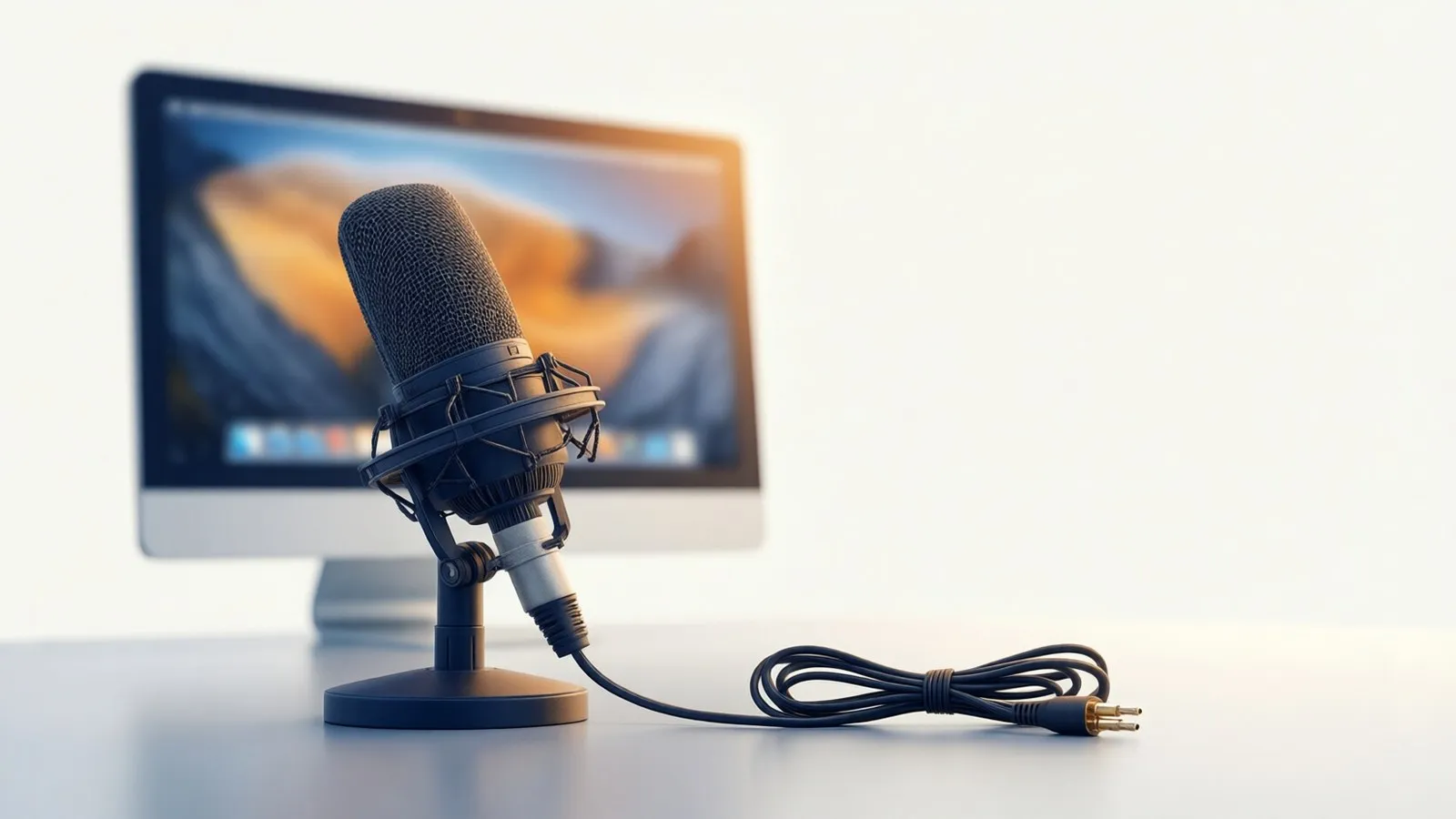
The image above was generated on one of our own RTX 3090s, offline, in about two minutes — no stock photography, no cloud image API. Full recipe below.
Feature image made in our lab — image model, prompt and settings
- Image model
Qwen-Image 2512— fp8 (e4m3fn) variant. The bf16 pair does not fit a 24 GB card; fp8 weights are stored compressed and cast at compute time- Text encoder
Qwen2.5-VL 7B— a vision-language model doing the prompt understanding, which is most of why the composition follows a long prompt- Generated on
- 1× NVIDIA RTX 3090 (24 GB) on our own image node, through a self-hosted ComfyUI — our hardware, our electricity, nothing leaving the building
- Settings
- 1664×928 · 20 steps · cfg 2.5 · euler / simple · shift 3.1 · seed 1444285634 · ~119 s. That resolution is one of the model’s native sizes — off-grid dimensions tend to duplicate objects rather than add detail, so the render is done on-grid and cropped to 1600×900
- Prompt
- a single professional broadcast studio microphone standing on a clean minimal desk, its cable running to the right and ending in a loose unplugged connector resting on the surface, a softly glowing computer monitor out of focus in the background showing an abstract blurred desktop, clean editorial technology illustration, deep indigo and warm amber accent colours on a bright off-white background, soft even studio light from the left, 35 degree angle, shallow depth of field, generous empty negative space on the right side, minimal modern corporate-tech aesthetic, crisp and uncluttered
- Negative prompt
- text, letters, words, watermark, logo, signature, caption, ui, interface, hands, people, face, clutter, busy background, extra microphones, duplicated objects, lowres, blurry subject, distorted, oversaturated, neon, dark gloomy
- Licence
- Apache-2.0 — both the image model and the text encoder. Commercial use permitted with no use-based restrictions, which is exactly why this stack and not a prettier one
This article was voted for on nextpost.blog, where readers pick what gets written next. Here it is — including the part where it doesn’t work yet.
Where things stand
We are building an open-source virtual desktop on our own hardware. Most of it works: desktops provision from a template in minutes, and they are brokered, monitored and backed up.
One feature has been open for a month: getting your laptop’s microphone into the remote desktop. Sound comes out perfectly. Sound does not go in. It still doesn’t, and this post is not going to pretend otherwise.
This page will be updated when it works. Not a new post — the result lands here, with the date, whichever way it goes.
Why a microphone matters in a remote desktop
Not for meetings. Our developers work inside remote desktops and they want to talk to their coding agent — dictating a spec is faster than typing it, and the dozens of small “no, move that button” corrections at the end of a session are a few seconds spoken and most of a minute typed. Without a microphone on the remote side, none of that is possible. It is a real productivity feature, not a nice-to-have.
Windows: it looks like a licensing wall
Microphone redirection has been part of RDP since 2009, so it should just work. It didn’t, and the short version of a long day is this:
- Playback works, so the server looks innocent. Audio out and audio in are separate channels with separate defaults. The session feels healthy while one direction is simply missing — and the denial is silent, no error anywhere.
- On Windows Server, “not configured” means denied. The Allow audio recording redirection policy defaults to off on Server editions. We set it to allow explicitly. Still no microphone.
- The one remaining gate is the Remote Desktop Session Host role. Without it, every connection to a Windows Server is a free administrative session — and in that mode the capture channel never opens. Every setting we can check passes; the role is the only thing that fails.
So the honest reading: the free administrative session appears to be the blocker, and installing the Session Host role — Terminal Server licensing, with per-user or per-device CALs — probably fixes it. We have not tested that yet, because it starts a licensing meter, and getting away from per-seat meters is the reason we are building an open-source VDI in the first place. That is a commercial decision, not a technical one, and it deserves its own test on a spare desktop before anyone pays for it.
Along the way we found our own VDI broker was writing “microphone off” into every connection file it generated. Fixed, and now guarded by a test. Not the cause — but it would have been the next one.
Ubuntu desktops: next
This is the path we actually believe in. On Ubuntu 24.04 the xrdp audio module (pipewire-module-xrdp) is a package in the archive, it does both playback and capture, and there is no licence gate at all — every component from the microphone to the remote process is open and unmetered.
We have not run it yet. That is the next test, on an Ubuntu developer desktop image, and the result will be shared here when we have it.
Want to pick the next one? The queue at nextpost.blog is public — every item is work already done and not yet written up. Sign in and vote.