The perfect nested virtualization-based demo LAB: adding Template VMs (and vSAN)
Recently, I have installed several template virtual machines in my lab. My primary objective is to automate large-scale migrations to the AWS Cloud using the AWS CloudEndure Migration Factory Solution. The secondary objective is to test VMware HCX-based migrations to Cloud. This article gives you an idea of how to prepare a vSAN-based nested LAB to achieve similar goals.
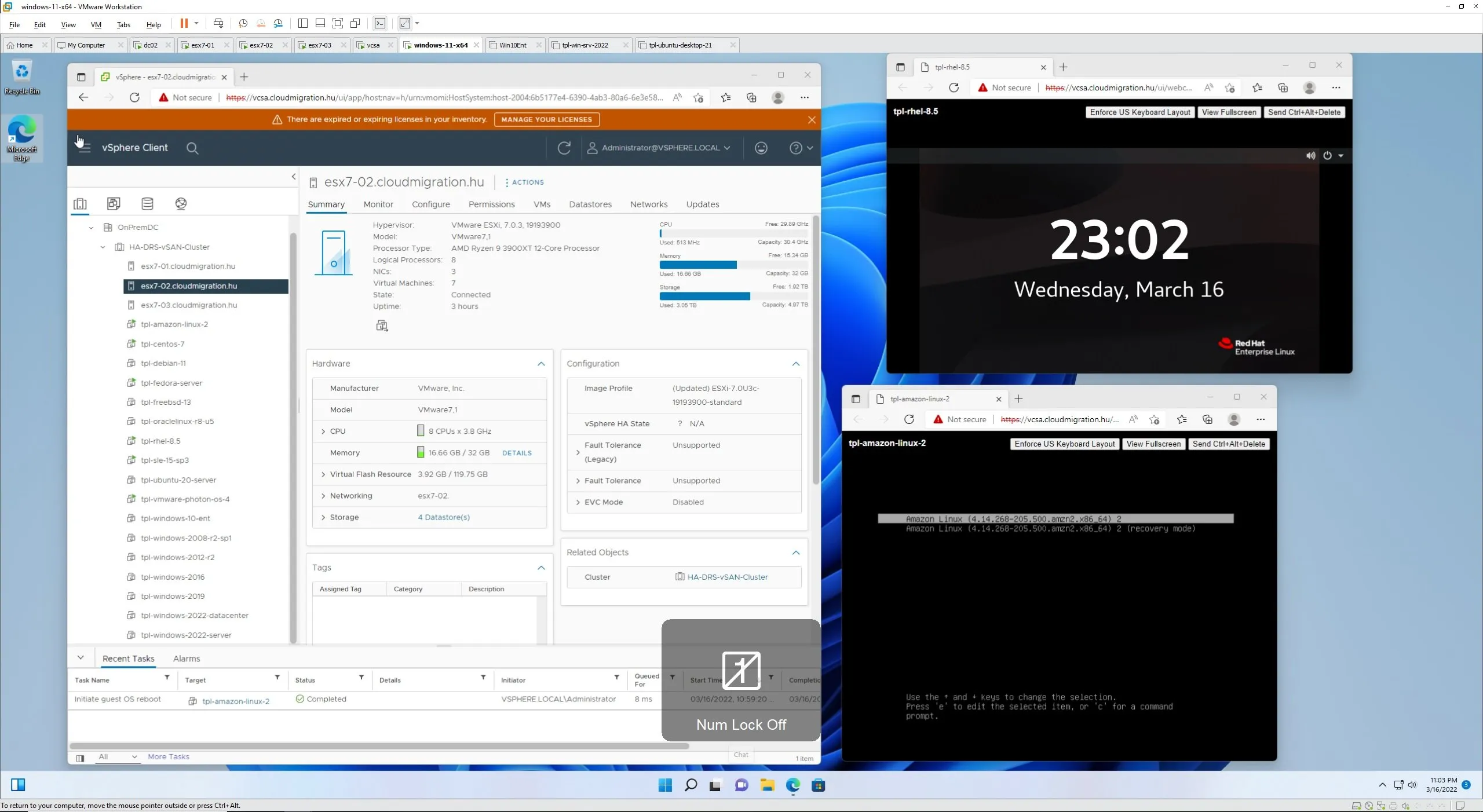
Recently, I have installed several template virtual machines in my lab. My primary objective is to automate large-scale migrations to the AWS Cloud using the AWS CloudEndure Migration Factory Solution. The secondary objective is to test VMware HCX-based migrations to Cloud. This article gives you an idea of how to prepare a vSAN-based nested LAB to achieve similar goals.
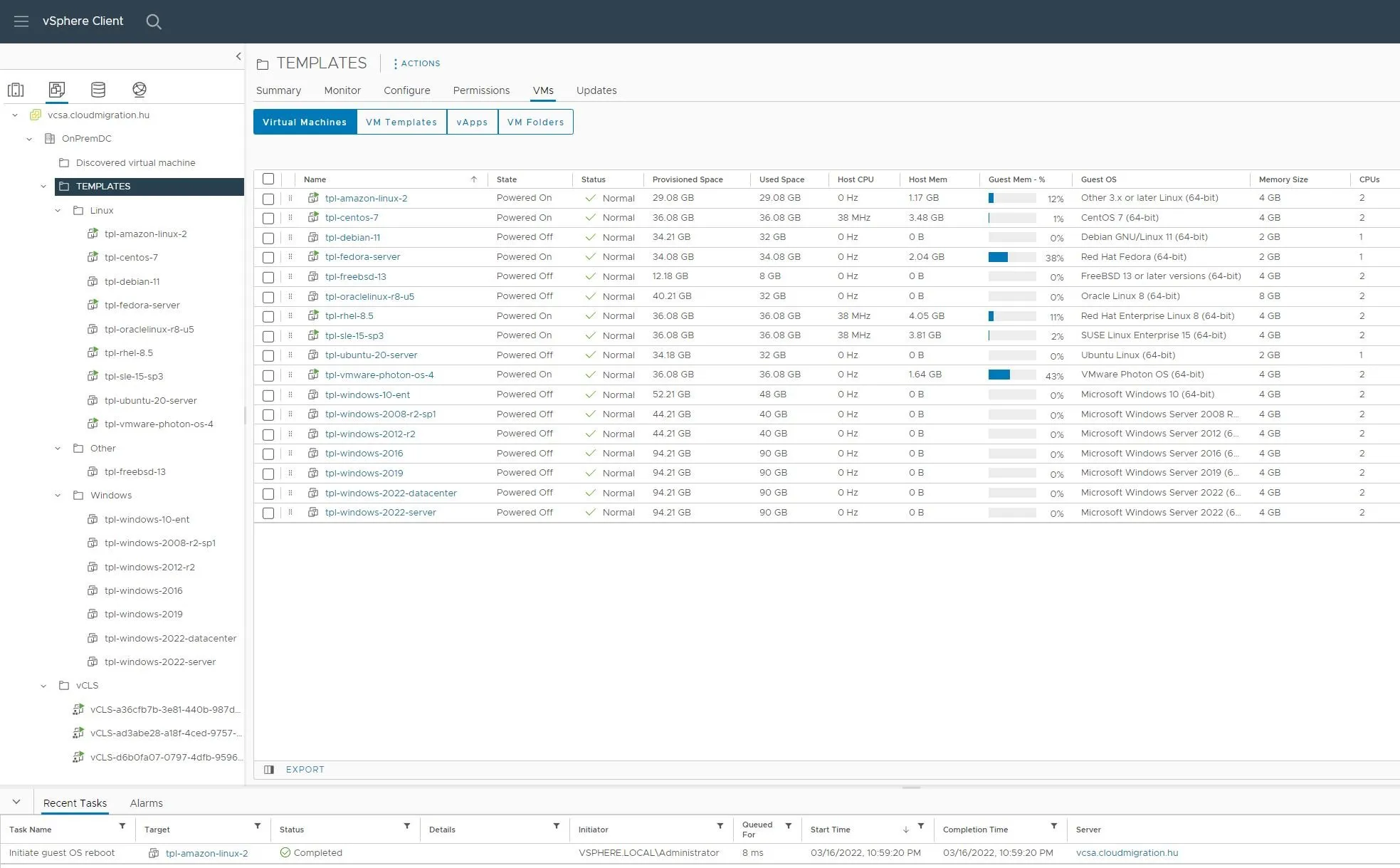
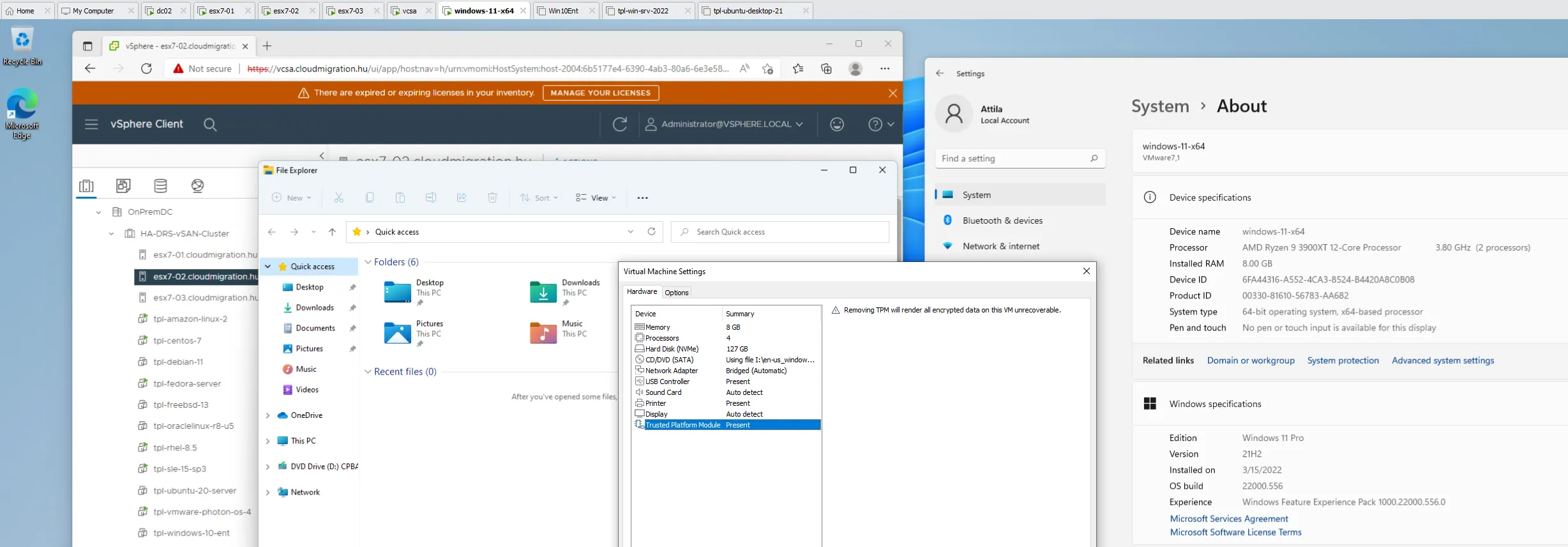
It was an incredible experience to deploy various operating systems released in the last 2 decades. Amazon Linux 2 and VMware Photon OS were new to me. Surprised by how similar all Linux installations are (Oracle Enterprise Linux, Fedora, CentOS). SUSE installation wizard was nice. I used FreeBSD a lot in the past, port collection, compile, the same story in 2022. Windows, server, multiple versions. The oldest Windows 2008 R2 server and VMware Tools were tricky, the newest Windows 11 actually requires you to add TPM, so I kept it on Workstation level (no nested virtualization).
I am going to use Terraform to automate LAB migration deployment using recently (manually) deployed templates. I will add NSX-T and HCX to this lab and connect with Cloud. I start with AWS. As mentioned in the subject, my primary objective is to gain knowledge with mass migration tools such as AWS CloudEndure Migration Factory.
Coordinate and automate large scale migrations to the AWS Cloud using the AWS CloudEndure Migration Factory Solution - AWS CloudEndure Migration Factory Solution (amazon.com)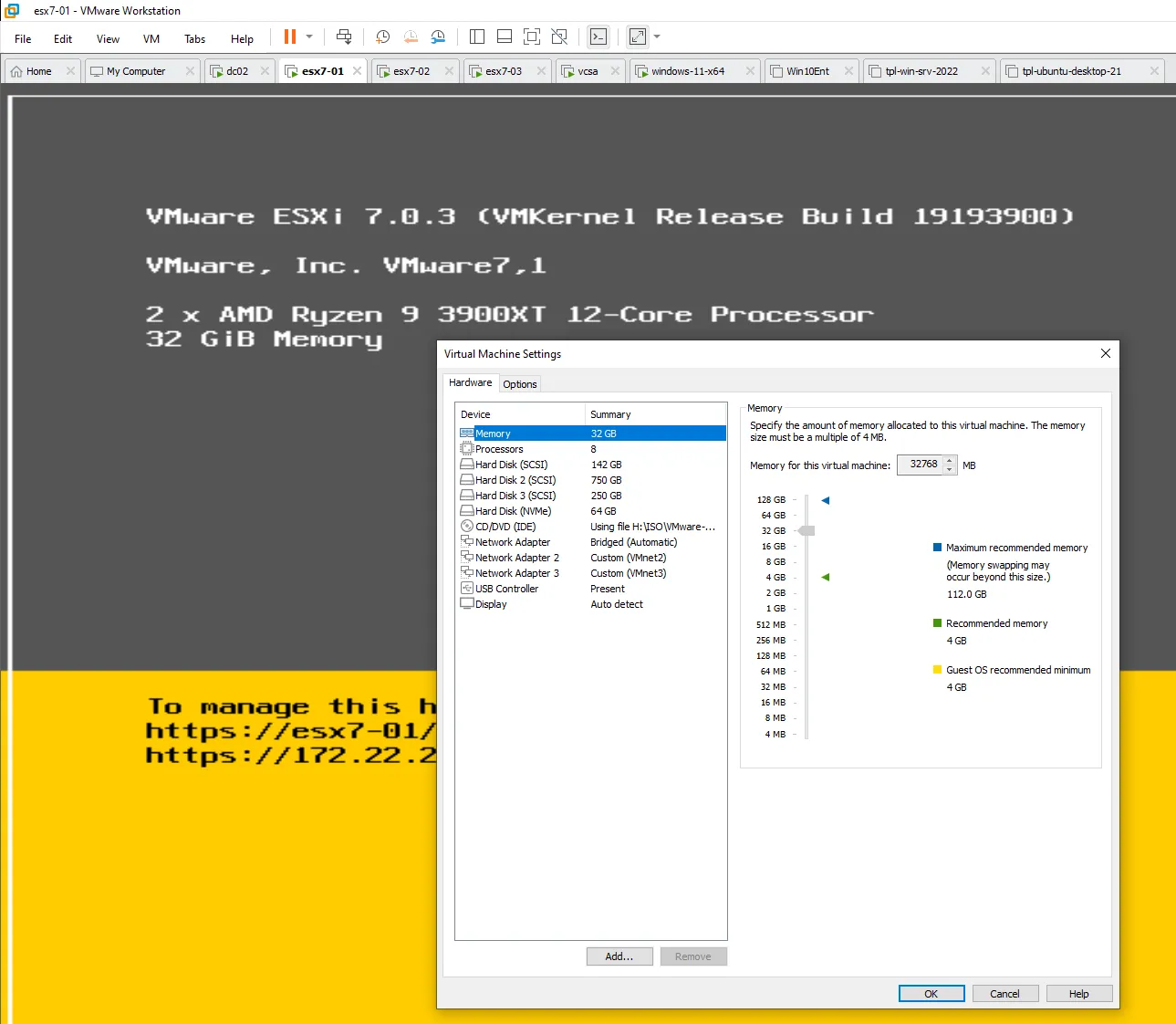
This is my ESXi host. Since the host Workstation has 128GB, each nested server runs with 32GB RAM. 24 cores in the host, 8 assigned to each guest. I think there will be enough capacity for NSX-T and HCX testing (assuming management overhead and template VMs, basic production-like workloads for migration testing).
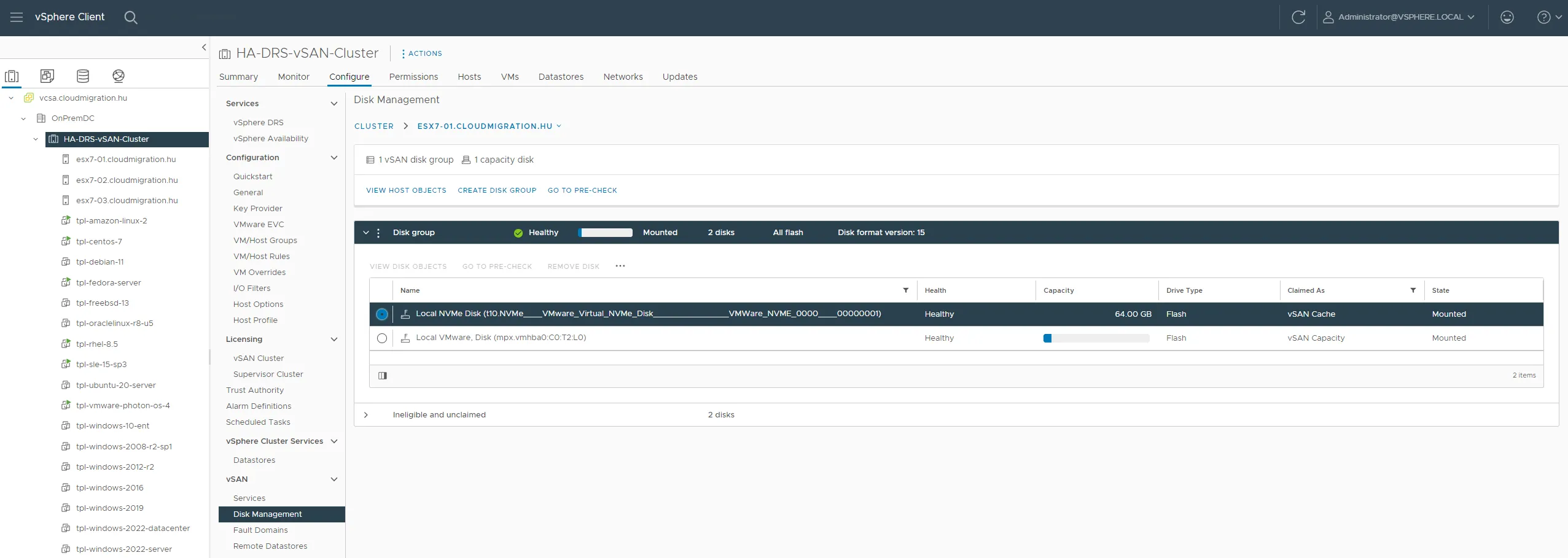
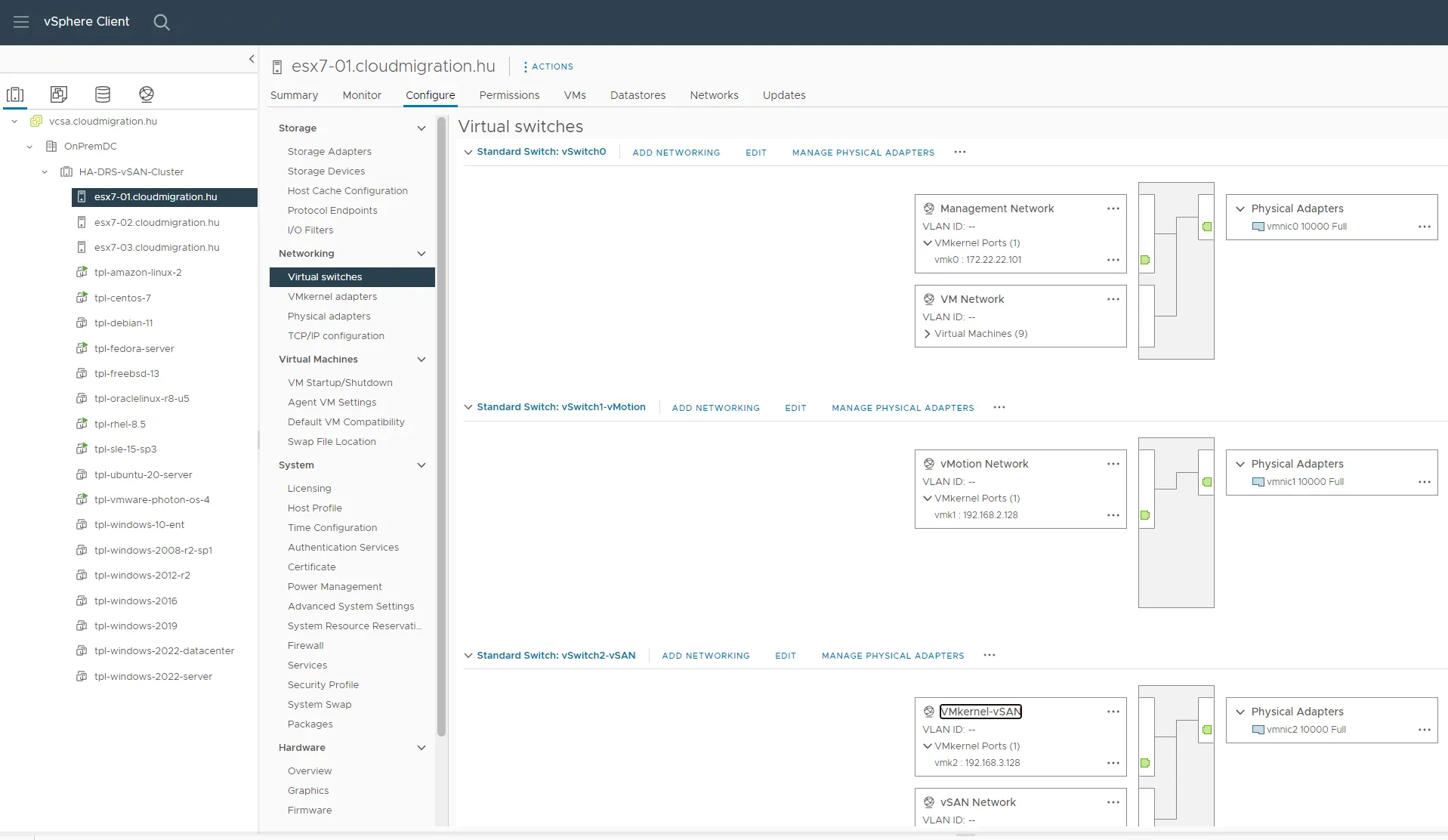
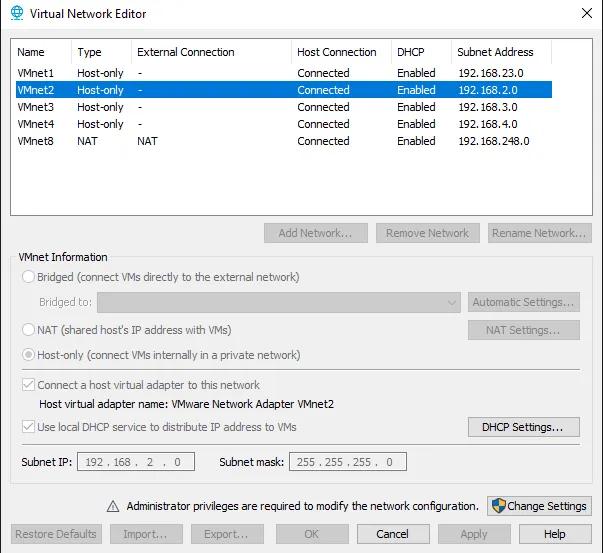
That’s it for today. I encourage everyone to build a nested virtualized LAB. The best is this: fast, silent (workstation computer) and there is one button to hibernate the entire datacenter when I go to sleep. Actually, I hibernate the Windows 10 running the Workstation 16 with the vCenter Server and vSphere nodes. Including everything that runs inside. Even vSAN. I hope this continues to work as the “datacenter” gets more complex (i.e. adding NSX-T).
I am also planning to add a VMware Kubernetes engine (Tanzu) to see what the management of cloud-native workloads looks like in vSphere and how migration tools can pick up workloads from there.
I will not forget about VMware Site Recovery Manager and Horizon View. I am also planning to test vRealize Automation. Large enterprises often use such VMware products (not only vSphere) and we need to have answers on how they work in a hybrid cloud deployment, how they integrate with cloud-native workloads.
Stay tuned, the best is yet to come!