Buying my new Google Domain and getting started with Workspace and GCP
When you register a domain it is a big deal. It is your e-mail address, it is connected to your organization, you will use it in Cloud IAM and connected APIs. You will type it in CLI and pick it from GUI multiple times. I added my experiences with Microsoft Azure/M365/Teams and AWS Route 53/Chime as well.
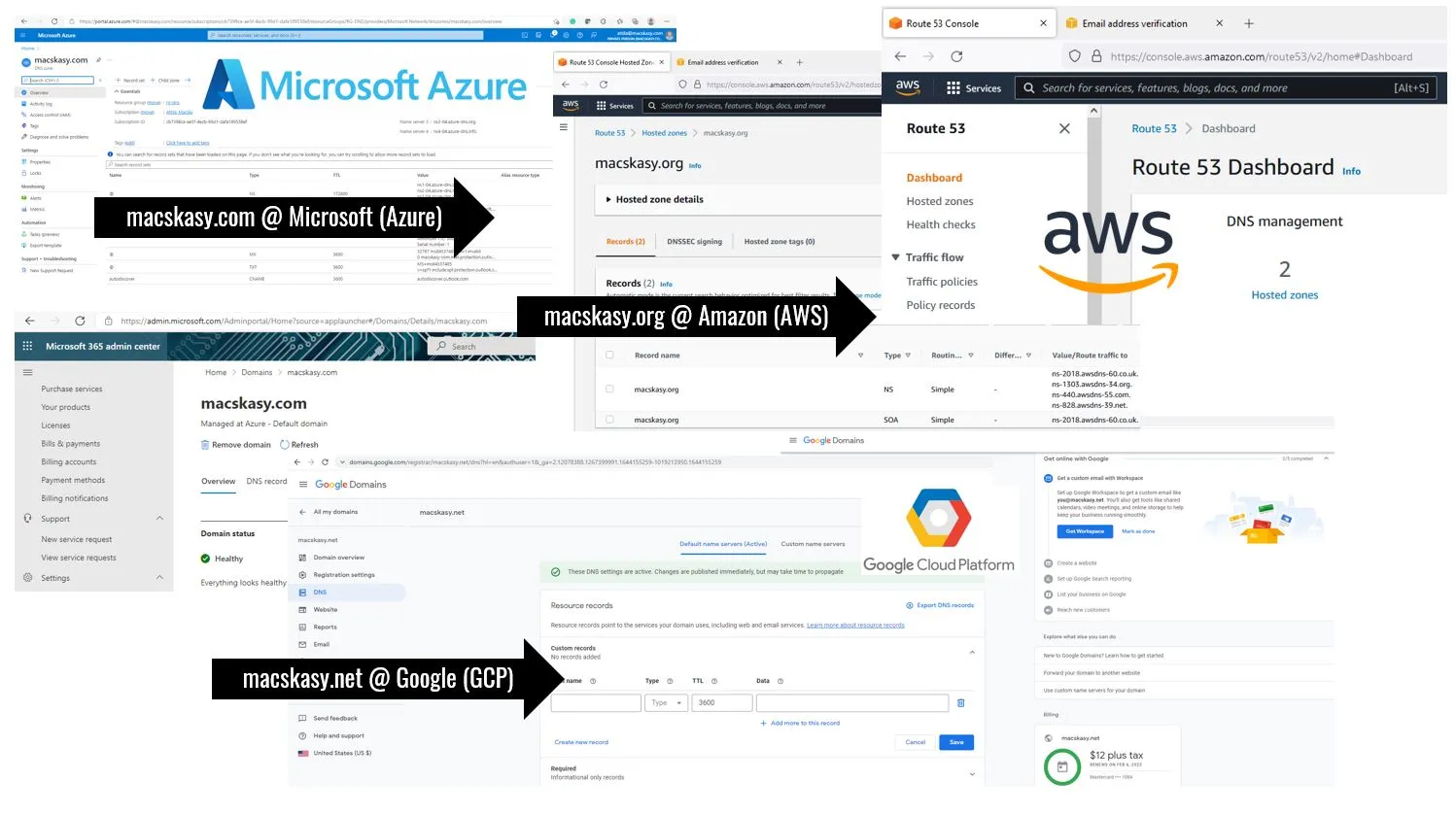
When you register a domain it is a big deal. It is your e-mail address, it is connected to your organization, you will use it in Cloud IAM and connected APIs. You will type it in CLI and pick it from GUI multiple times. I added my experiences with Microsoft Azure/M365/Teams and AWS Route 53/Chime as well.
Your Domain and the Collaboration Platform it comes with. Amazon Chime, Microsoft Teams, and Google Workspace
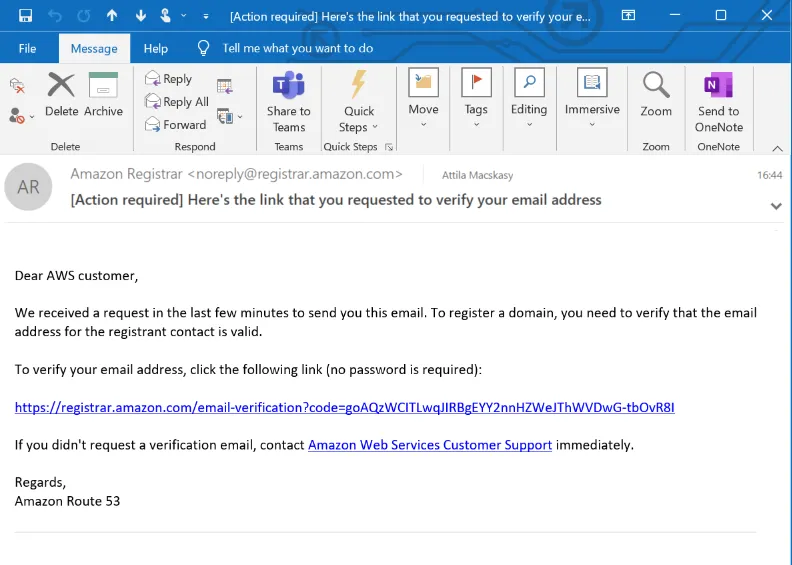
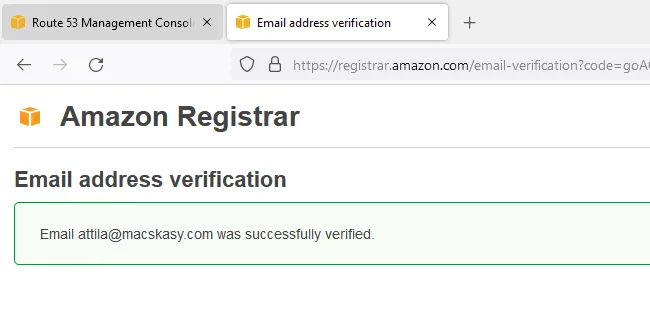
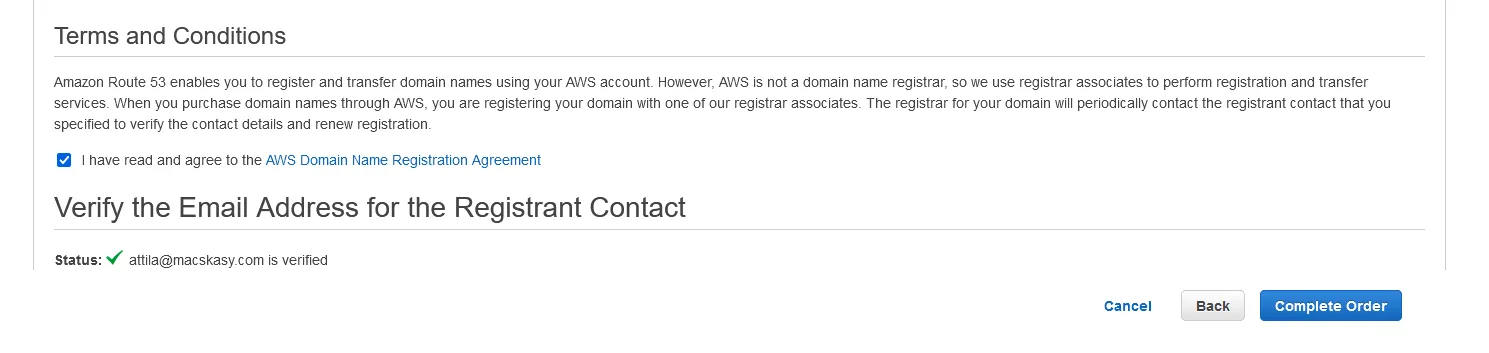
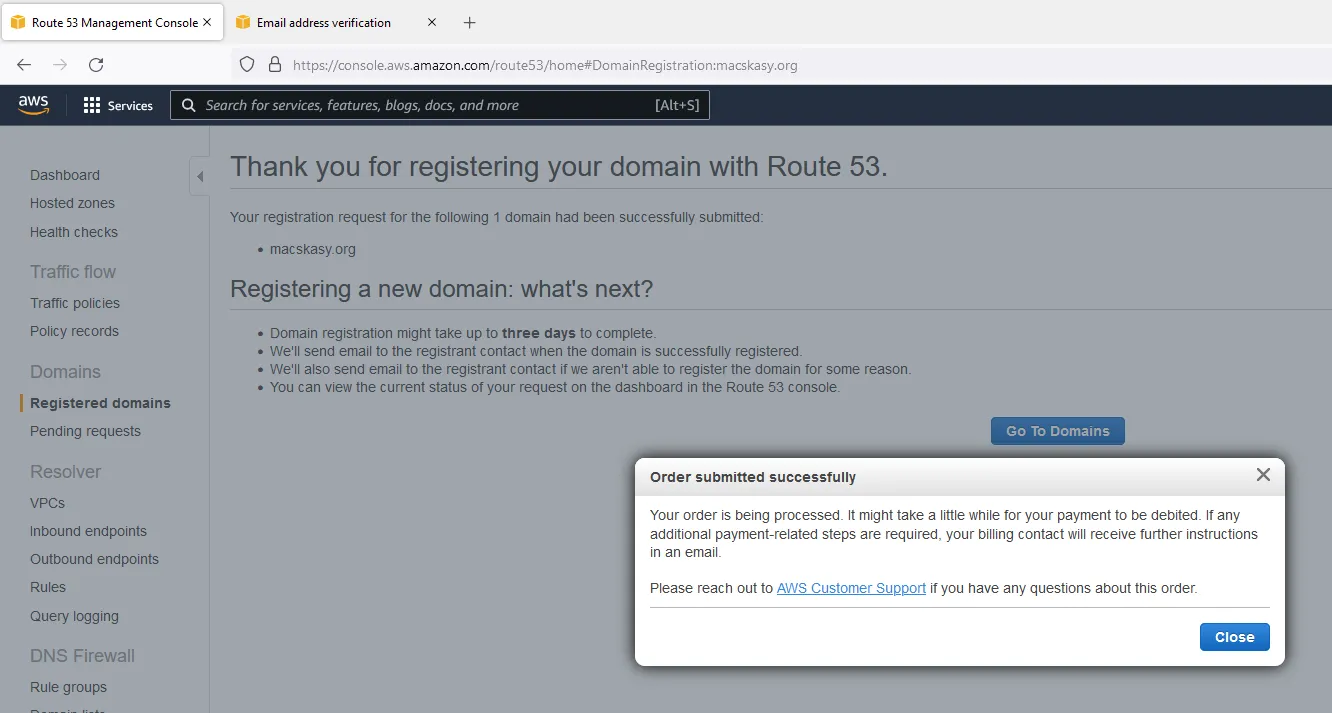
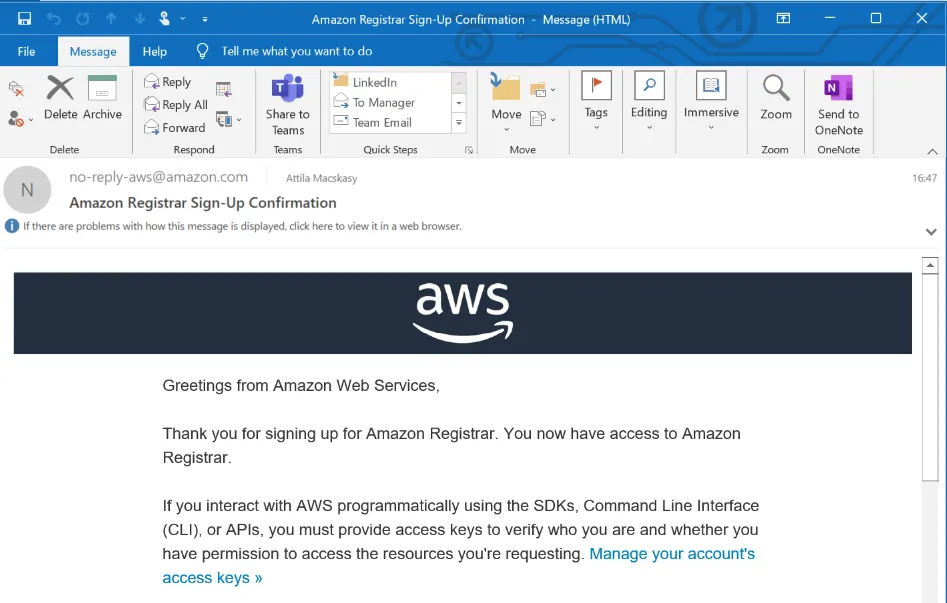
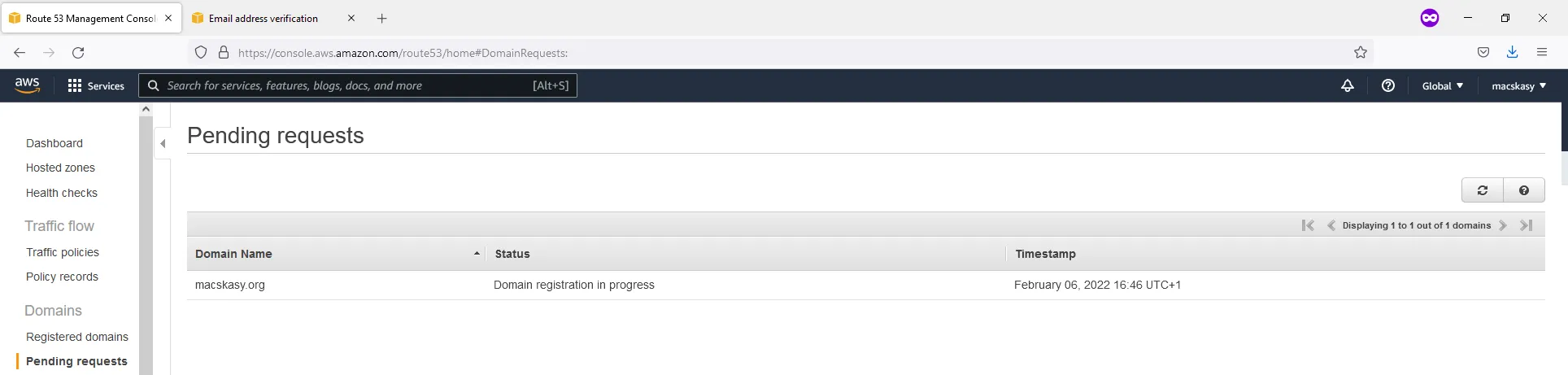
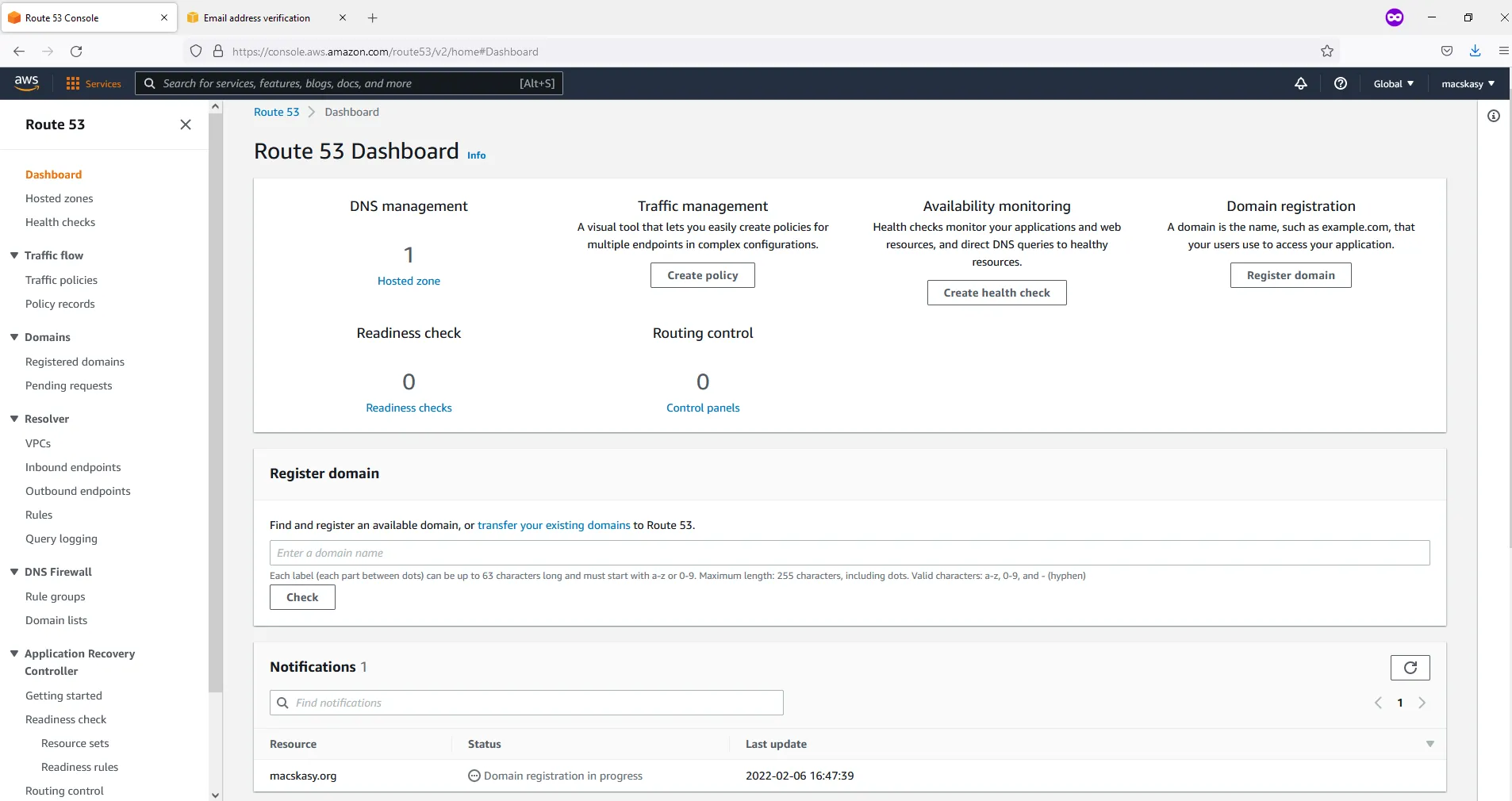
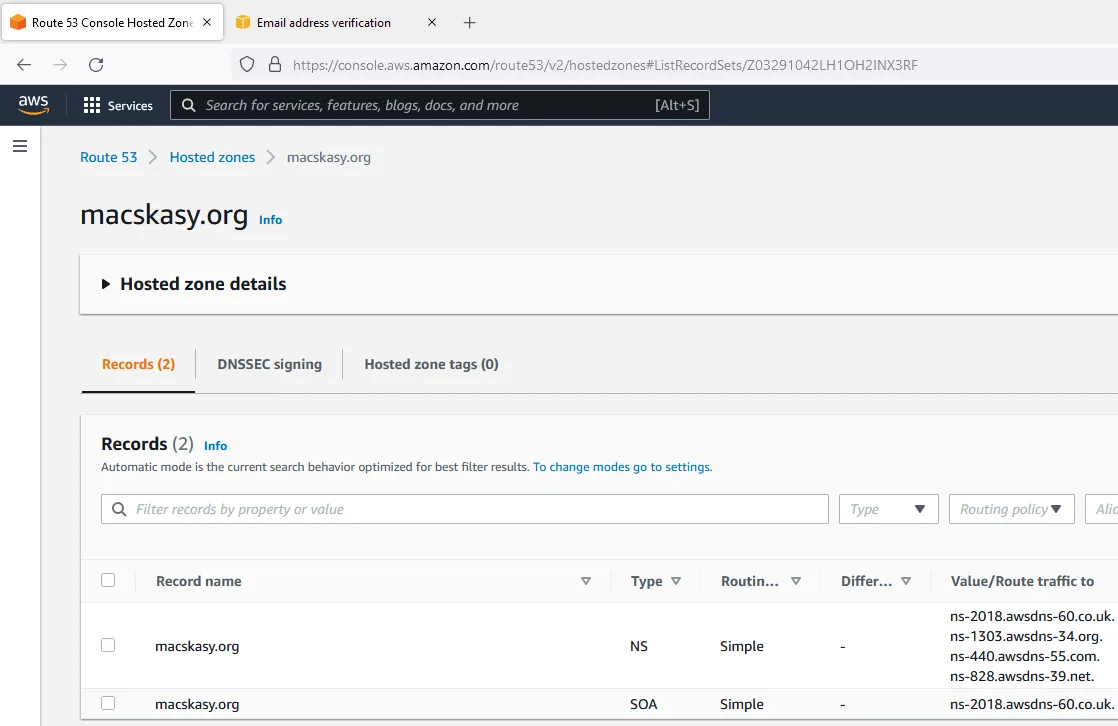
Let’s register a domain at AWS. Registering a new domain - Amazon Route 53.
Previously, I connected a domain (imcaws.eu) to AWS that I registered at a Hungarian Domain Registrar - Domain név regisztráció - Deninet.hu
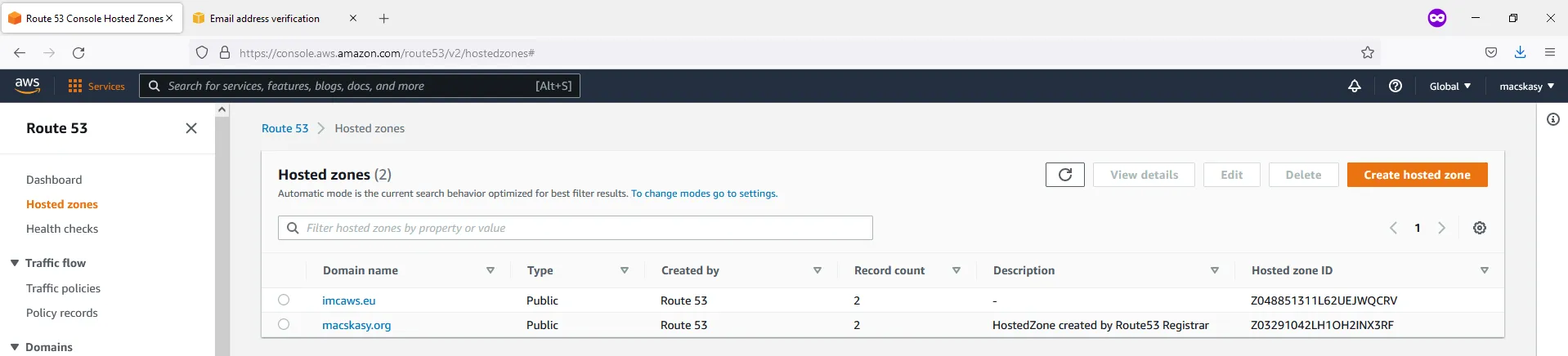
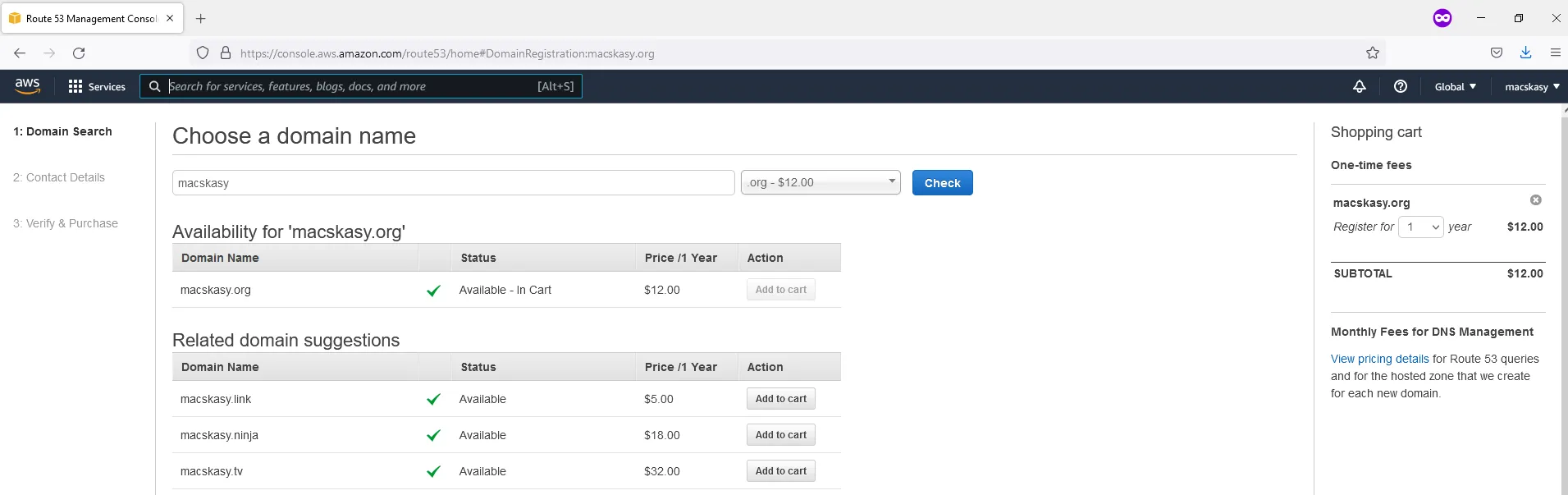
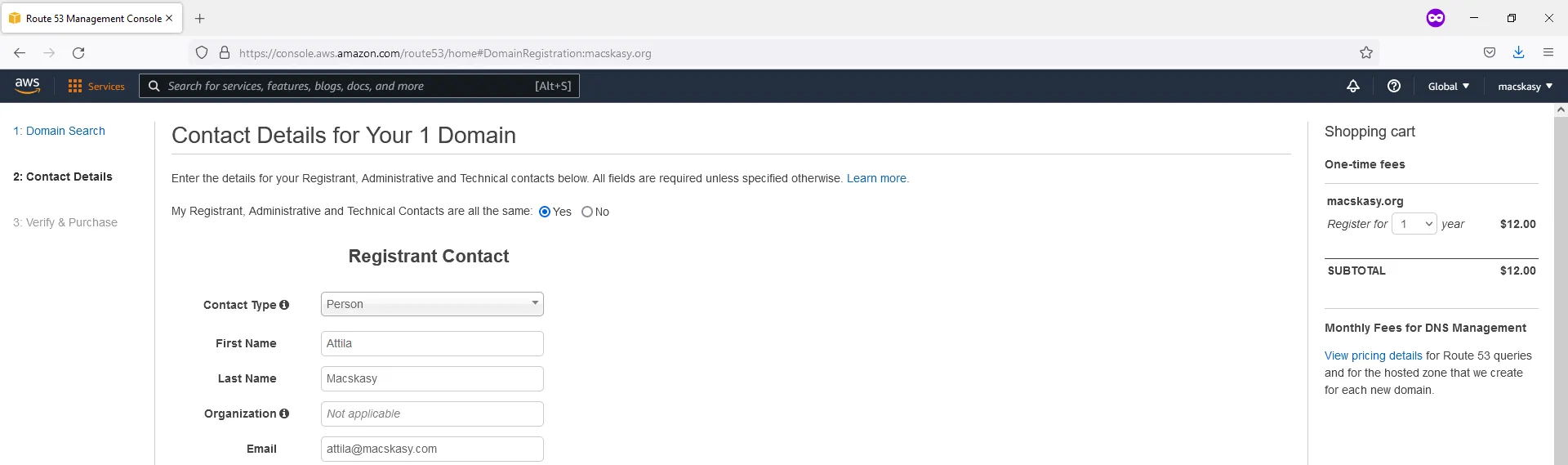
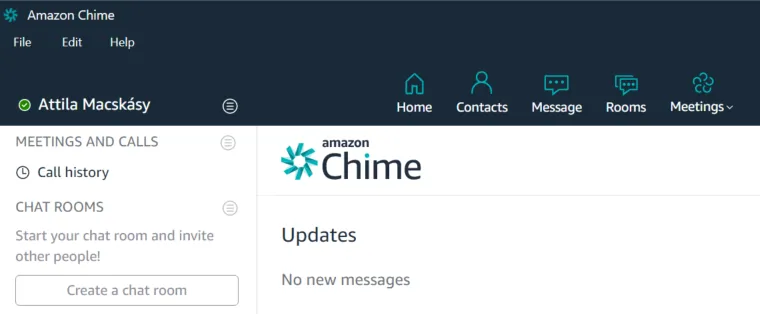
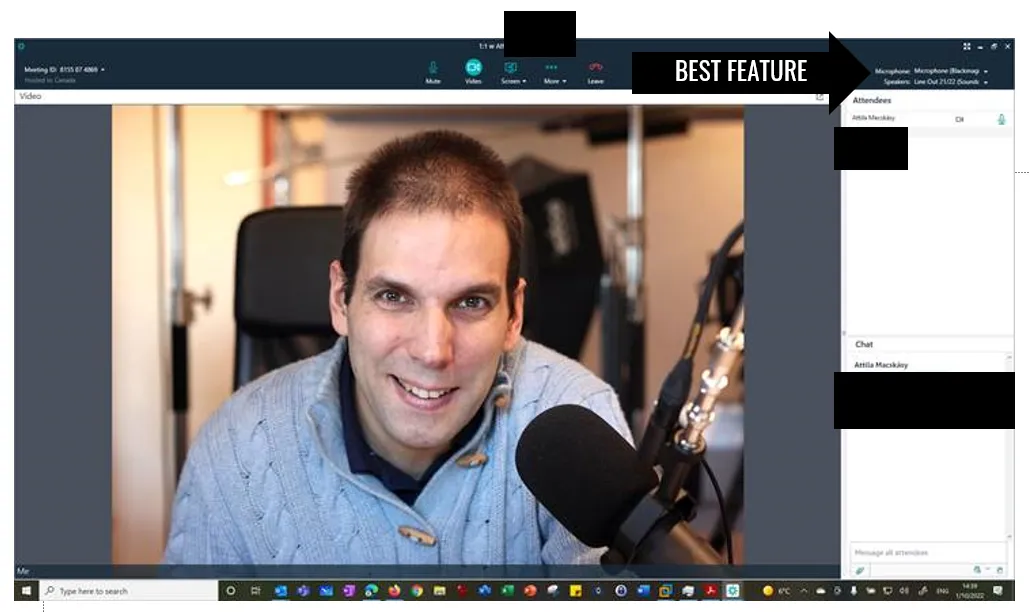
Recently, I tried Amazon Chime. When it comes to Amazon Chime, the best feature I experienced is the top right corner of the meeting, you see the active Microphone and Speaker devices selected. The camera is obvious, as you see your picture.
It is very useful in my setup as I have multiple external (USB) sound cards; so I love to check if everything connected well when I dock in my laptop. I do not need to ask if can you hear me, etc.
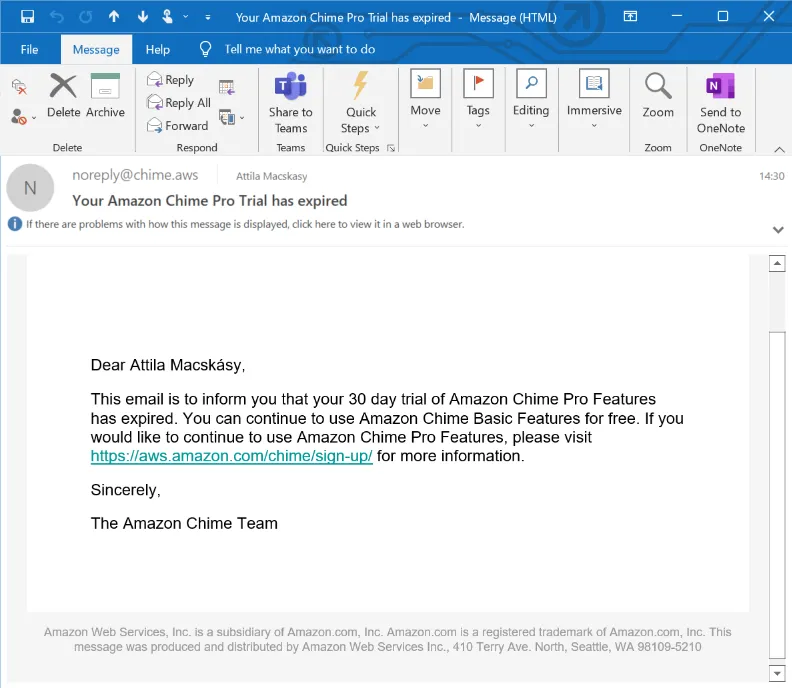
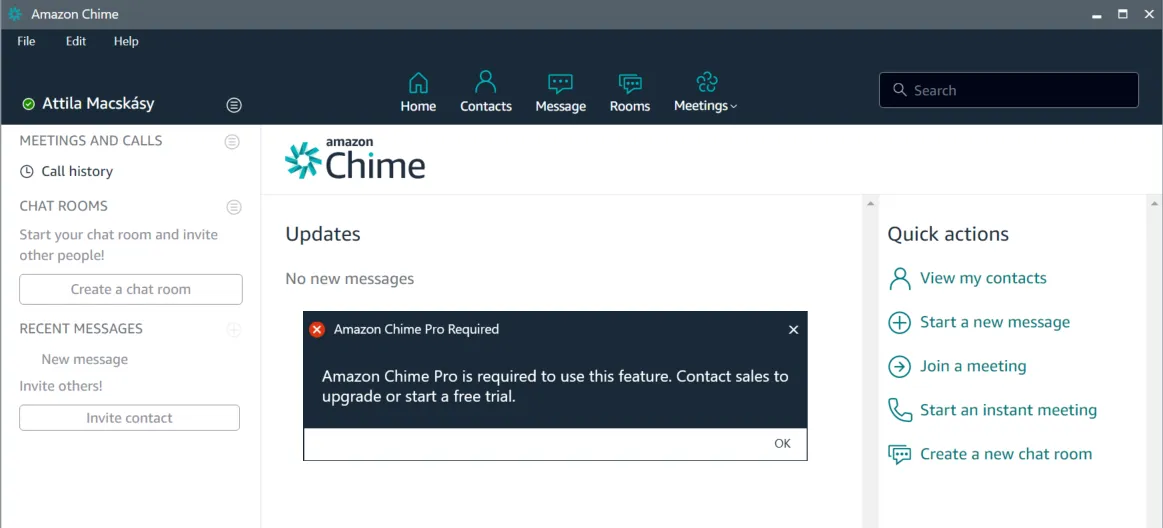
My experience with Amazon Chime was great and I continue to use the Basic version. I am not sure about limitations and this is not the topic of this blog article. You can check it here Amazon Chime - Sign Up

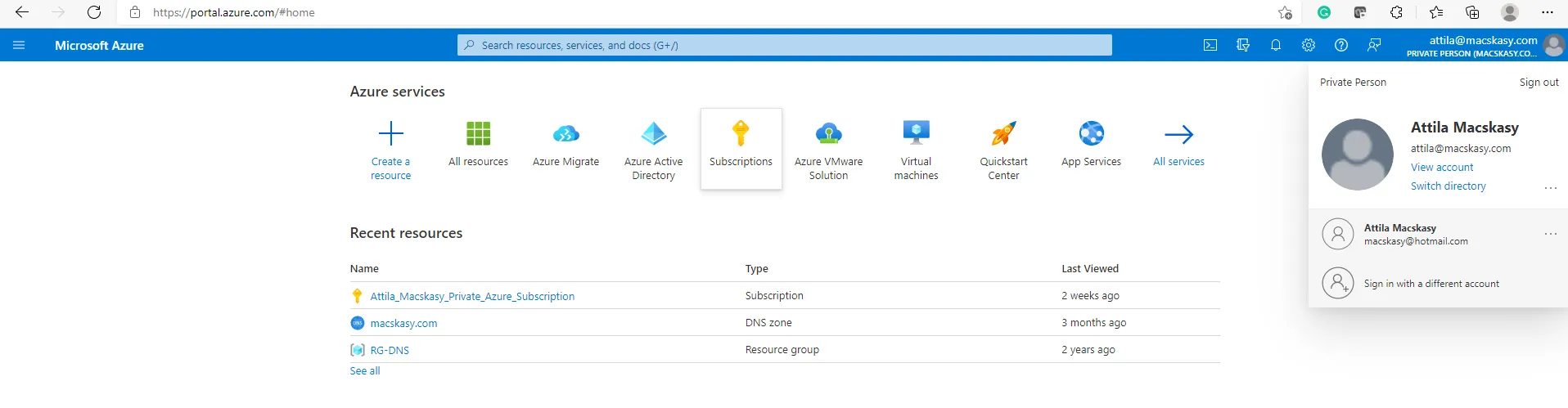
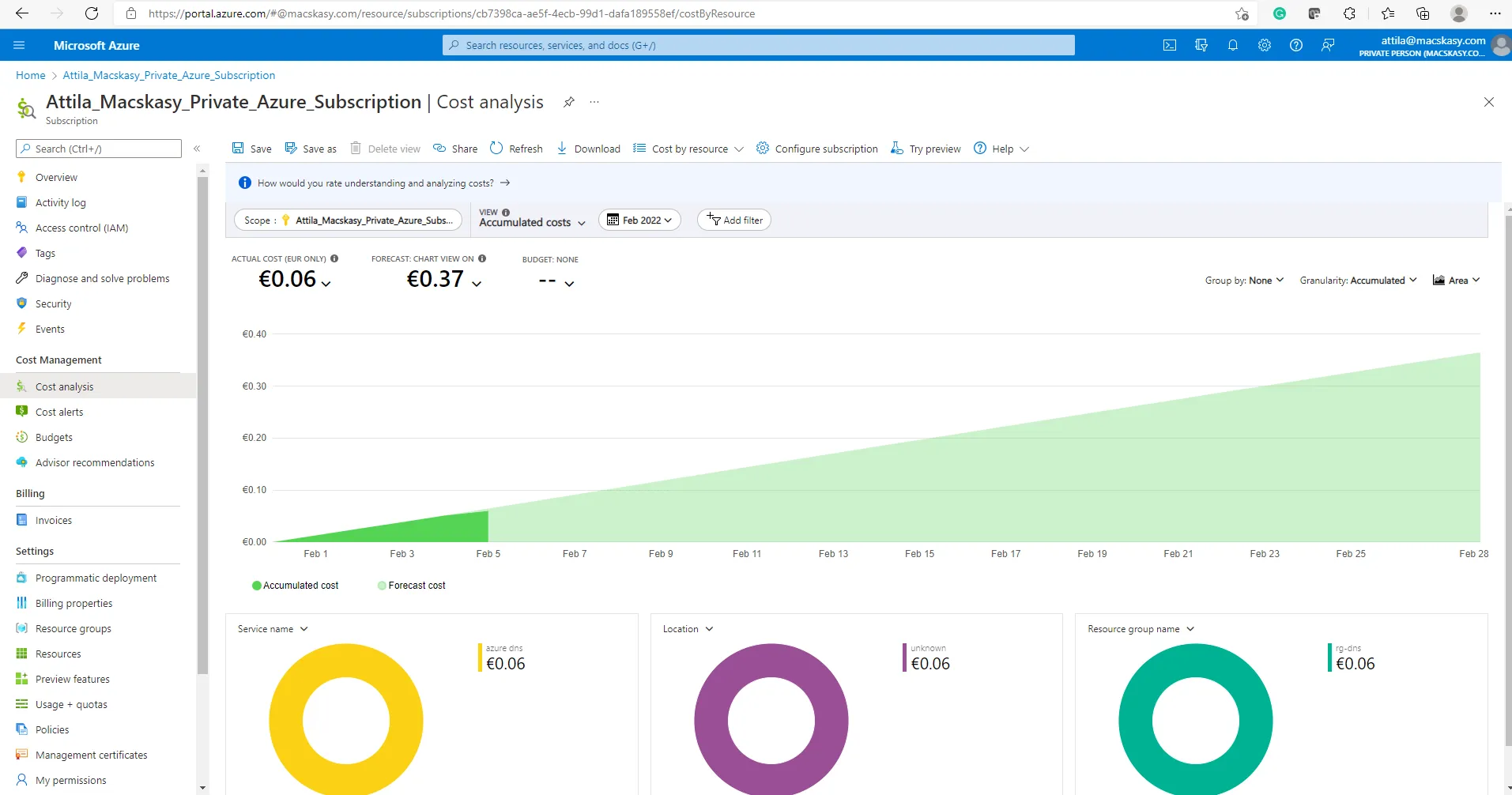
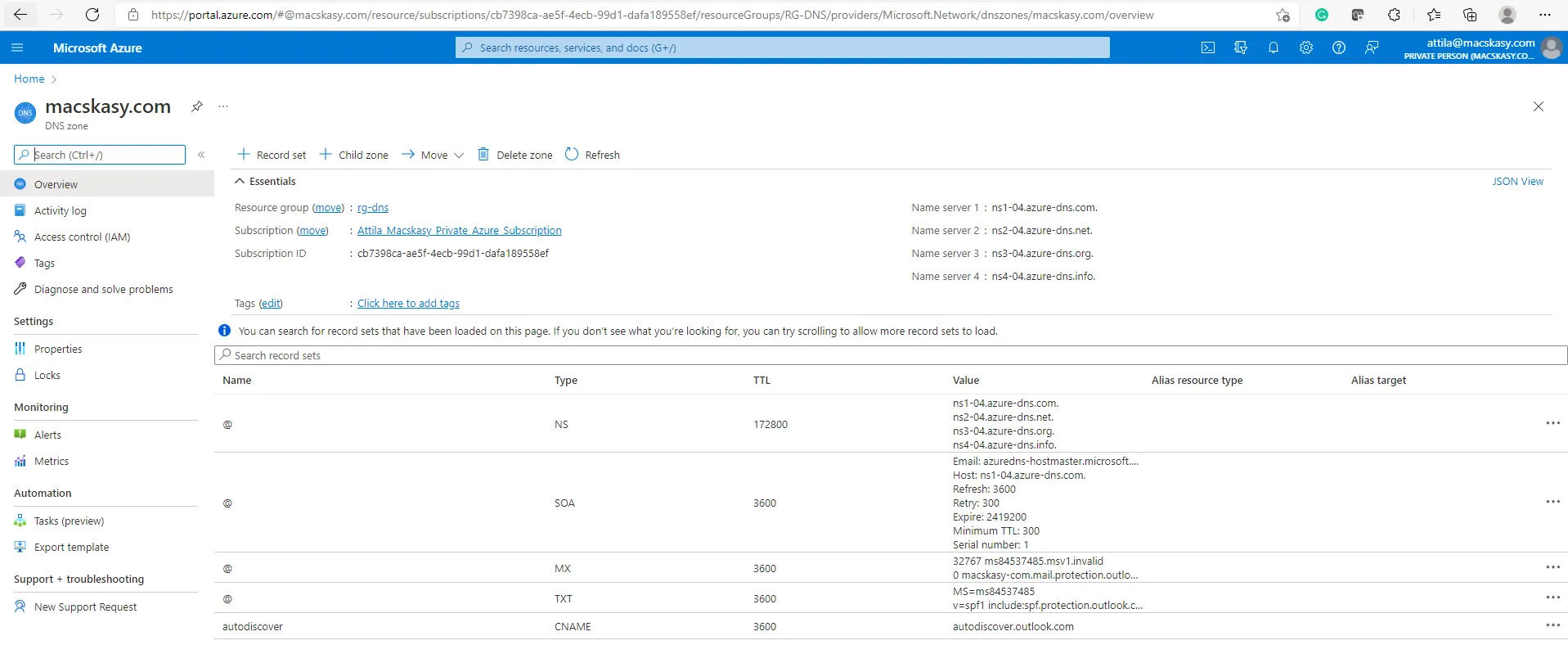
When it comes to Microsoft, my “production” stuff (e-mail address) has been there for a long time. I have my domain (@macskasy.com) registered at one of the largest Microsoft partners in Hungary Magyar Telekom (t-home.hu). I have my zone records hosted in Azure, and I have the domain connected to my Azure and M365 tenant. This is how it should be.
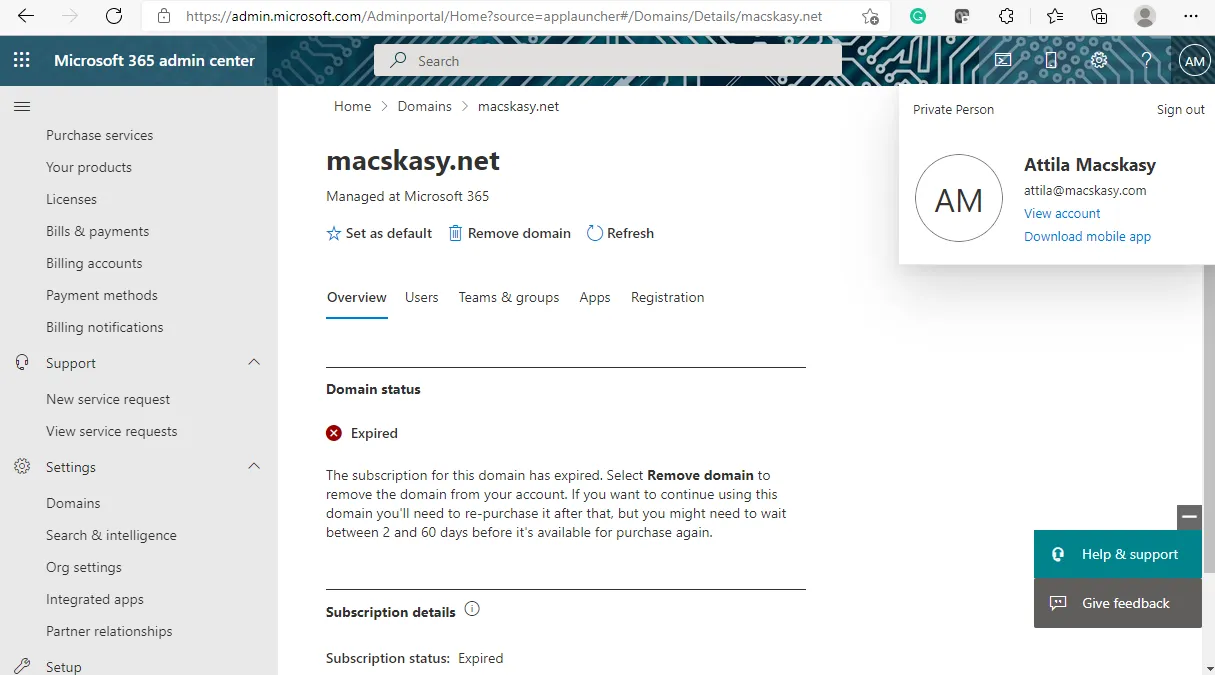
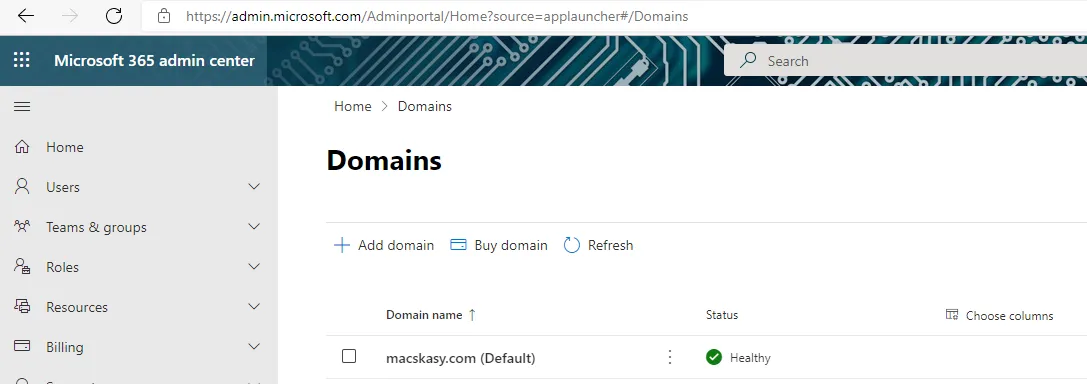
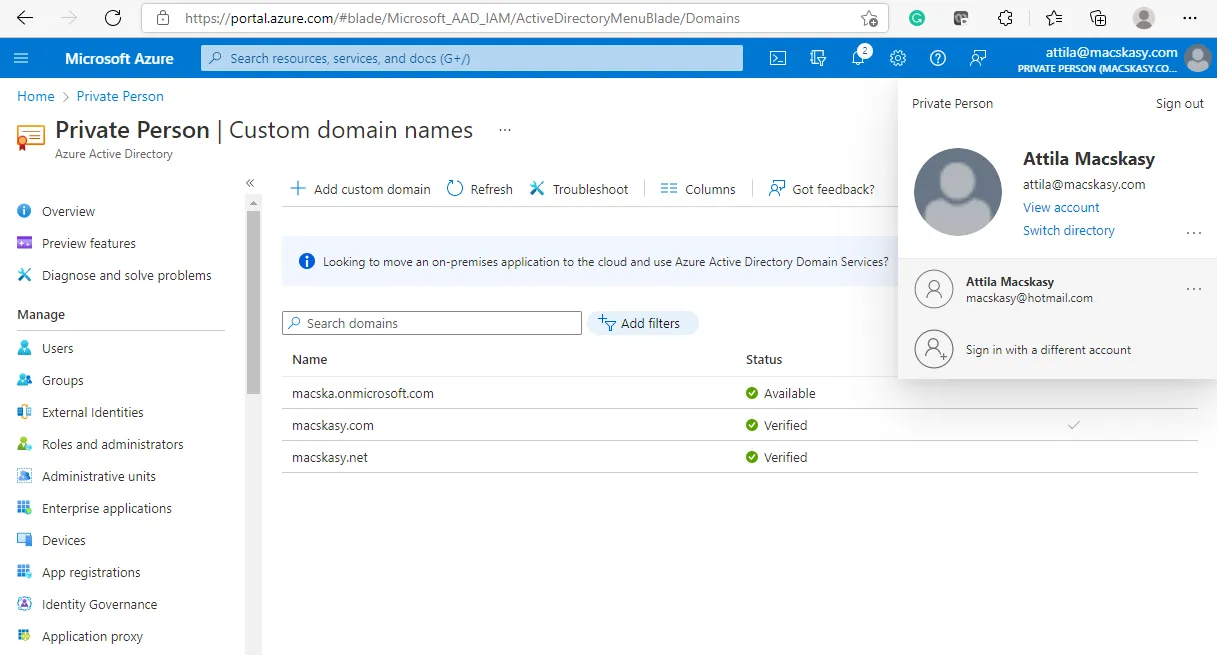
Let’s see how Microsoft Teams works for me @macskasy.com because I am planning to use Microsoft Teams as a private person with friends and family. Teams for Home with Friends and Family | Microsoft Teams
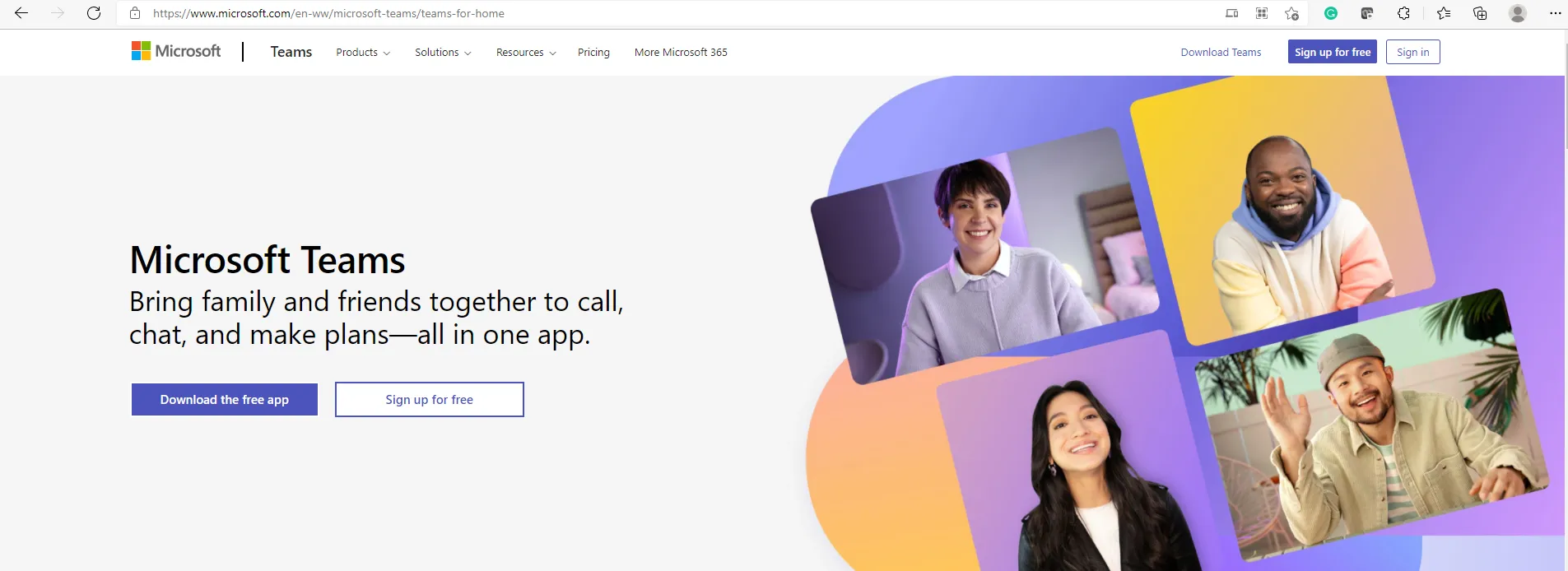
I see a problem looking at the Billing/Products part of the M365 admin portal. My Microsoft Teams Commercial Cloud Trial has expired. That’s bad. I want to use the Teams for Home edition.
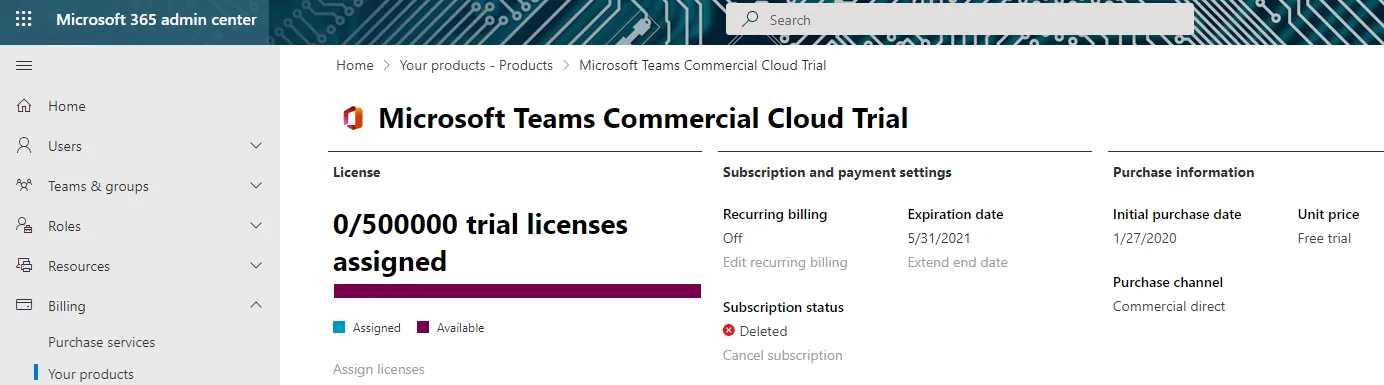
Teams trial expired in my tenant @macskasy.com
Unfortunately, Microsoft Teams is broken in my tenant because the Trial expired and I cannot start the Free Home Edition. I am going to open a Microsoft support ticket to fix this. I hope I am the only one on the planet who is experiencing this issue because people usually do not run trials against the production domain names, and later use them for home purposes. It is my bad. I am unique. Haha!
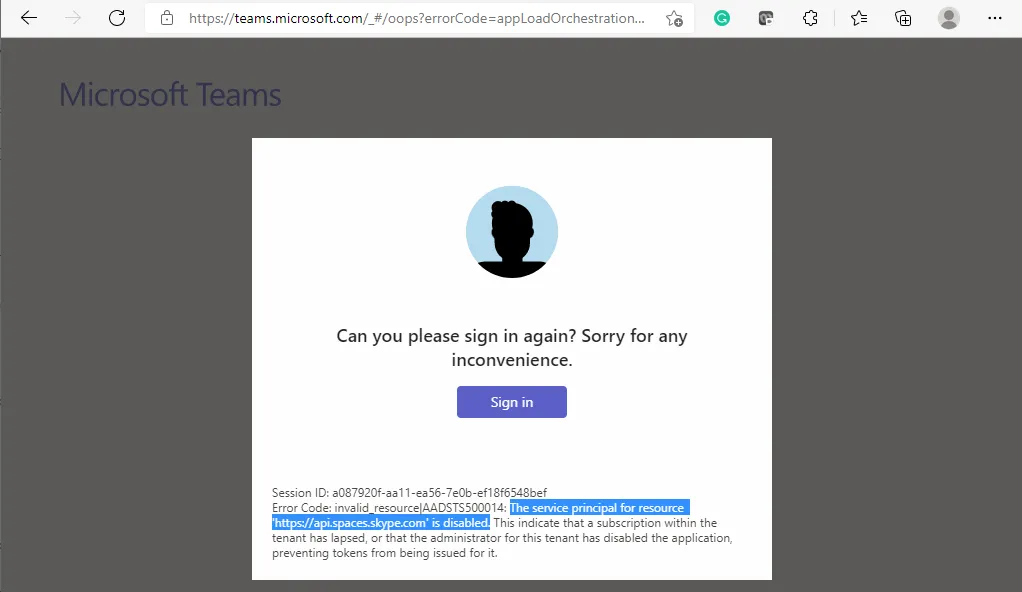
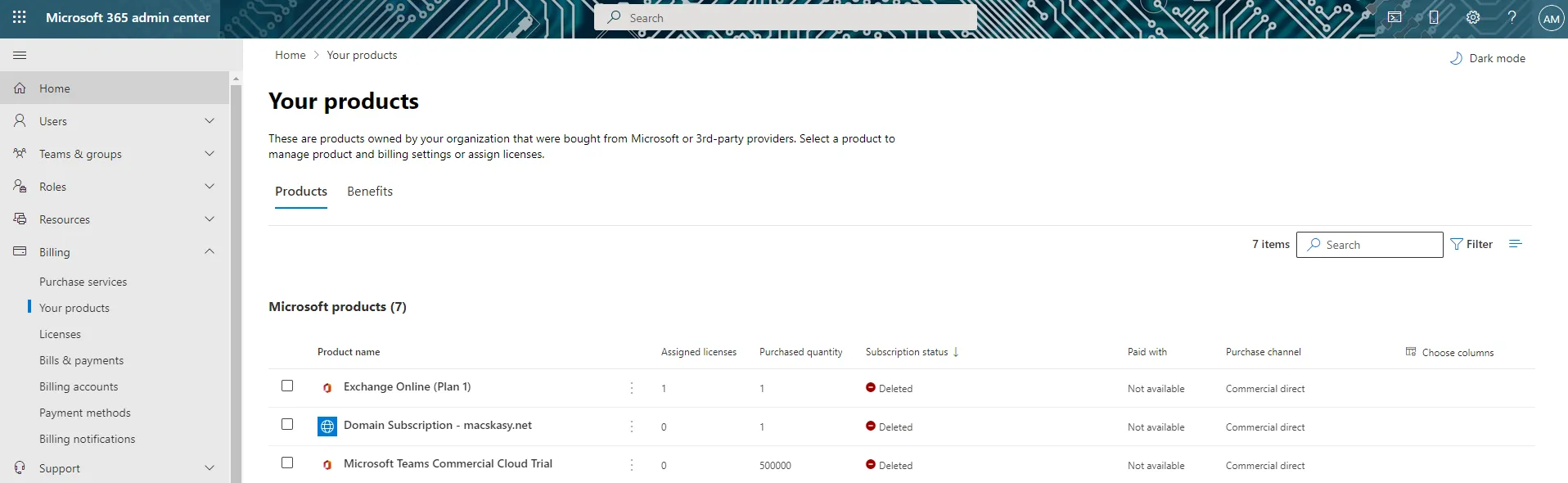
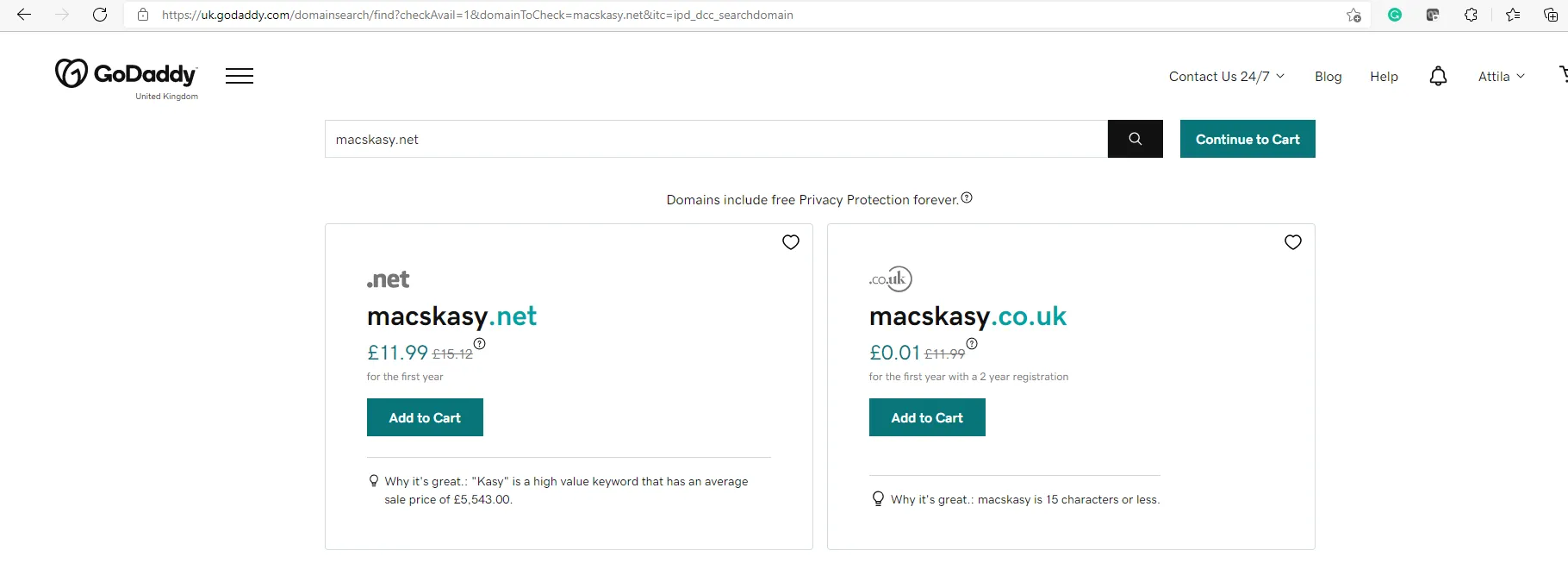

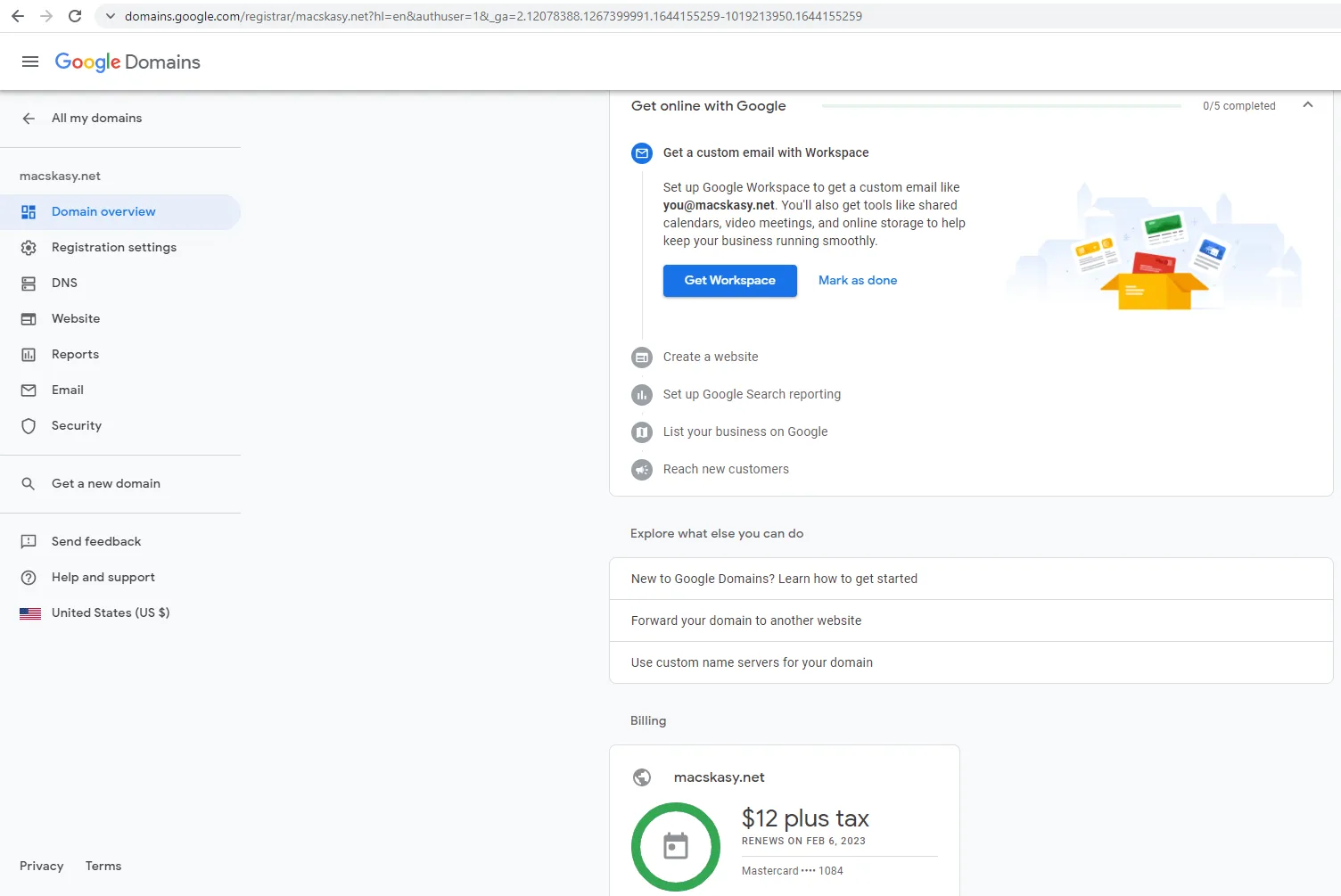
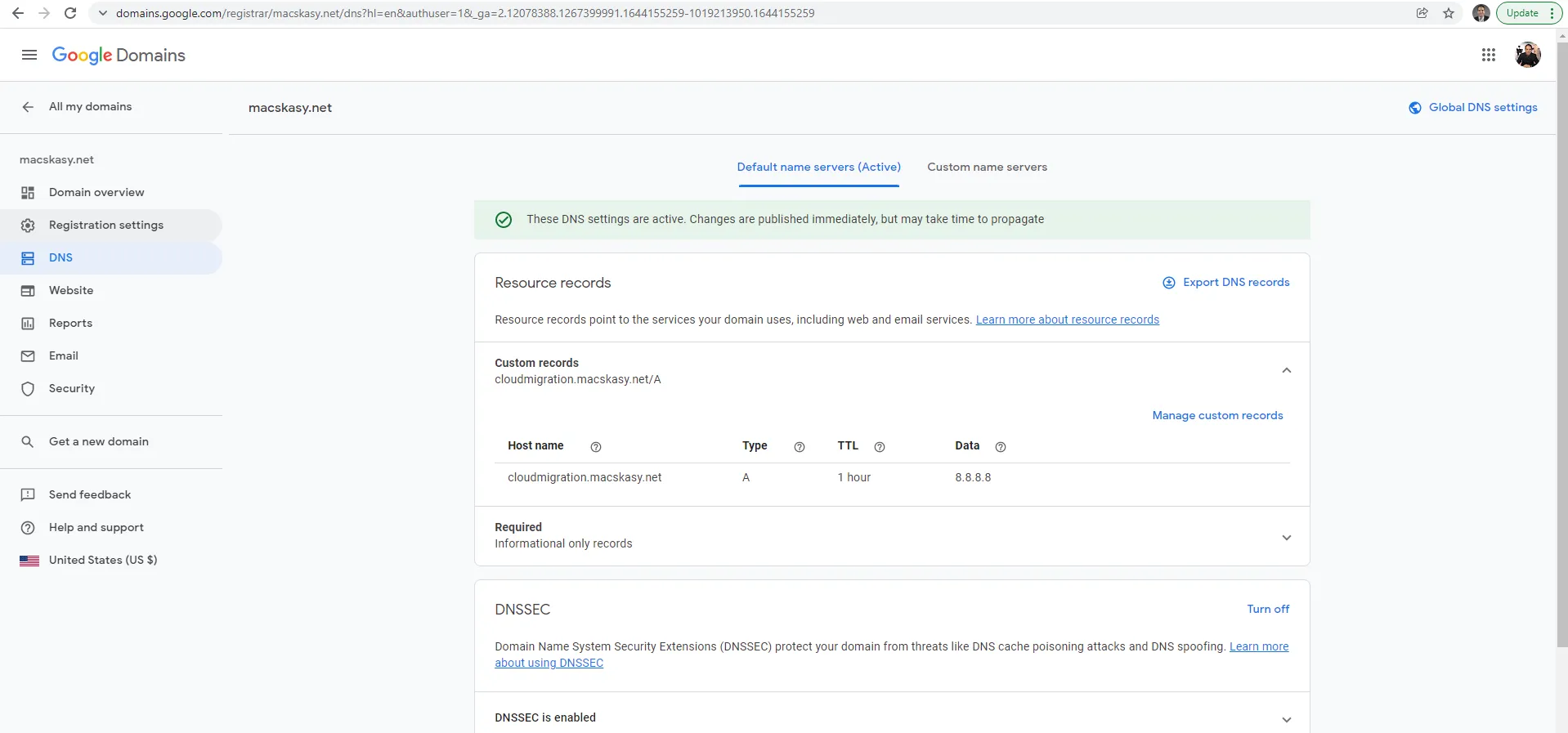
As macskasy.com is served by Microsoft (Azure/M365), let’s try to register macskasy.net at Google (GCP/Workspace).
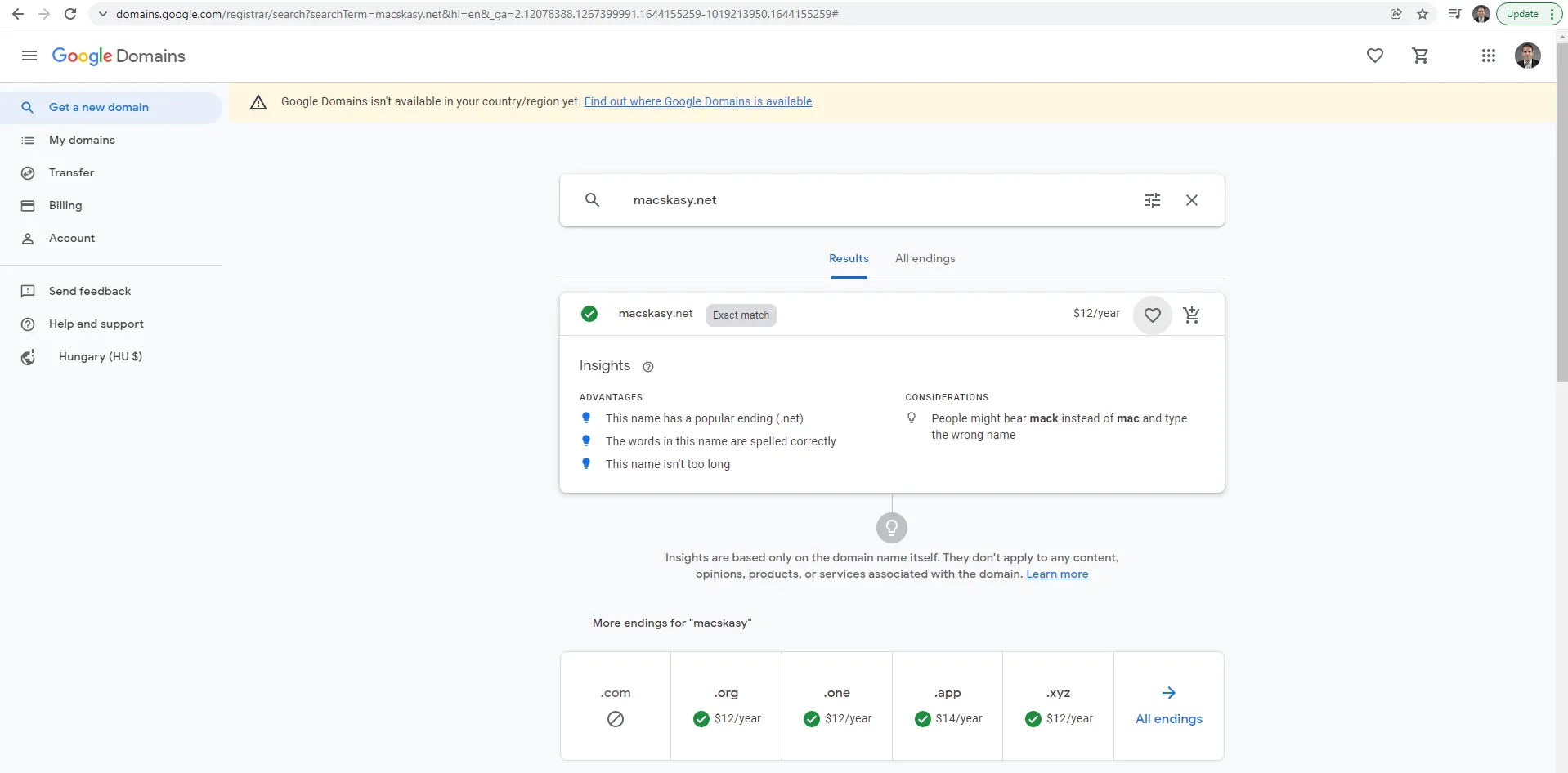
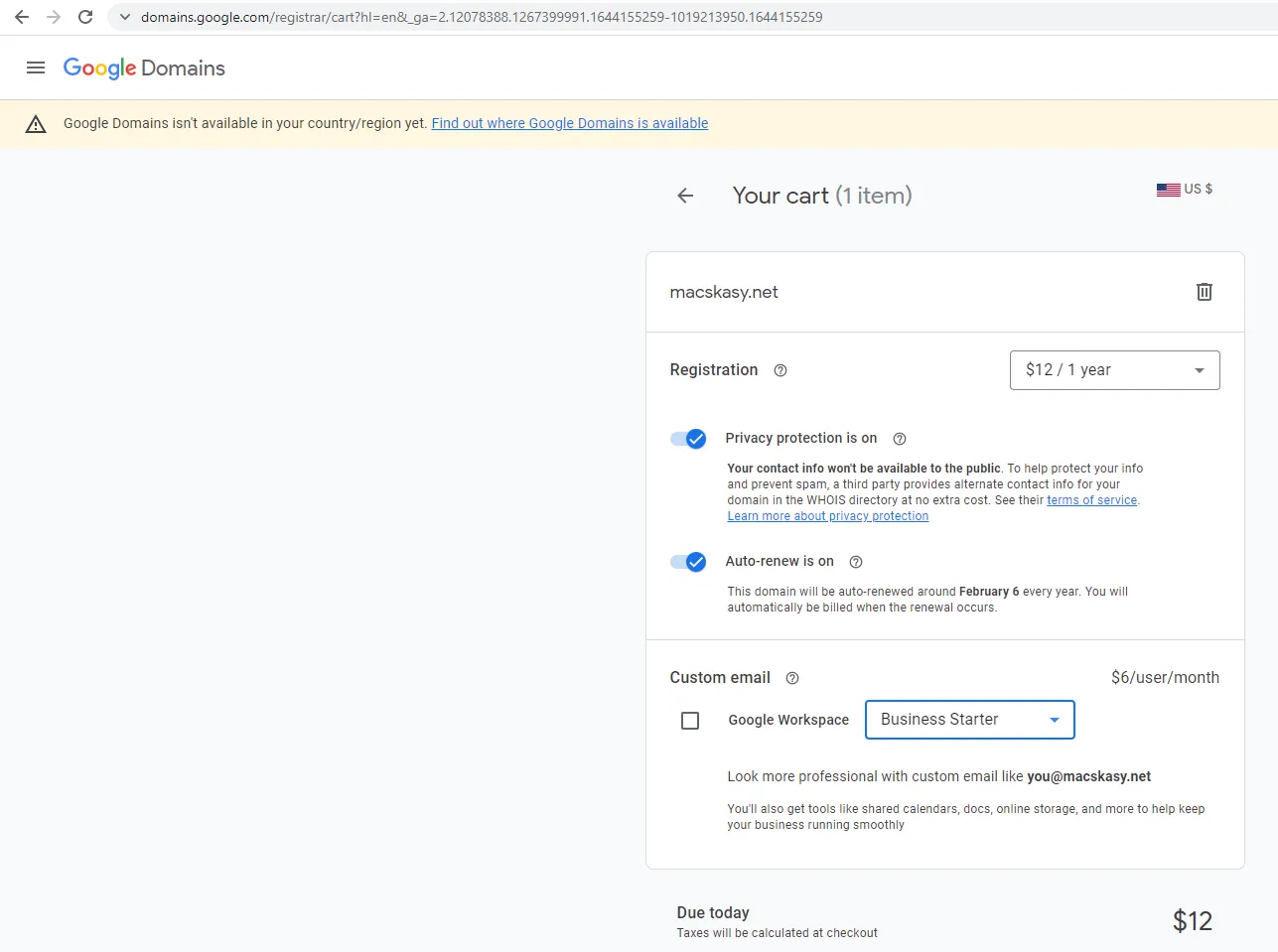
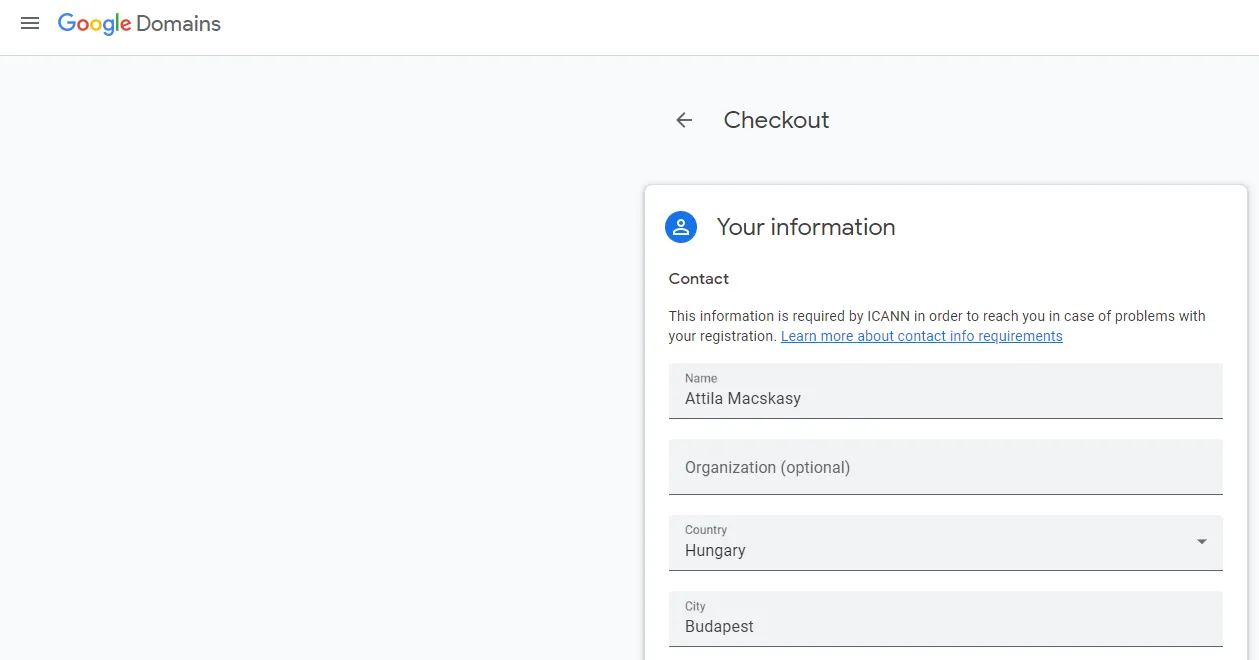
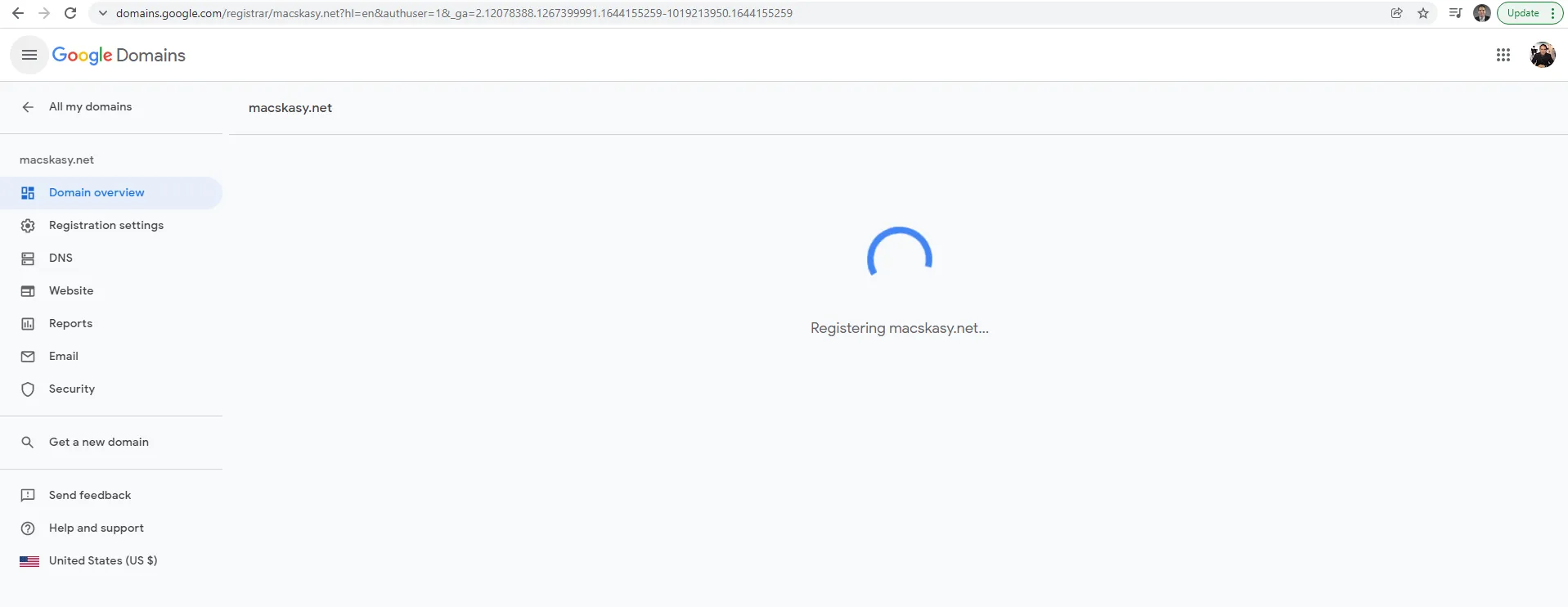
Stay with me, I will continue to build my GCP LAB. It was important for me to have the domains registered first.
macskasy.com - Microsoft Azure
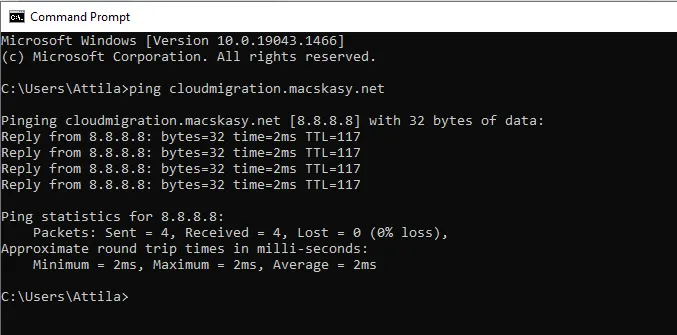
macskasy.net - Google’s GCP
macskasy.org - Amazon’s AWS