Oracle Database Service for Azure – connecting Azure VM and Power App
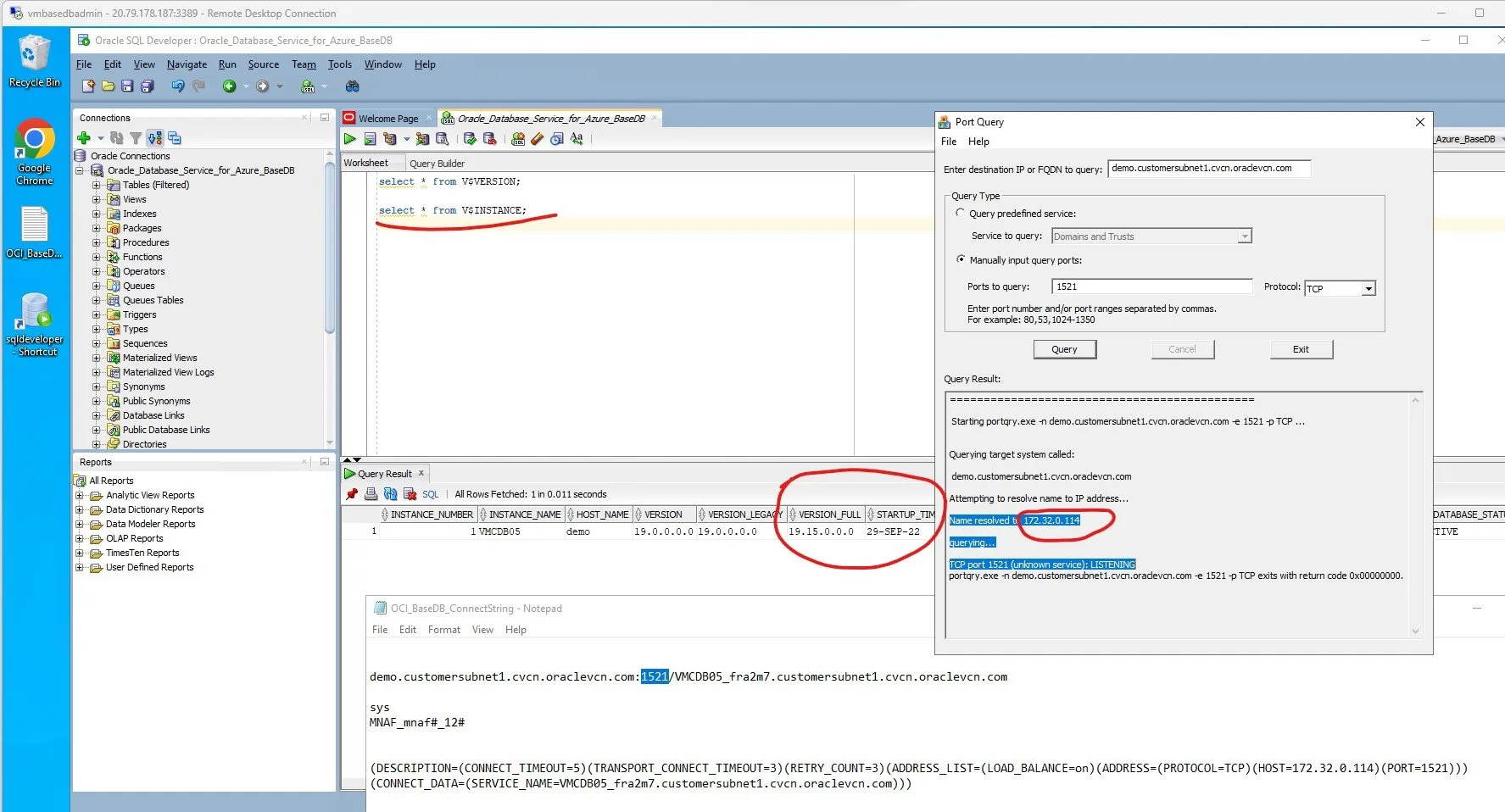
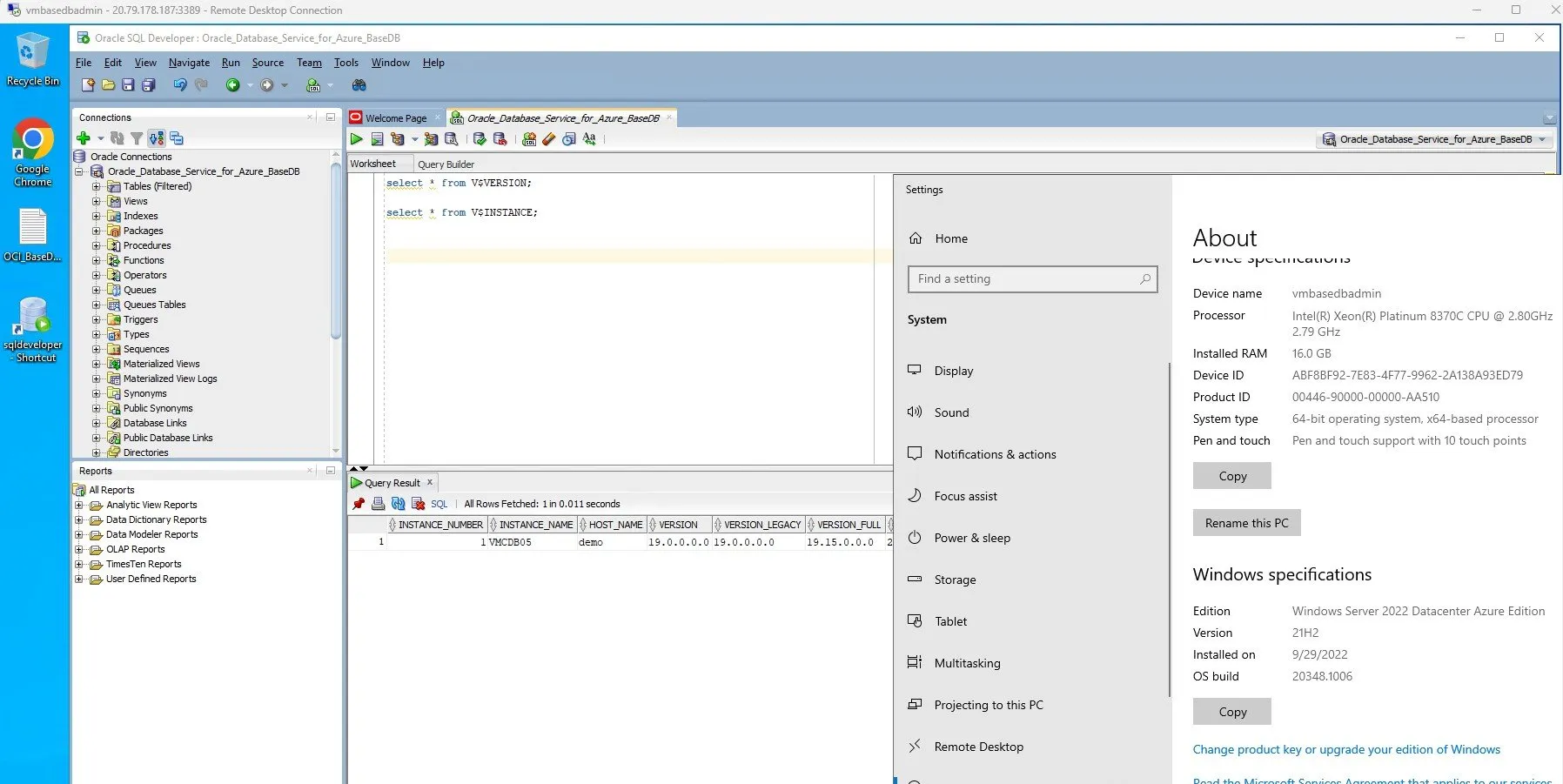
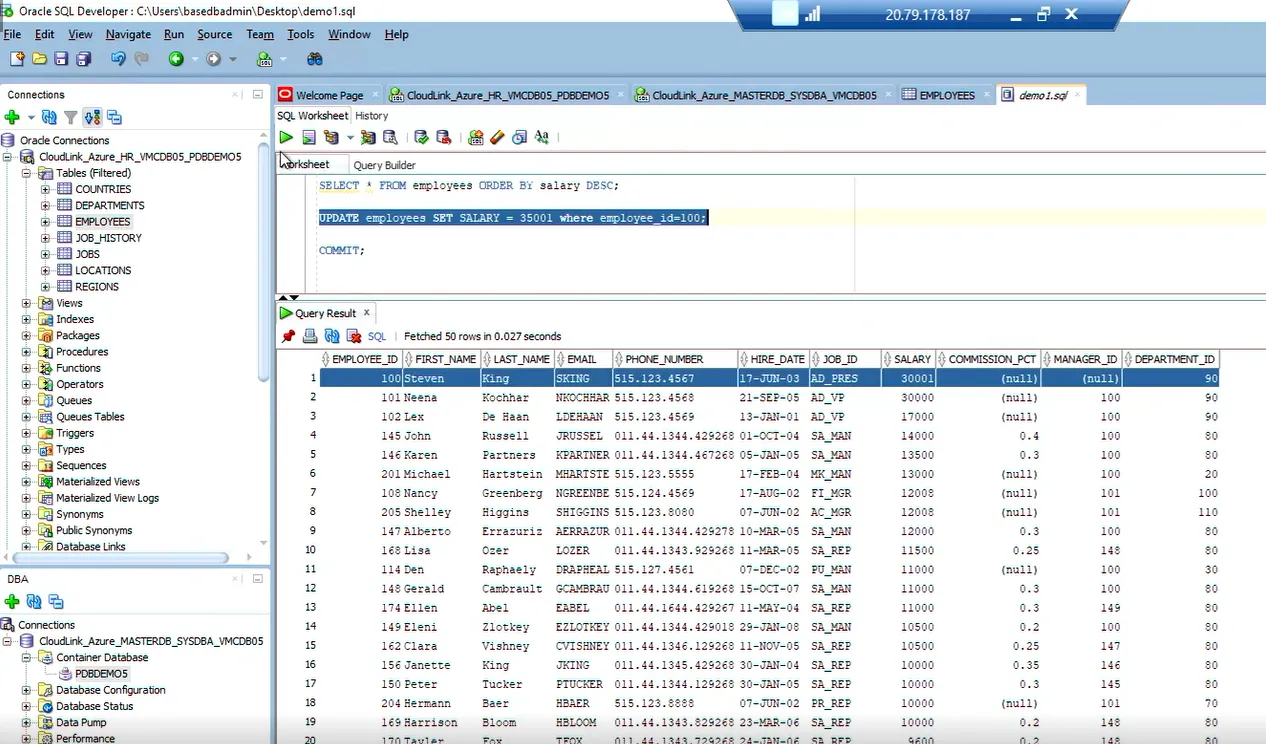
I have connected a Database Admin Azure VM running Oracle's SQL Developer (Windows version) and a Microsoft Power Platform application displaying Oracle's HR demo schema (via on-premises data gateway on Azure VM connecting with Power Platform's Oracle Premium Connector) to the same Oracle Database hosted on OCI.
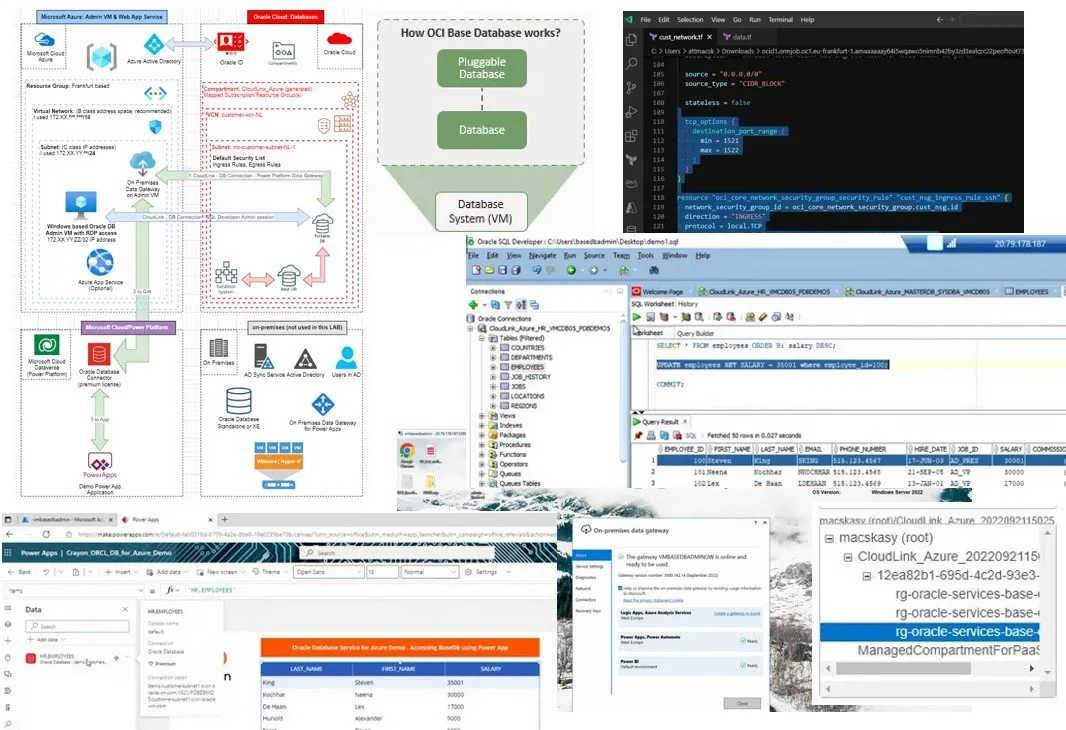
I have connected a Database Admin Azure VM running Oracle’s SQL Developer (Windows version) and a Microsoft Power Platform application displaying Oracle’s HR demo schema (via on-premises data gateway on Azure VM connecting with Power Platform’s Oracle Premium Connector) to the same Oracle Database hosted on OCI. I used Oracle-Azure Cloud-Link by the fully automated Oracle Database Service for Azure in the background. In this article I am sharing my design, learnings and key takeaways from this exercise I enjoyed a lot.
Previously, I used Oracle Application Express for Oracle Databases. Oracle APEX is really cool, it is a rapid application development tool offered by Oracle, based on the underlying database schema.
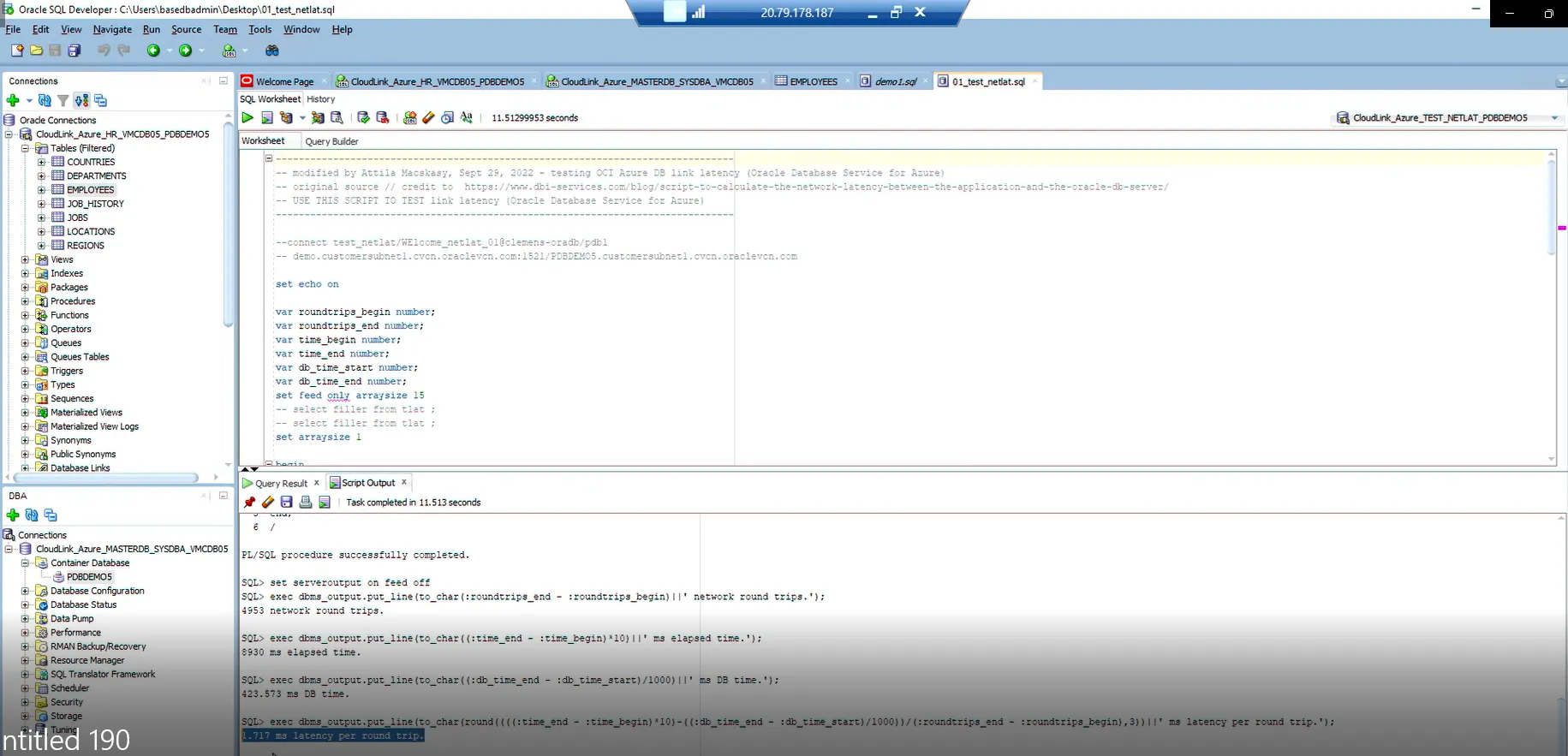
When I saw Microsoft Power Platform, my first impression was that citizen developers will have the demand to use Oracle Databases. What is an on-premises data gateway? | Microsoft Learn solves this problem - with that, you can connect Microsoft Power Platform to Oracle Databases. However, latency is still there, so ideally you need to move the database to Azure and deploy that gateway in Azure too to eliminate latency. This is how to install such Install an on-premises data gateway | Microsoft Learn
Below is my updated design, on the left side you see Azure, on the right side you find Oracle Cloud. I am not using an on-premises datacenter in this demo/deployment.
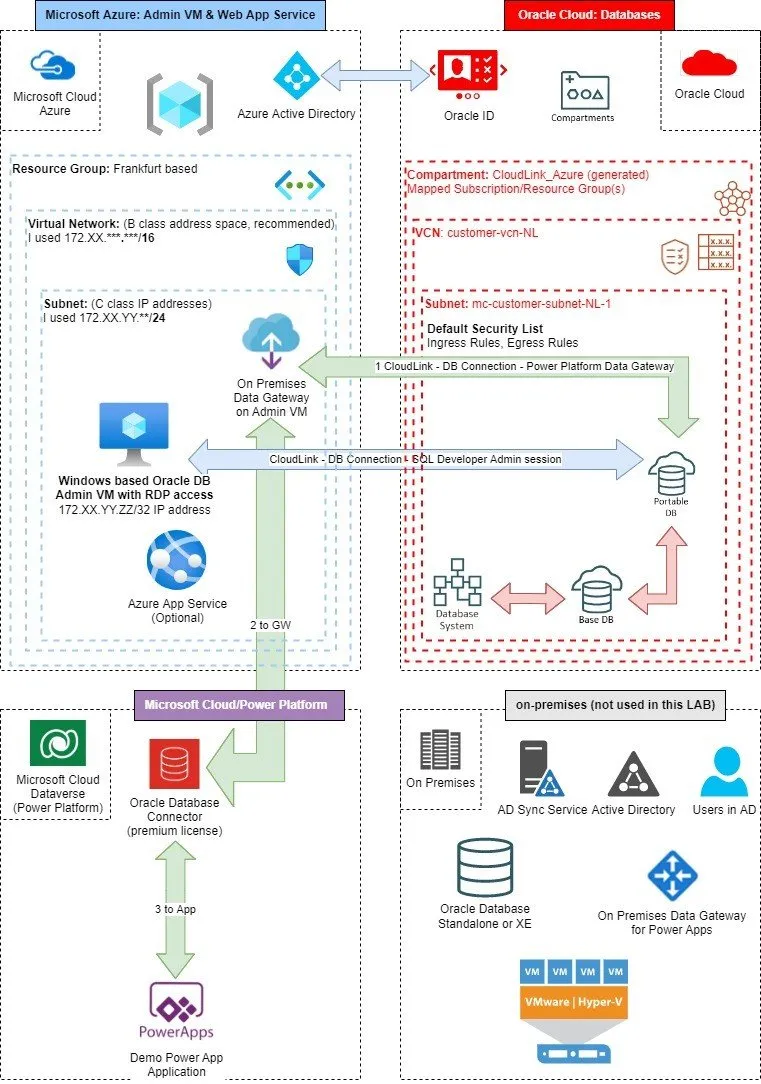
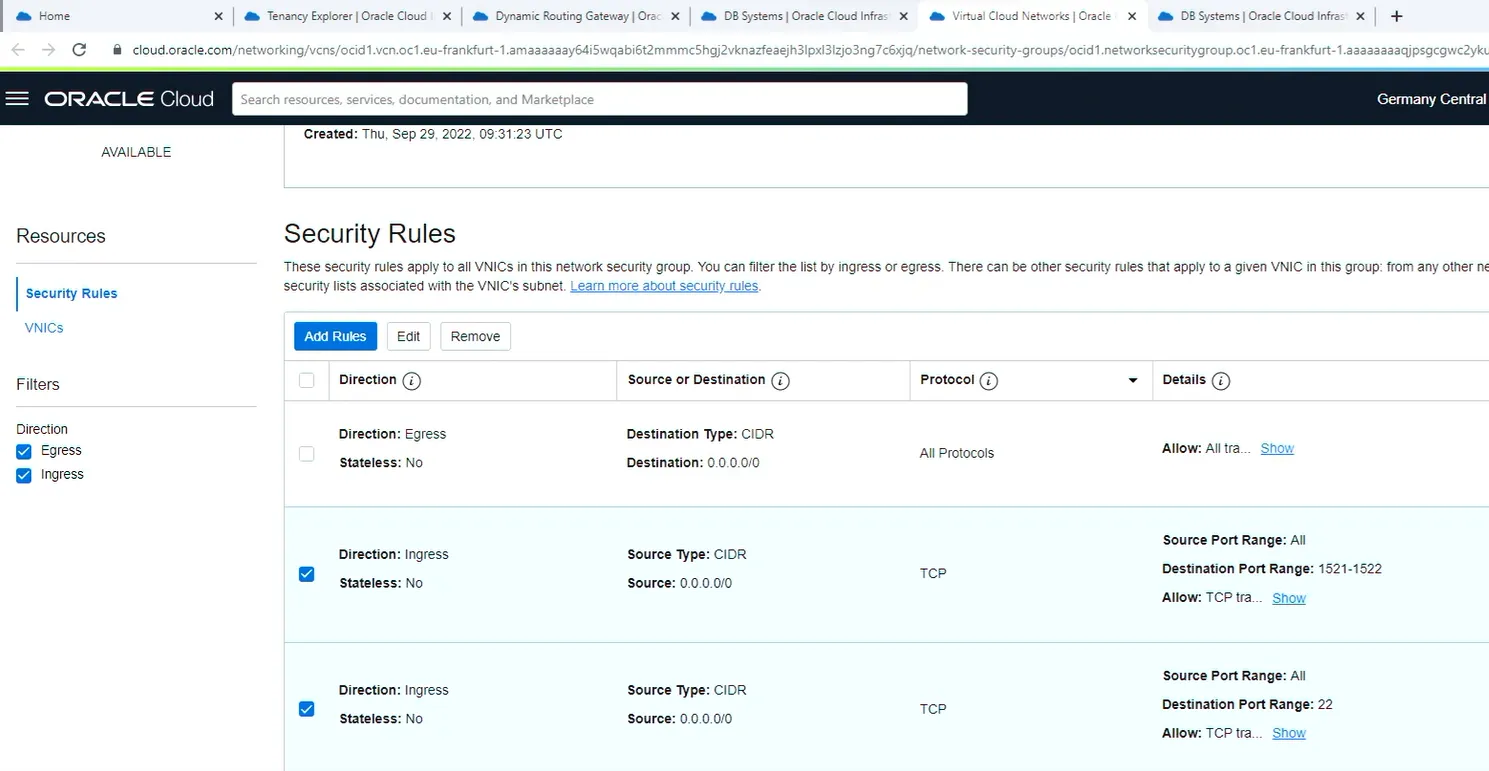
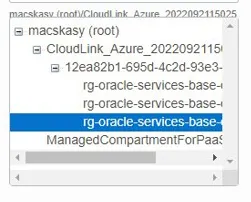
If you have Azure experience and are new to Oracle Cloud it will take some time to understand how similar purpose objects are called in OCI. For example, Azure Resource Group is called OCI Compartment. Networking foundations, such as Virtual Networks or Subnets are the same in each cloud. Policies on subnets, such as Ingress and Egress rules are automatically generated when you provision your first database.
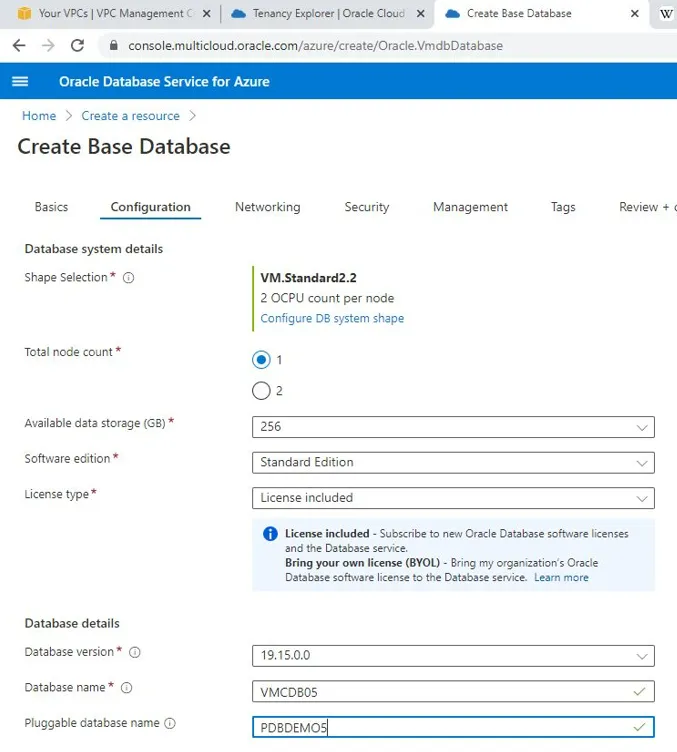
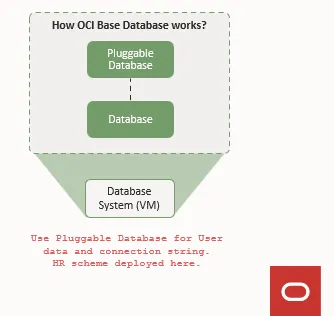
I missed the idea of Pluggable Databases and Introduction to the Multitenant Architecture (oracle.com) but it is never too late to learn new things from Oracle :)
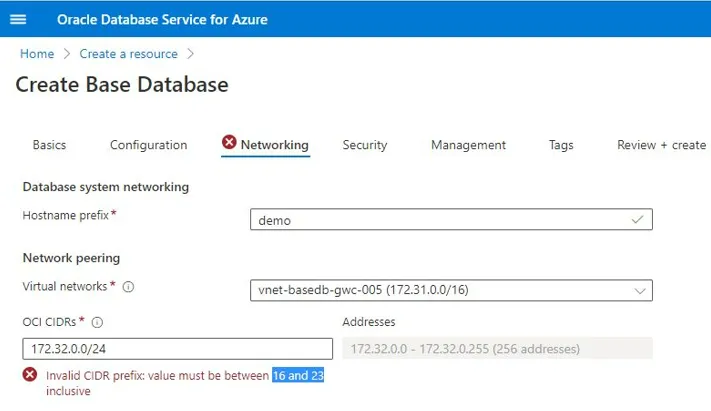
OCI CIDR is
- a new network that is not existing in OCI and is not used in Azure
- a new network that will be automatically created in OCI connecting Database System, Database, and Portable DB - you will connect to the portable database with your applications
- ideally, a B class (20-bit block) network and the perfect subnet mask is /16 to utilize cloud link
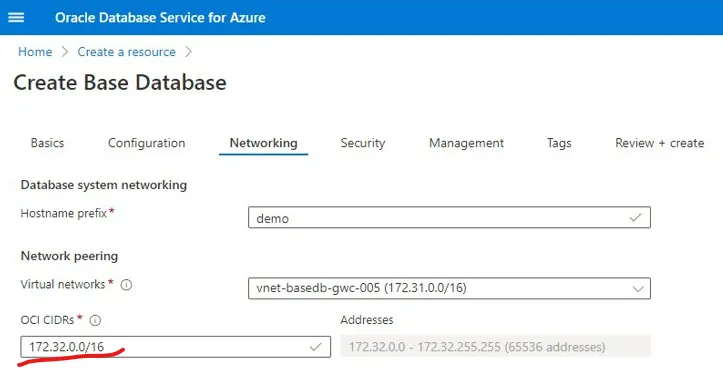
- be careful - it is not going to check if you enter a non-private network IP, for example, I was able to deploy with 172.32.0.0/16 which is obviously the wrong range (outside the private network range), and not part of the 20-bit block.
The Internet Engineering Task Force (IETF) has directed the Internet Assigned Numbers Authority (IANA) to reserve the following IPv4 address ranges for private networks:
| RFC 1918 name | IP address range | Number of addresses | Largest CIDR block (subnet mask) | Host ID size | Mask bits | Classful description |
|---|---|---|---|---|---|---|
| 24-bit block | 10.0.0.0 – 10.255.255.255 | 16777216 | 10.0.0.0/8 (255.0.0.0) | 24 bits | 8 bits | single class A network |
| 20-bit block | 172.16.0.0 – 172.31.255.255 | 1048576 | 172.16.0.0/12 (255.240.0.0) | 20 bits | 12 bits | 16 contiguous class B networks |
| 16-bit block | 192.168.0.0 – 192.168.255.255 | 65536 | 192.168.0.0/16 (255.255.0.0) | 16 bits | 16 bits | 256 contiguous class C networks |
Source: Private network - Wikipedia
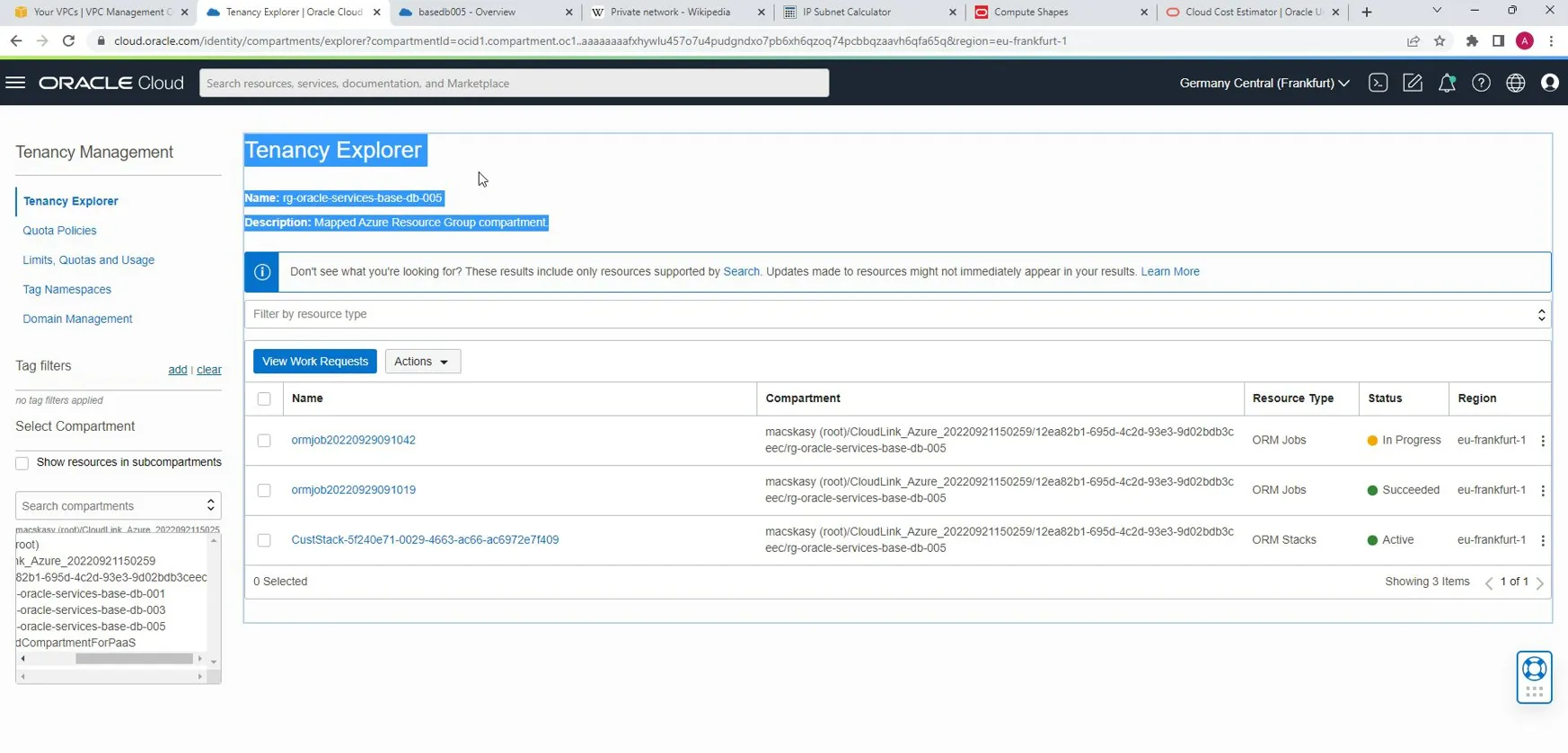
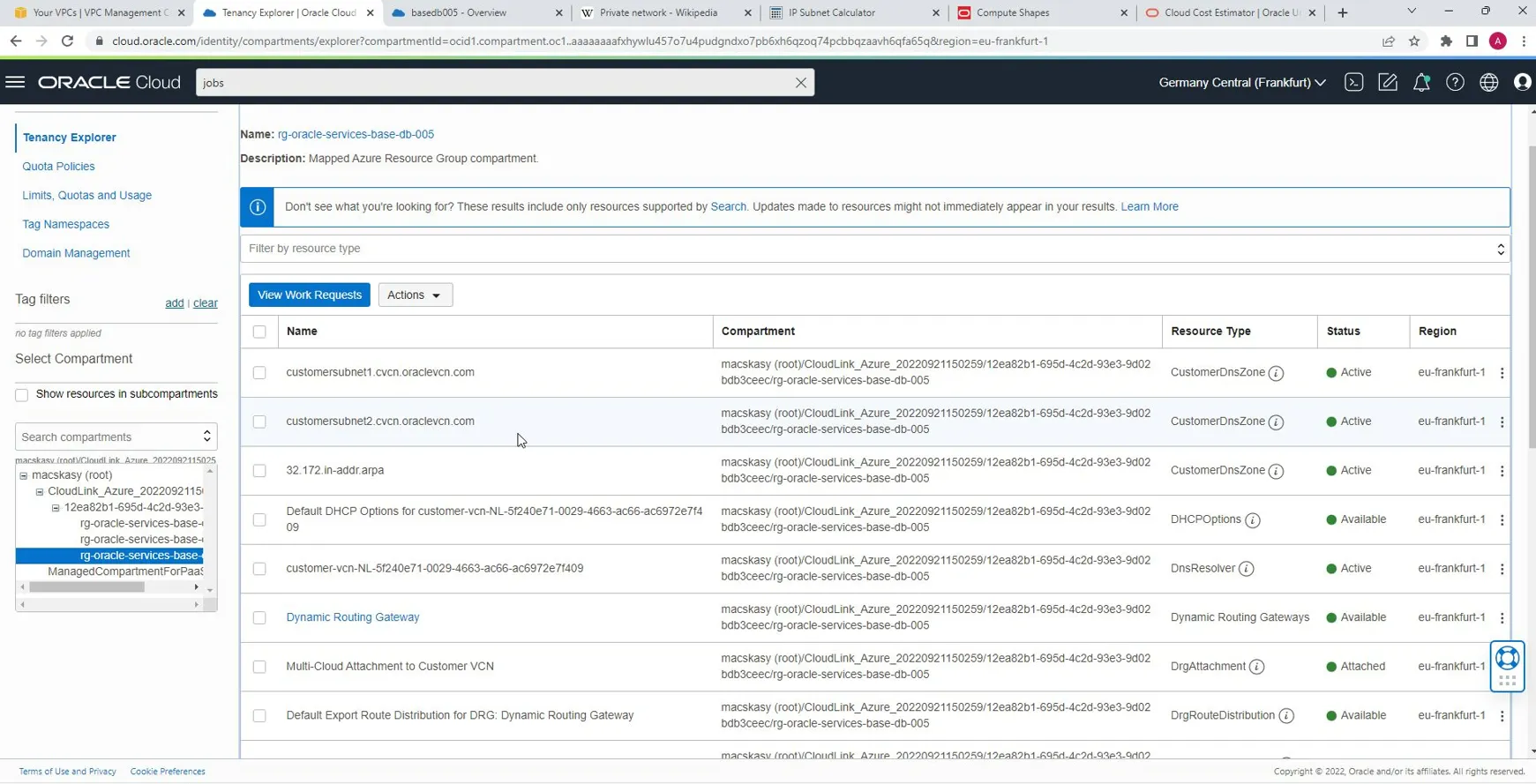
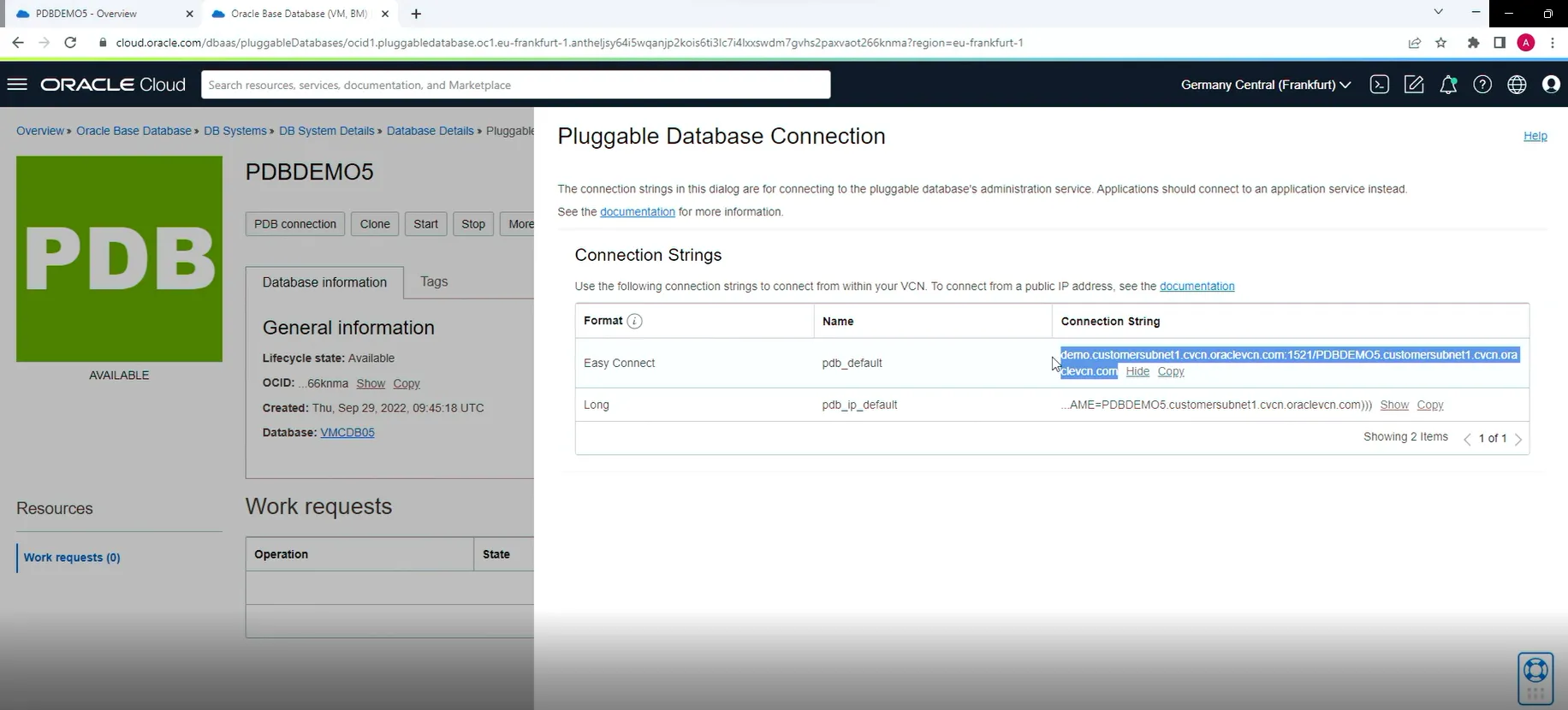
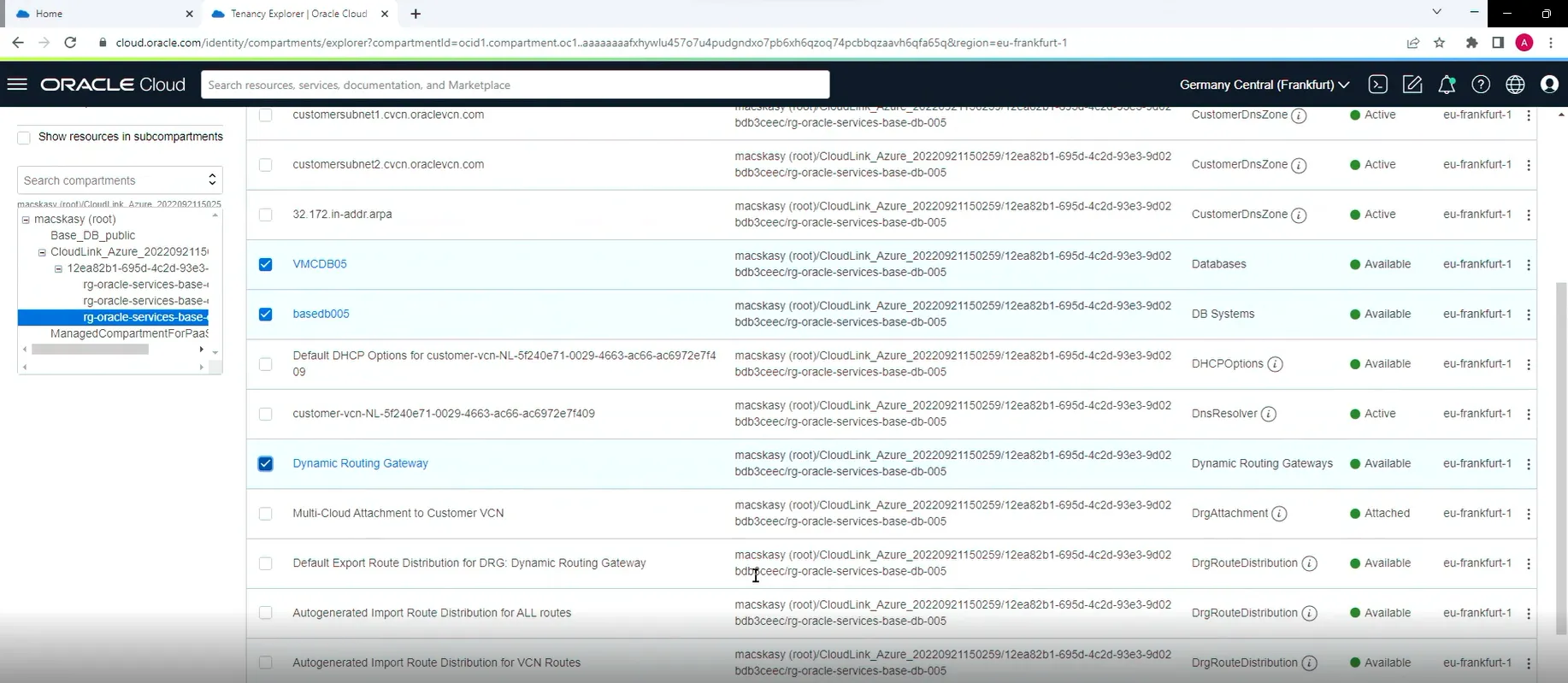
When you submit this wizard you can track what is going on using Tenancy Explorer and ORM Jobs.
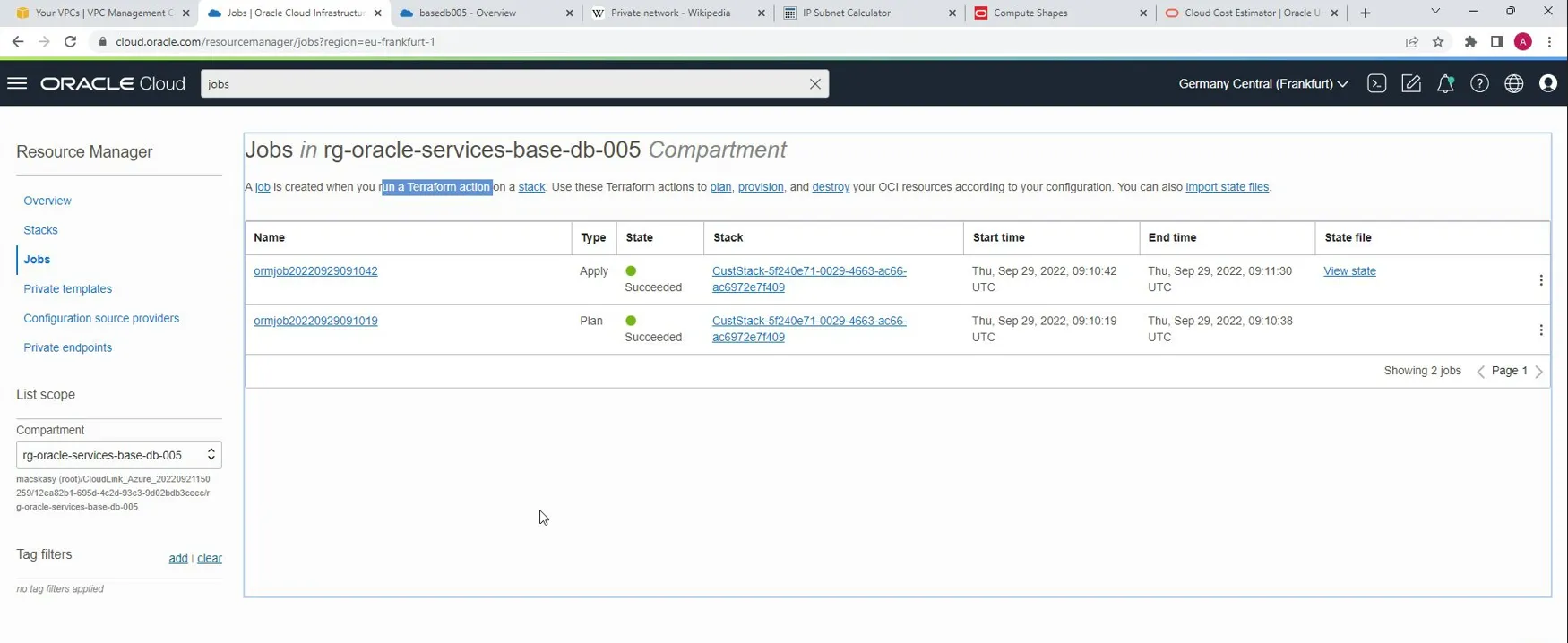
Deployment jobs are running Terraform (Terraform by HashiCorp) code in OCI. This is how Cloud Link and DBS/DB/PDB get deployed.
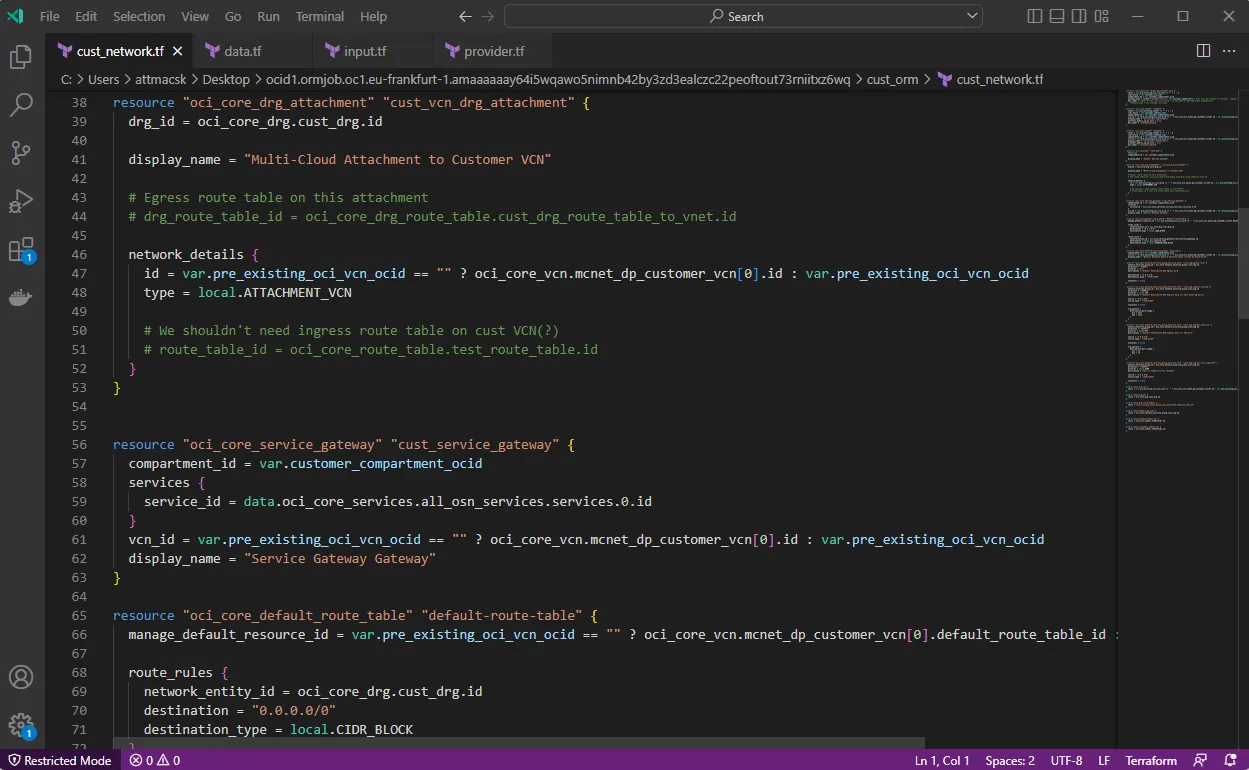
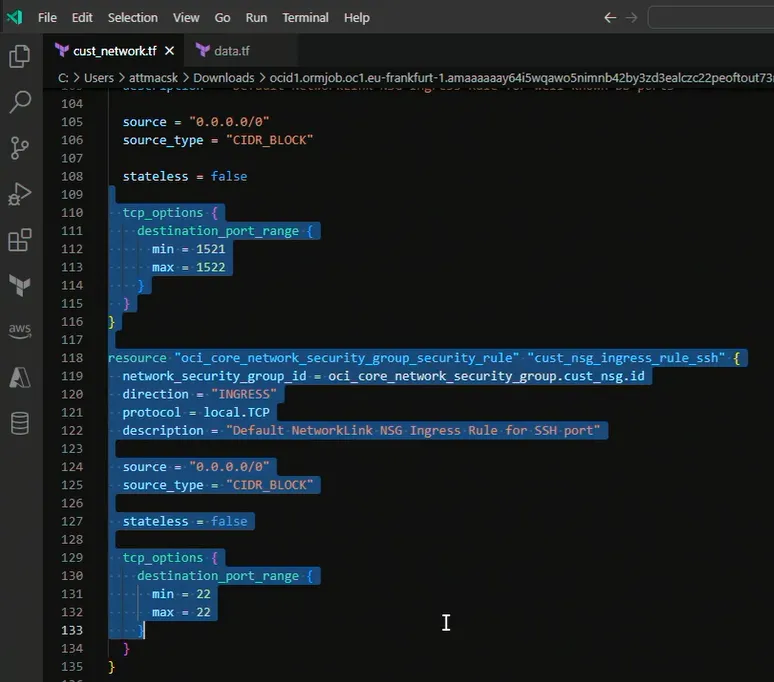
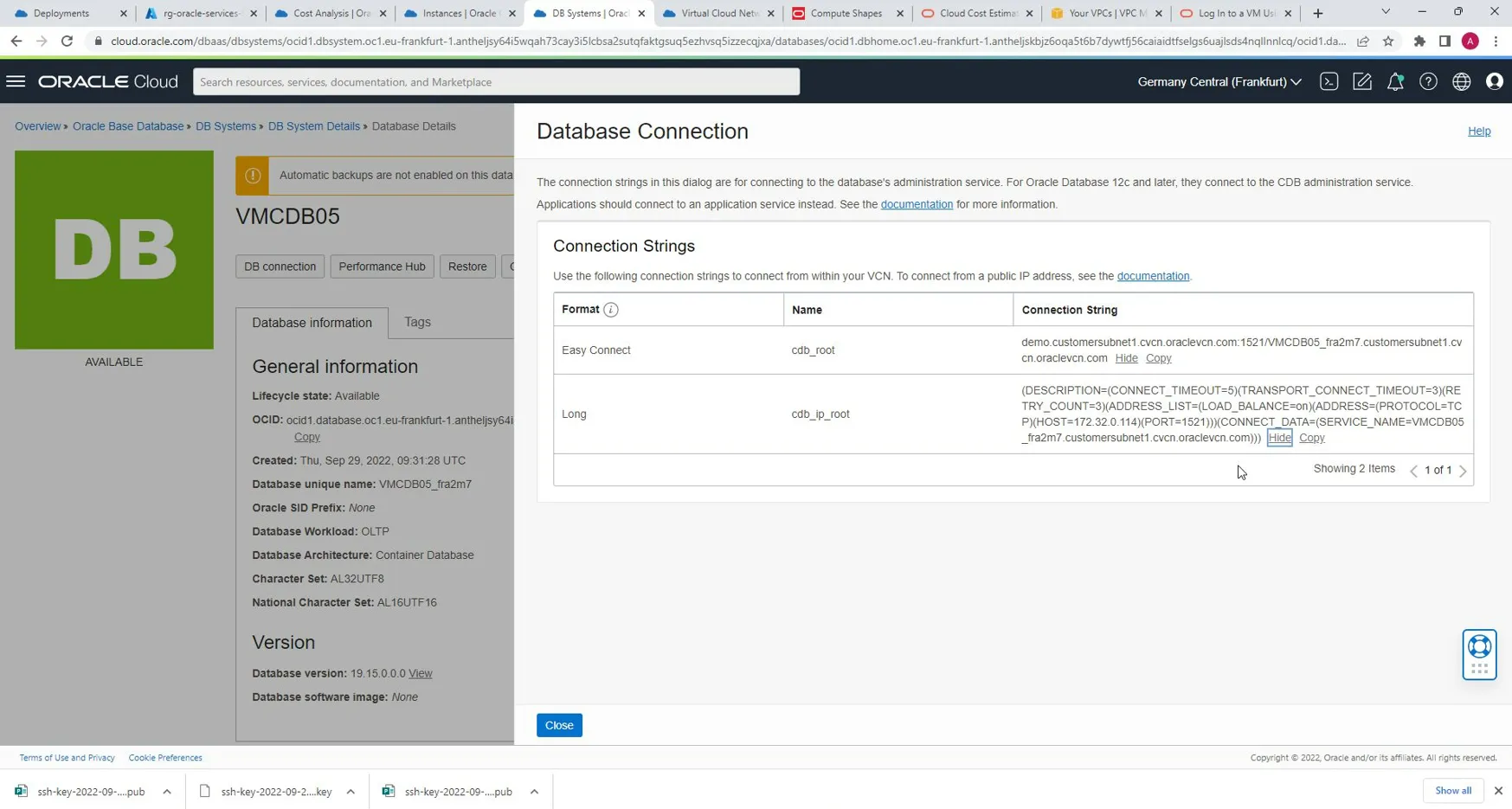
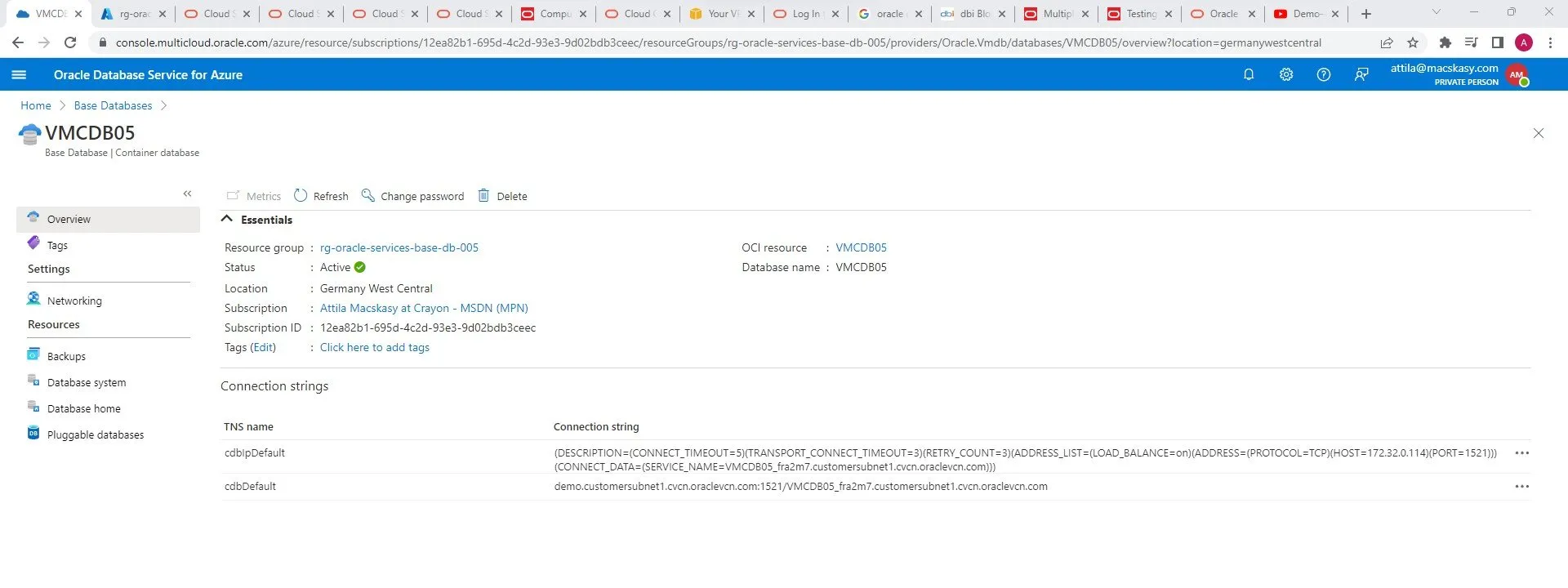
* An Oracle client connects to the server using the port address of the listener, which is normally defined as TCP port 1521 during Oracle installation. sqlnet service is defined as using TCP port 1521.
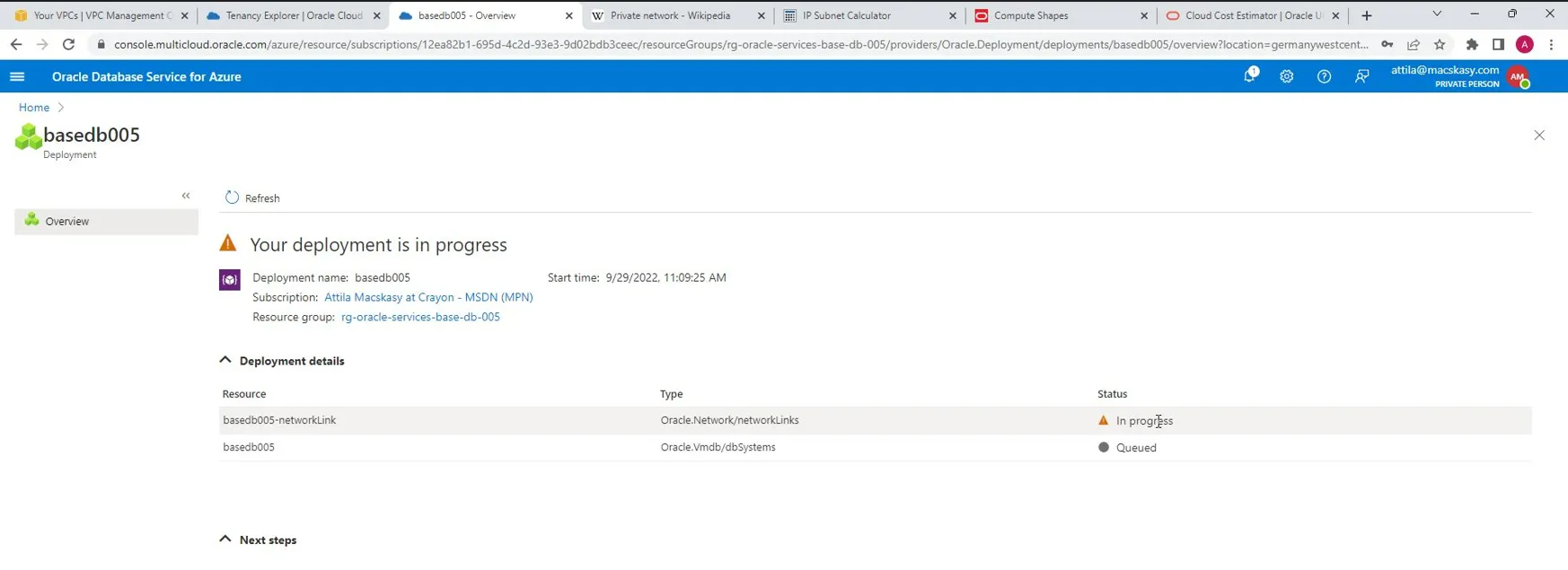
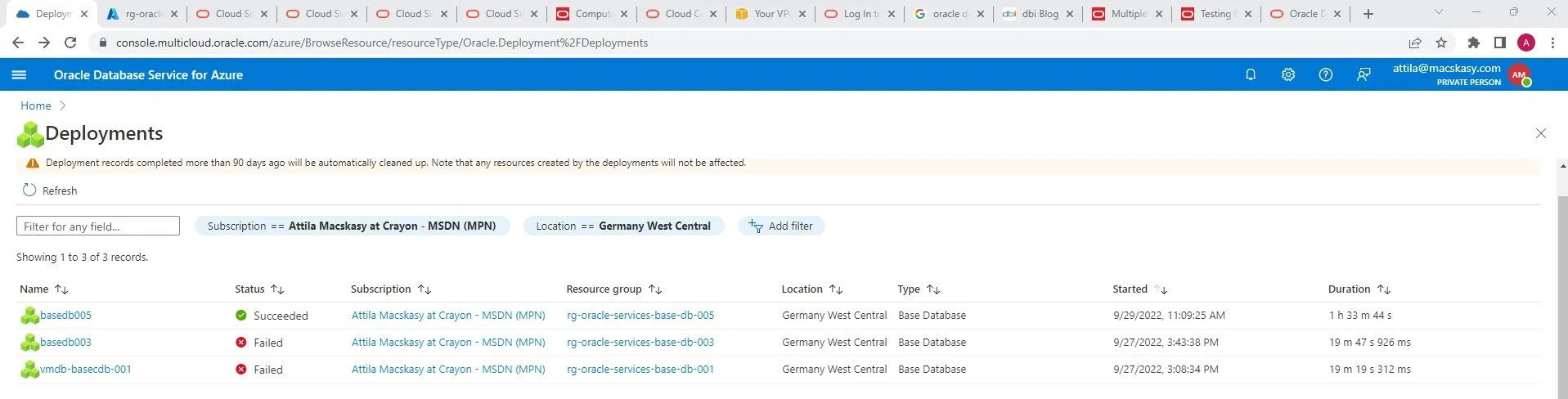
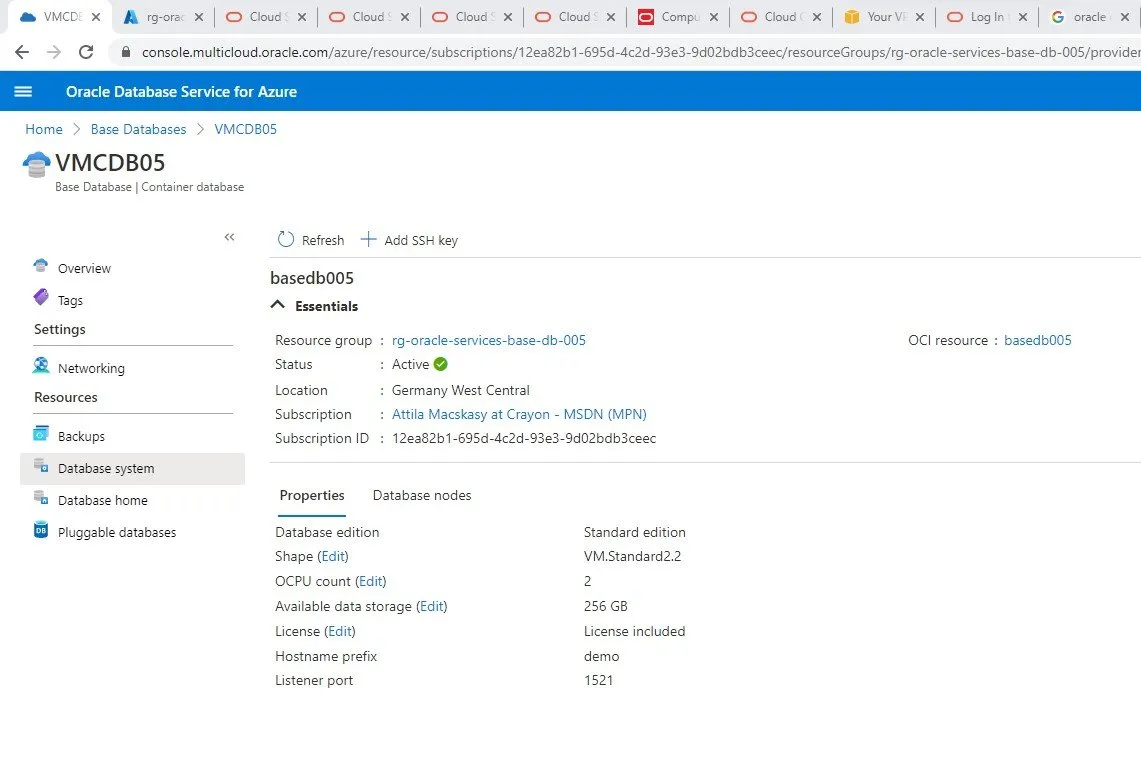
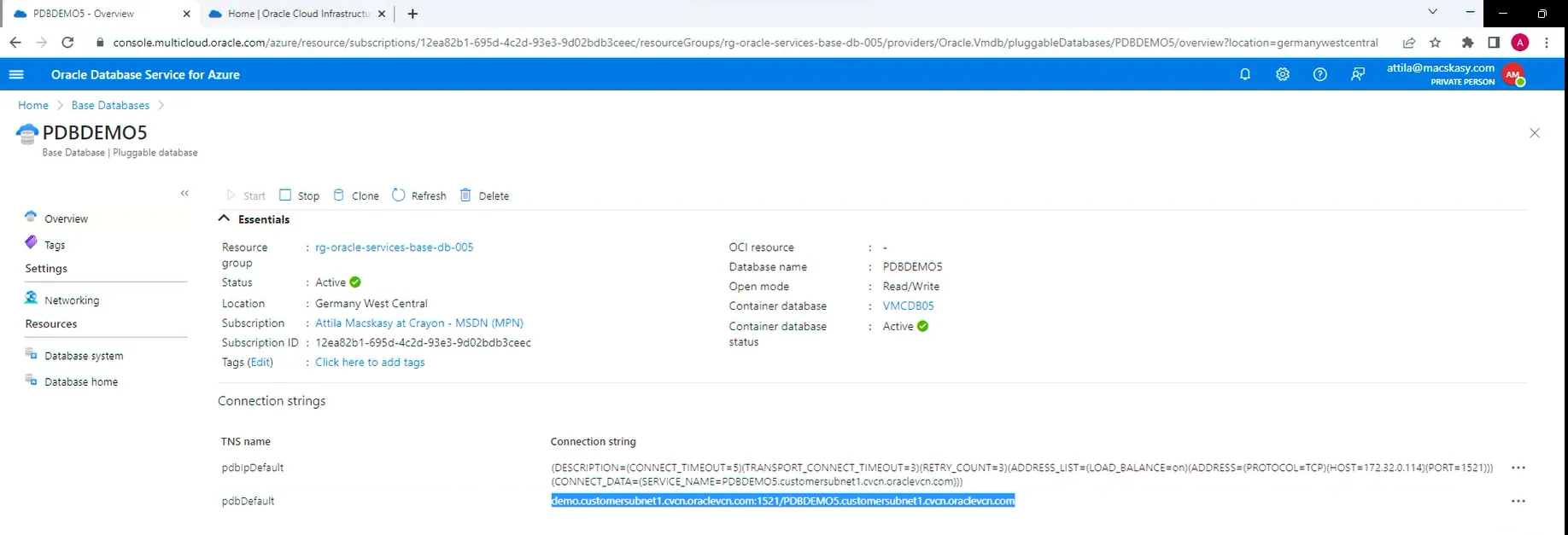
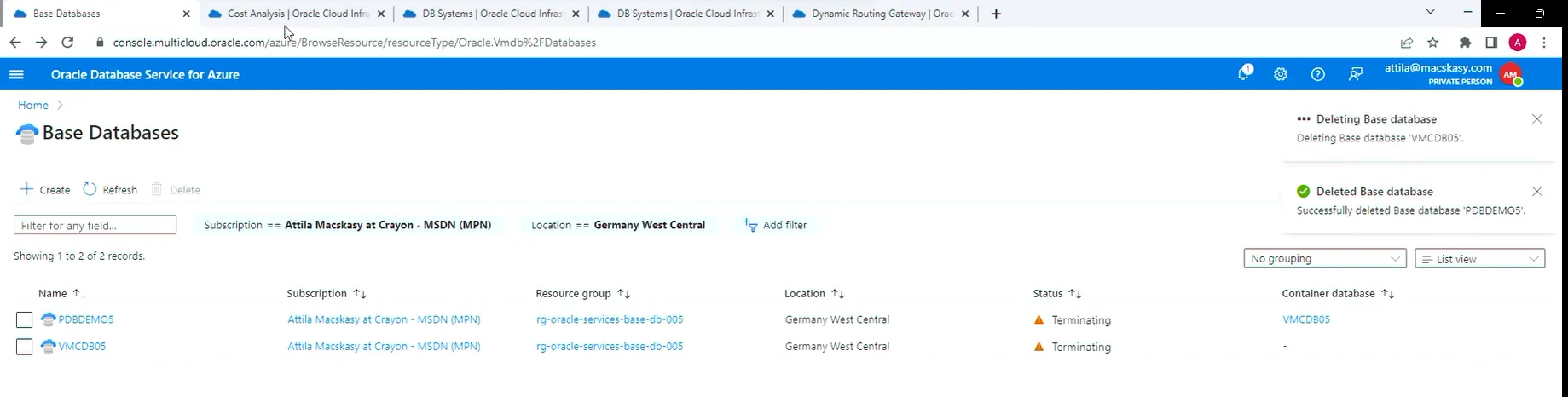
You can also track the deployment on the “Oracle Database Service for Azure” portal.
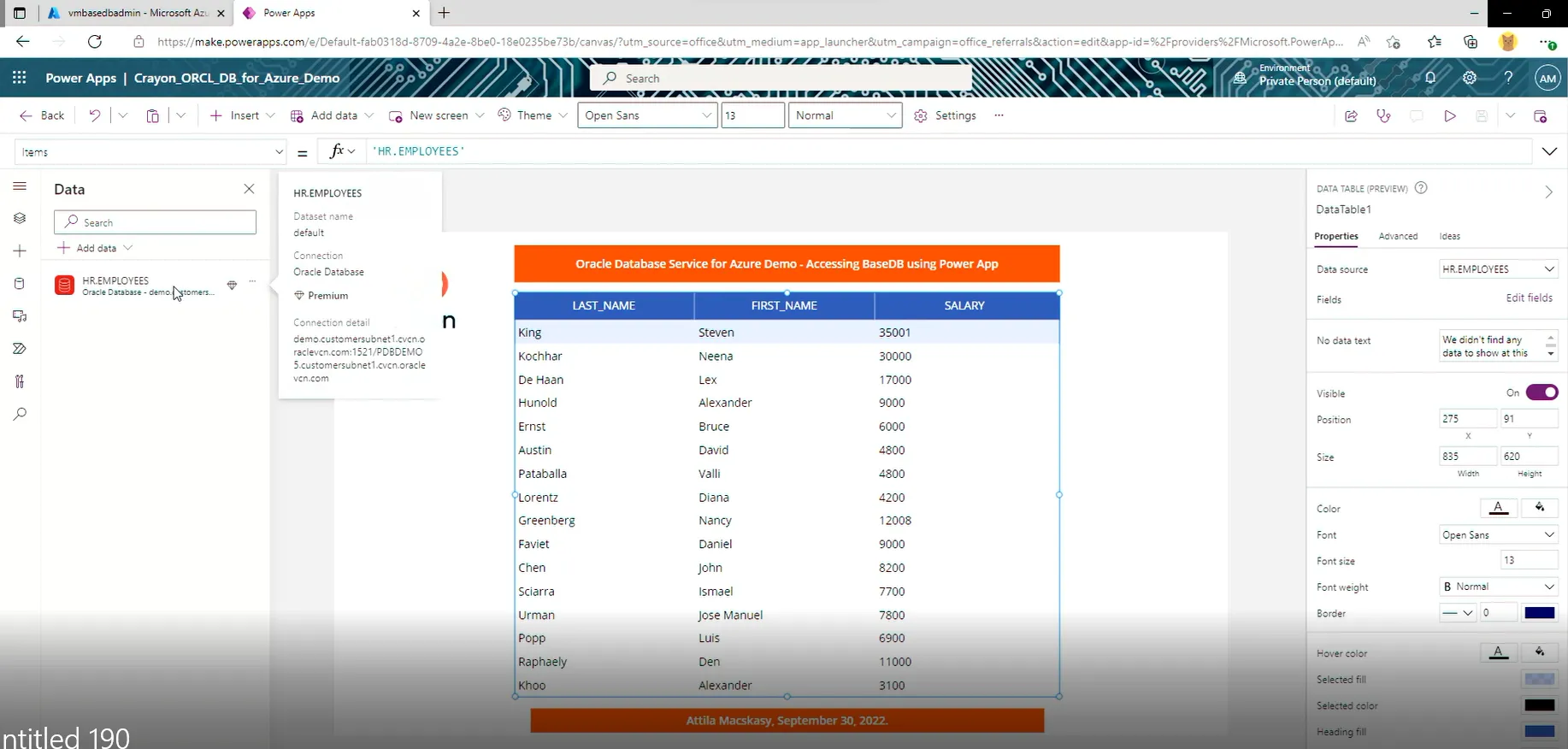
Let’s connect from Power Platform. In order to do that, I had to deploy On-premises data gateway on the Azure hosted Admin VM.
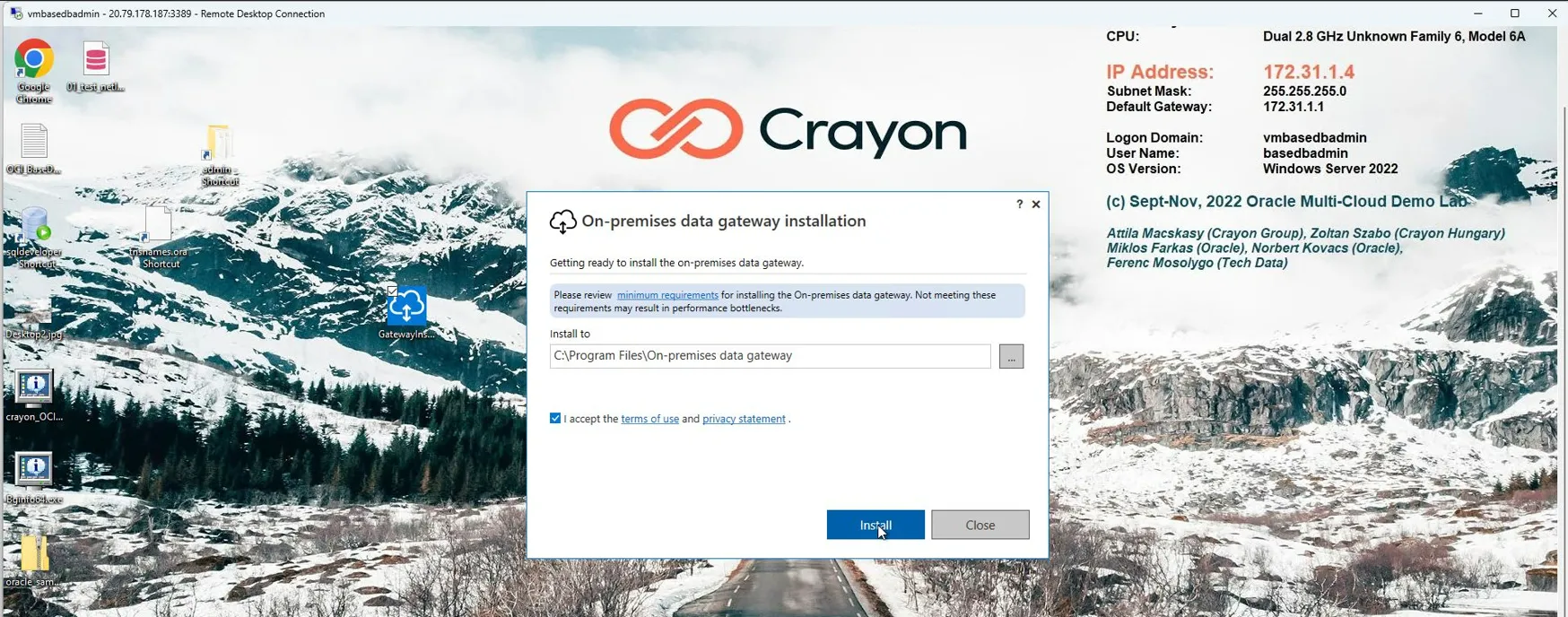

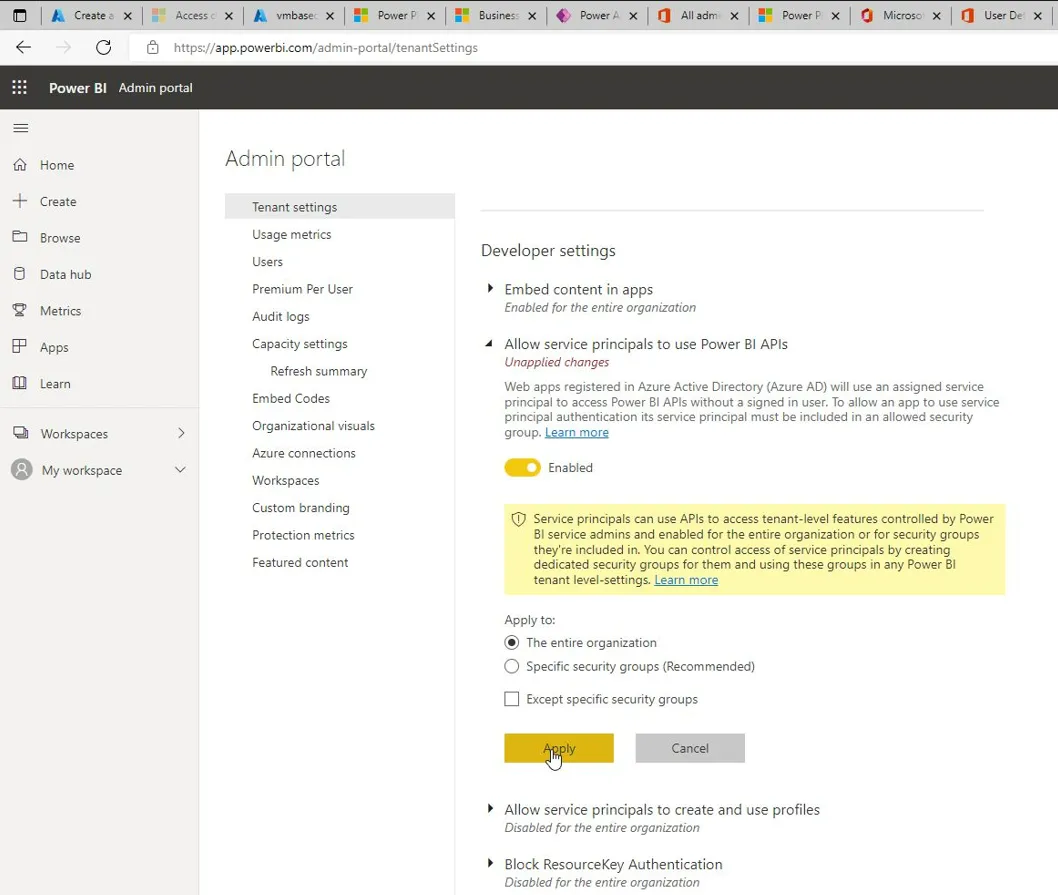
After allocating the proper licenses it started to work.
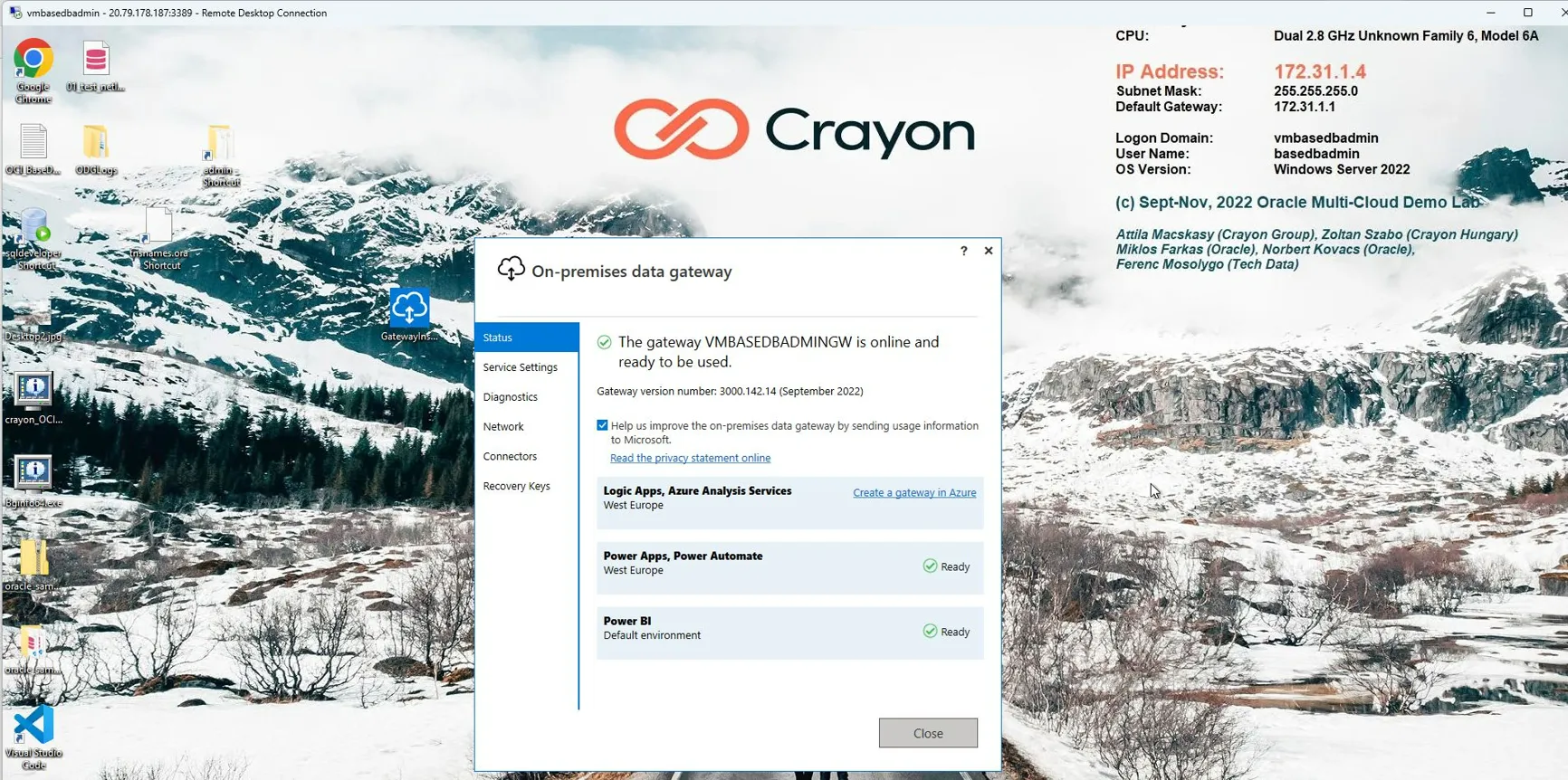
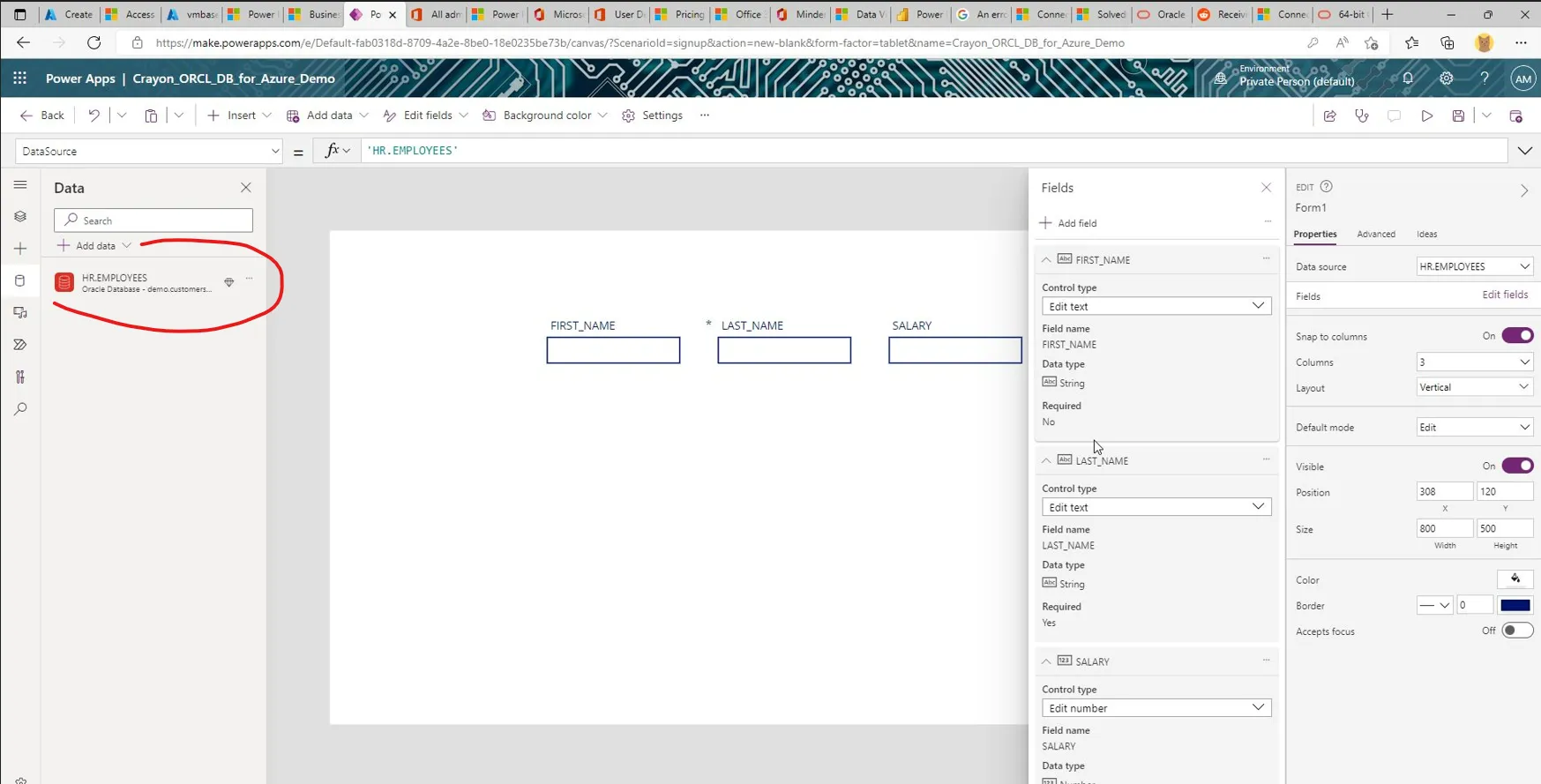
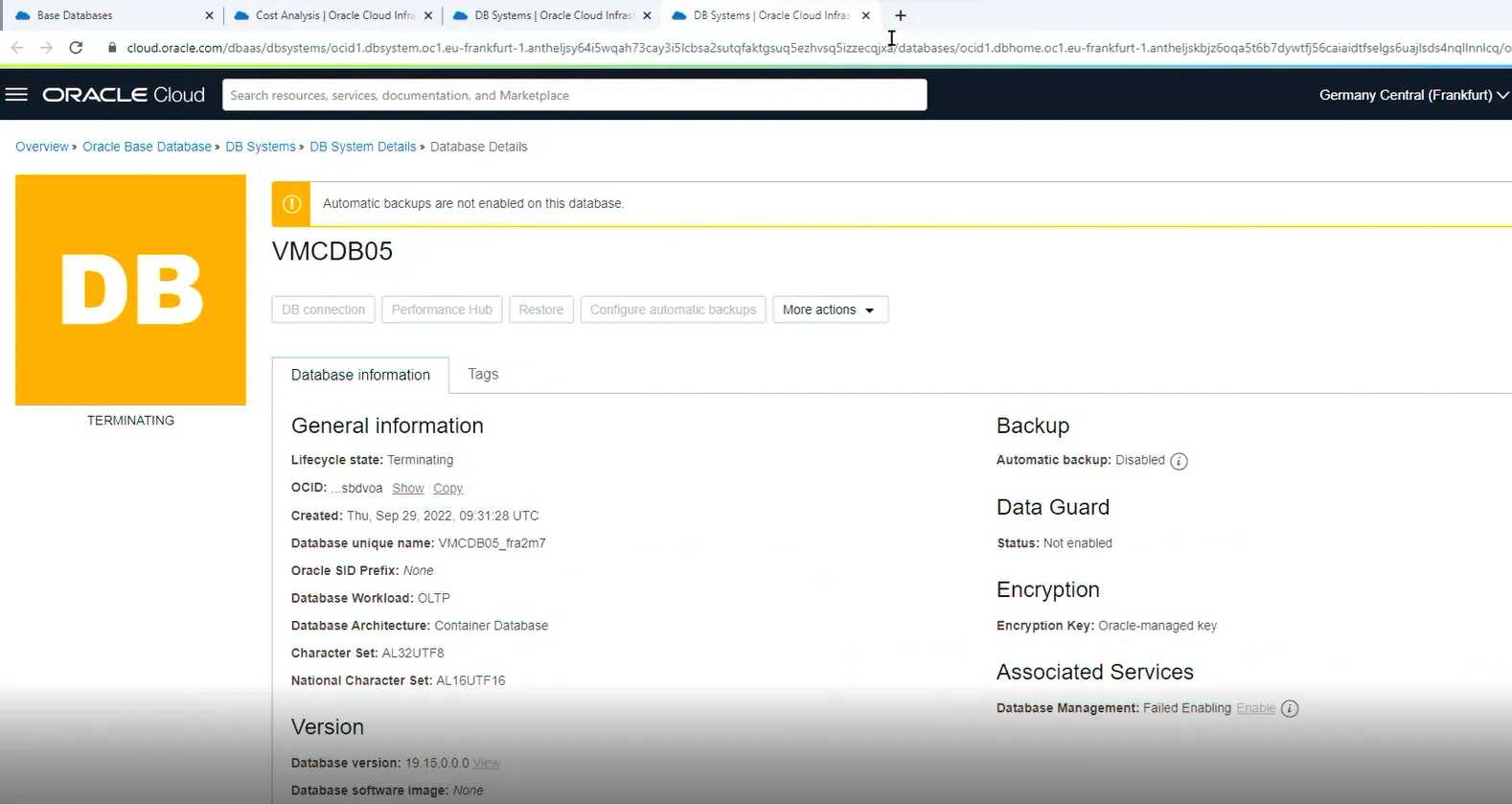
When it comes to price, I was mainly paying for Oracle Standard Database License for 2 days.
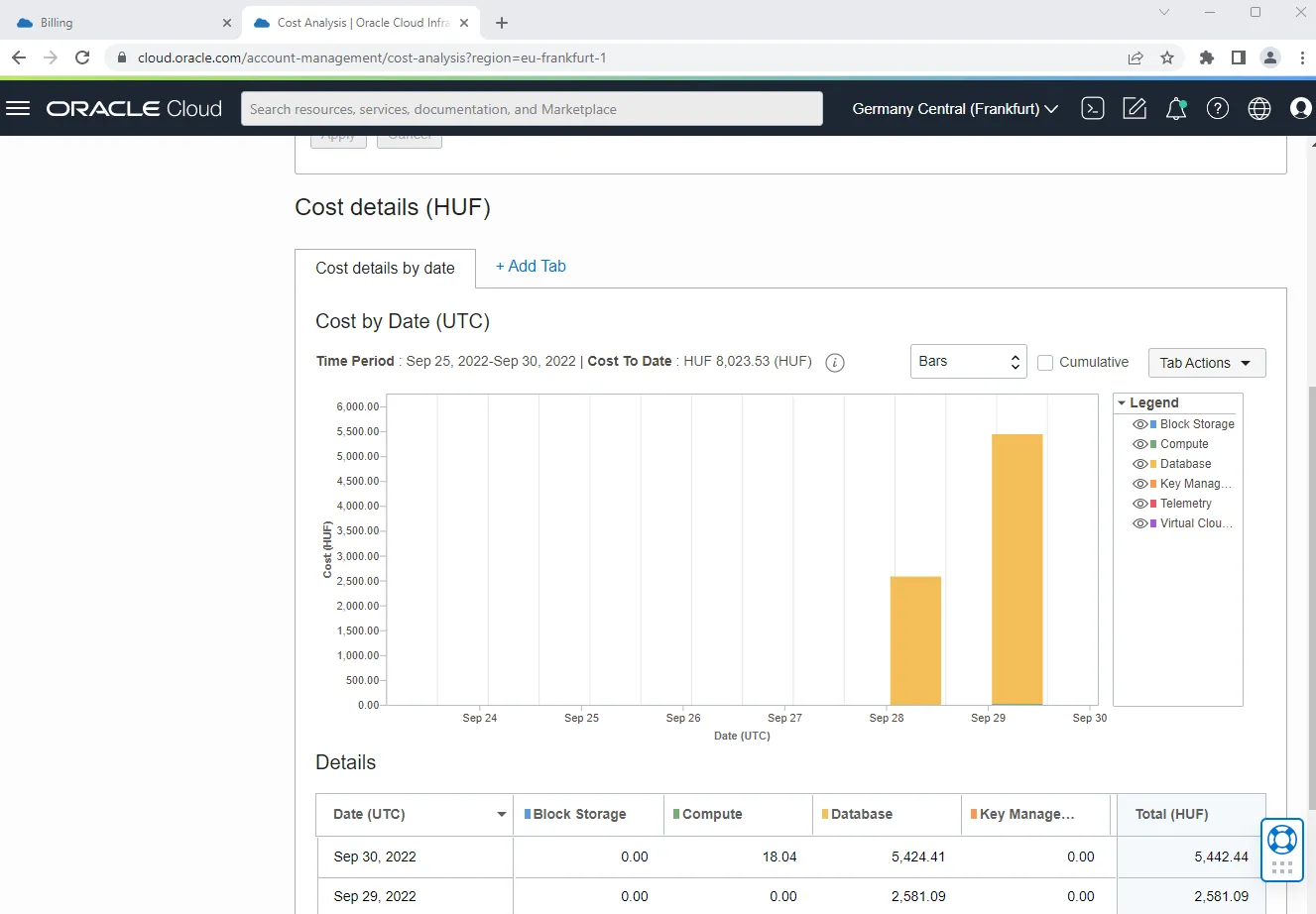
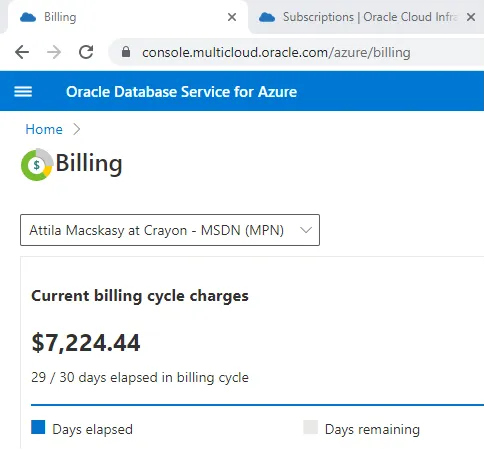
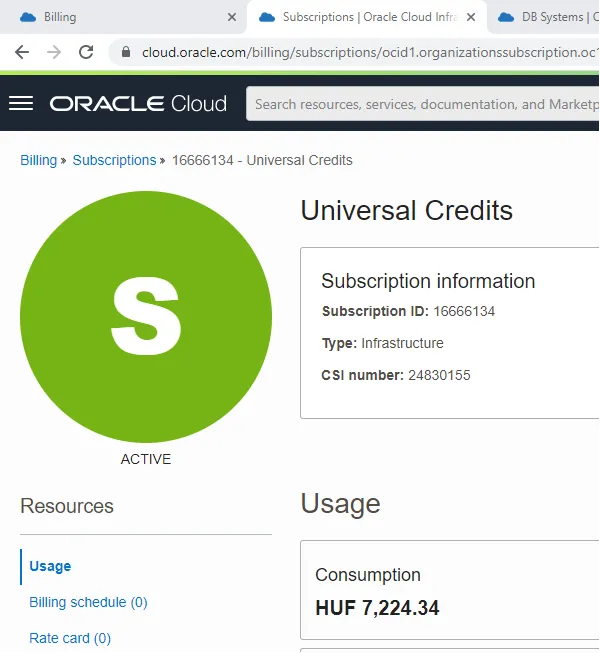
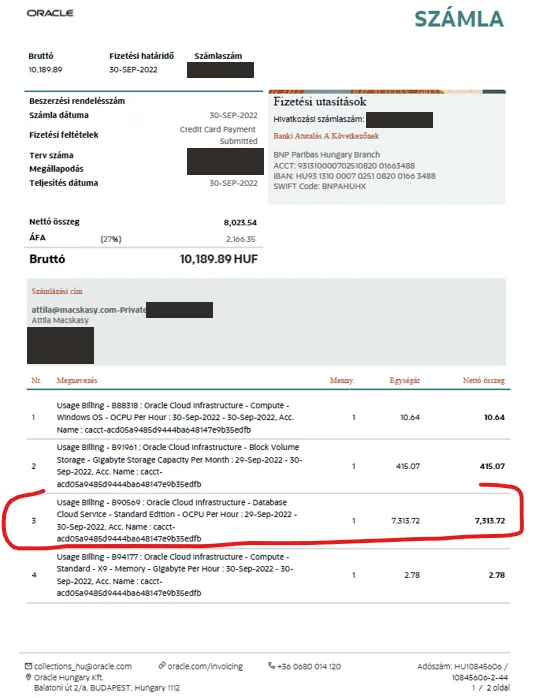
Key takeaway, there is no charge on Azure side. The fantastic time saver full automation is free, the cloud-link is free and provides low latency, it is easy to use. Well done, I can’t wait to see how this evolves over time.