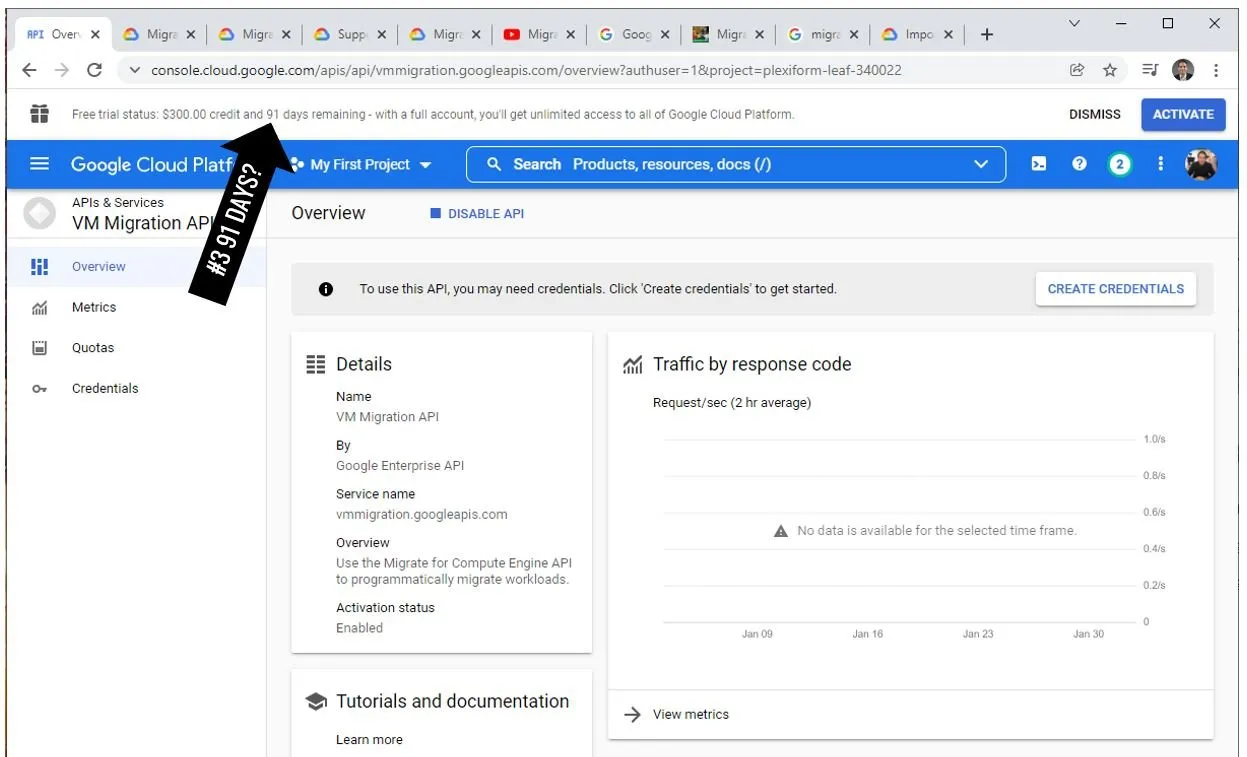
Got $400 at GCP: I am preparing for Migrate for Compute Engine test
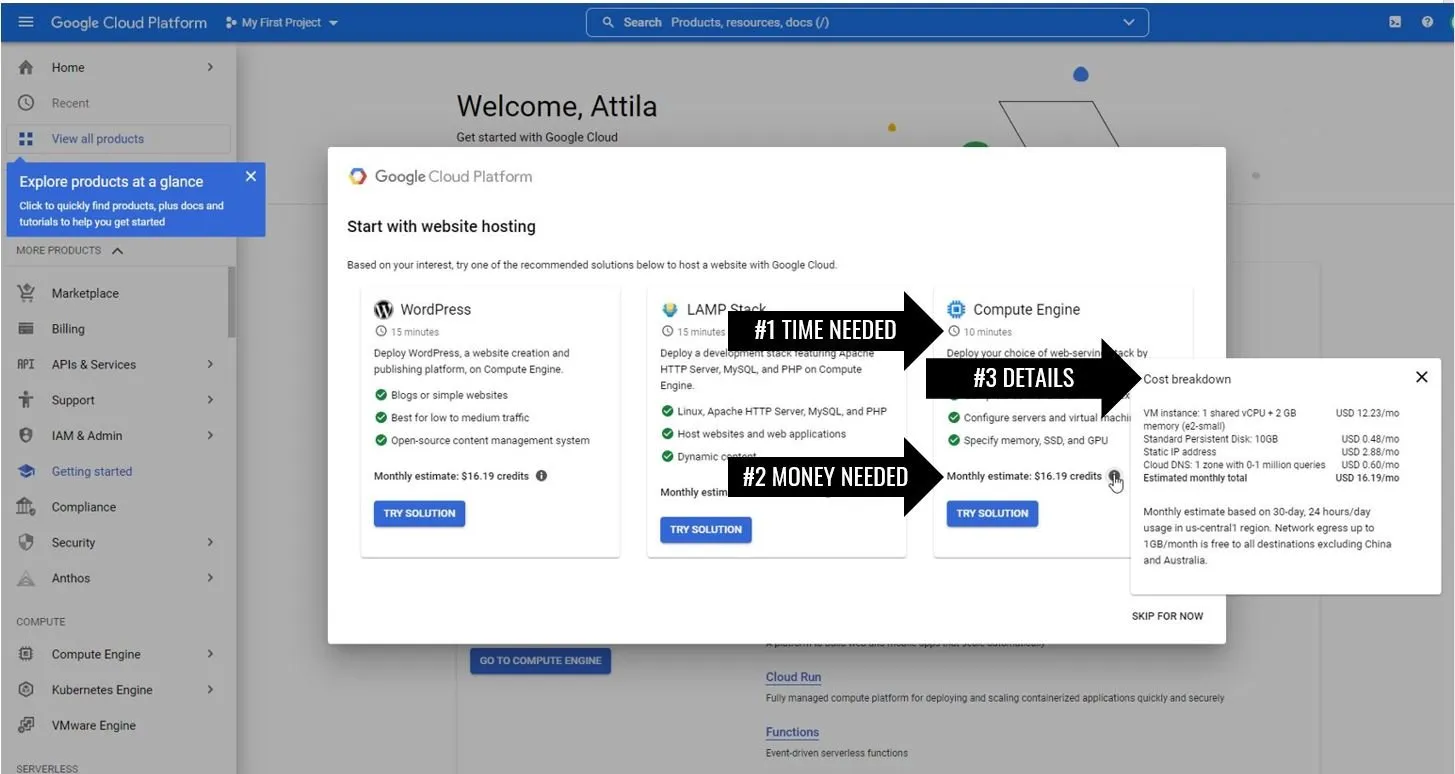
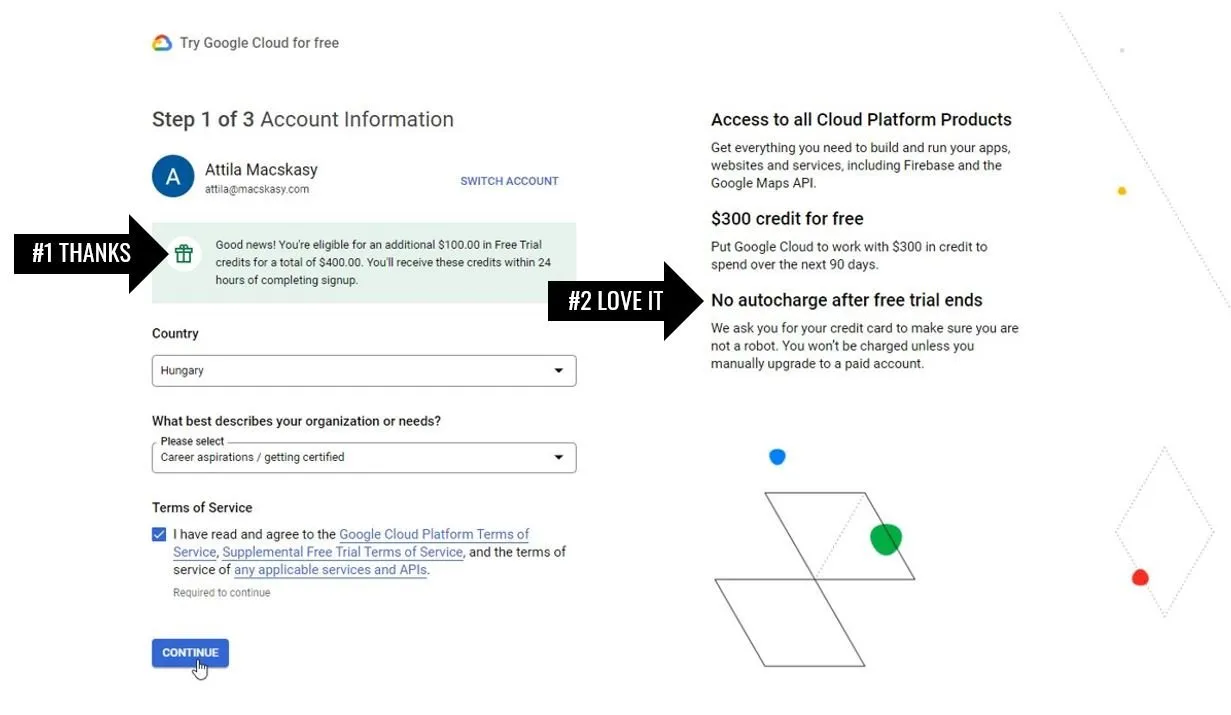
I have activated my GCP sandbox. Received an extra $100! Impressive welcome screen with offerings. The first service I am going to test is Migrate for Compute Engine API to better understand how to move complex workloads from VMware. How are different sources such as Hyper-V (Azure Stack HCI) or KVM supported?
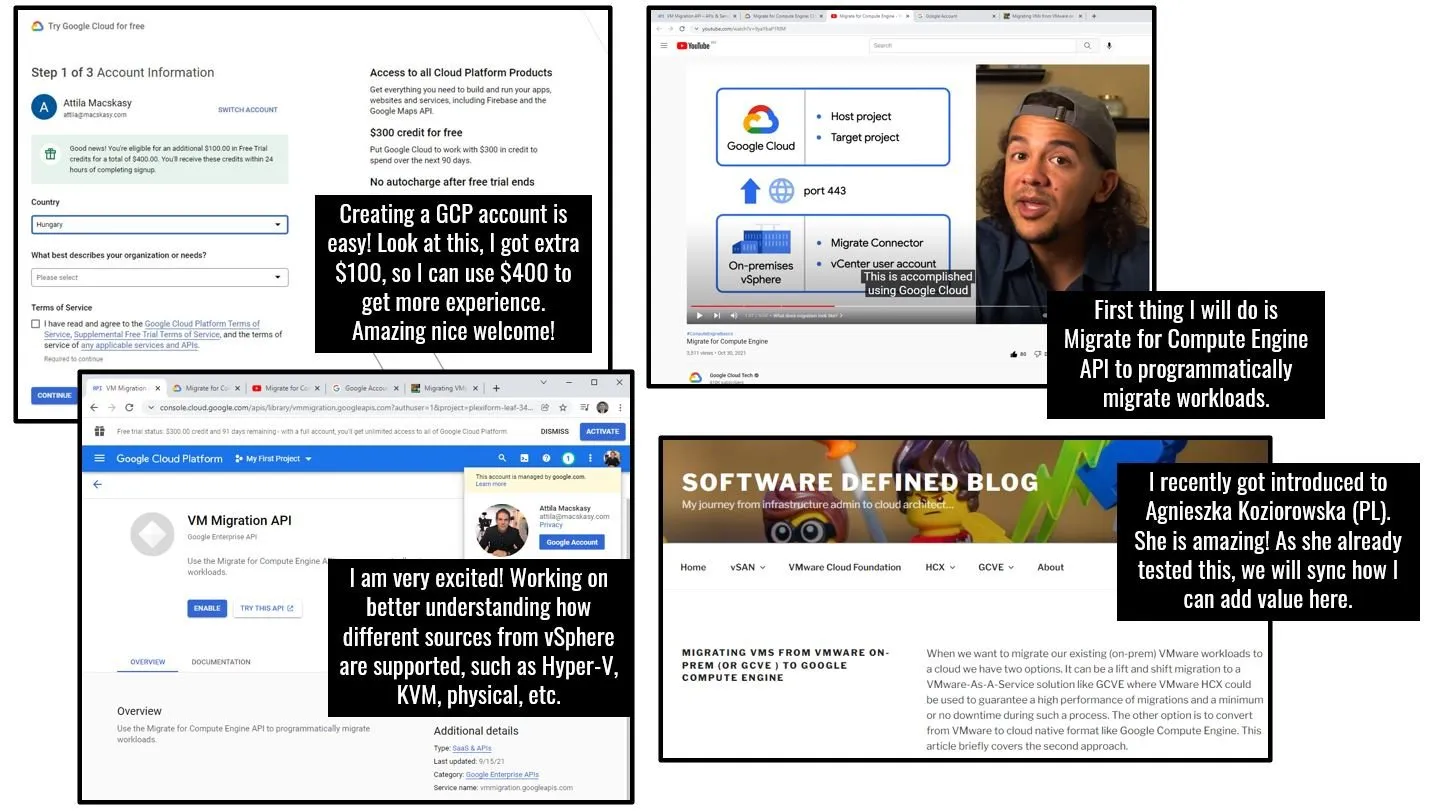
I have activated my GCP sandbox. Received an extra $100! Impressive welcome screen with offerings. The first service I am going to test is Migrate for Compute Engine API to better understand how to move complex workloads from VMware. How are different sources such as Hyper-V (Azure Stack HCI) or KVM supported?
It was super easy to register a GCP account. A few clicks and done. Yes, they ask for your credit card but do not worry, they do not take your money unless you agree.
How? I will start reading Aga’s blog since she already did this.
I will check the video created by Roger Martinez | LinkedIn
I am going to read and understand the basics:
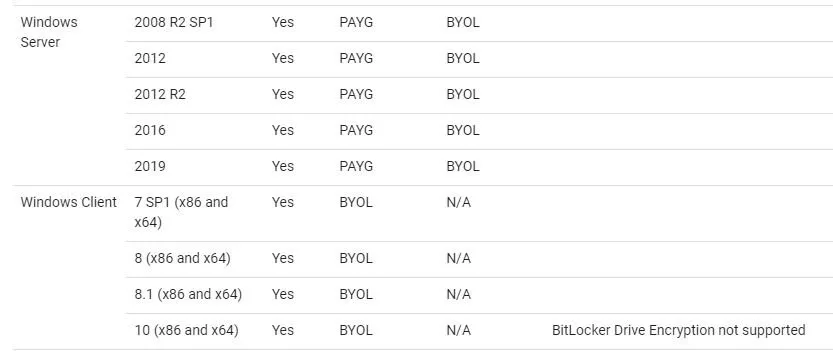
Migrating individual VMs | Migrate for Compute Engine | Google CloudAnd especially supported OS versions
Supported operating systems | Migrate for Compute Engine | Google CloudDon’t panic, Windows Server 2022 is not widely used, yet :)