Azure Migrate vs. AWS Migration Evaluator (TSO Logic): Cloud Assessment Tools Compared
A side-by-side look at Azure Migrate and AWS Migration Evaluator (formerly TSO Logic). I run the same VMware workloads through both tools two ways — the quick offline spreadsheet-import path and the higher-fidelity online appliance path — and explain what each one discovers, how it right-sizes, and how it prices, so you can pick the right assessment approach for your migration.
Azure Migrate and AWS Migration Evaluator both promise the same thing: point them at your on-premises estate and they will tell you what it should look like in the cloud and roughly what it will cost. I wanted to see how they compare when they are handed identical VMware workloads, so I ran my lab through both — first the quick offline import path, then the higher-fidelity online appliance path — and this is what each one does, what it recommends, and how it prices.
Azure Migrate and AWS Migration Evaluator are powerful tools designed to streamline the cloud migration process by assessing on-premises workloads and recommending optimal cloud resources. Azure Migrate offers a comprehensive solution within the Azure ecosystem, guiding users through discovery, assessment, and migration. AWS Migration Evaluator (formerly TSO Logic) focuses on cost analysis and right-sizing AWS resources, providing detailed pricing comparisons. Both tools aim to simplify migration planning, but their approaches and features vary. In this article, I’ll compare how each tool evaluates the same workloads, helping you choose the best fit for your cloud strategy.
As an ex-VMware employee, a decade later I still can’t think about other sources but VMware :-)
Since Broadcom acquired VMware, I’ve faced some challenges updating my nested lab due to limited access to ESXi images. However, with the help of my network (using VMUG membership) and/or Crayon’s VMware partnership (NFR licenses), I plan to resolve this issue as soon as possible. For now, using vCenter 8 with ESXi 7 should suffice. The key is that the variety of templates and VMs I’ve prepared over the years can still be utilized for this setup.
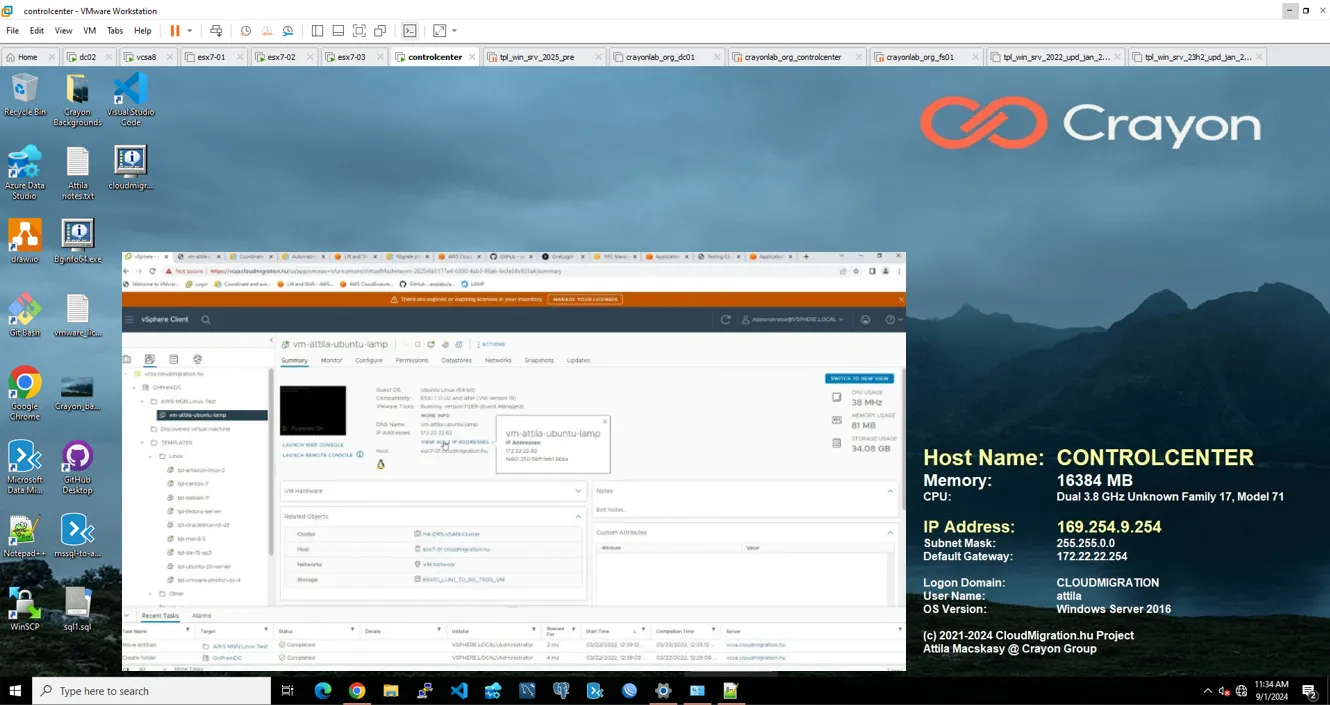
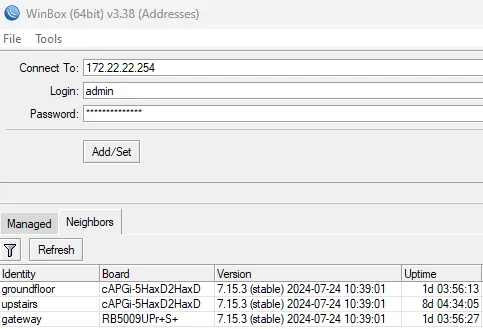
My lab had been a little bit broken after I upgraded my home network with some amazing new MikroTik hardware and reworked the networking — but it is back in shape now, running vCenter 8 with ESXi 7 and the library of templates and VMs I have built up over the years. That mixed bag of Windows and Linux servers is exactly the kind of estate these tools are meant to make sense of.
With the lab in order, I fed the same set of VMs into both tools using two different collection methods each. It is worth understanding both, because they answer subtly different questions.
The import path is the fastest way to a first answer: no appliance, no agents, and nothing reaching out of your network. You export your inventory into the vendor’s spreadsheet template — server name, cores, memory, disk, operating system, and utilization if you have it — and upload it. In minutes you get a readiness verdict, a recommended cloud shape per server, and a cost estimate. The catch is that the result is only as good as the numbers you supply: if the template carries provisioned specs rather than observed utilization, both tools size conservatively and tend to recommend larger, pricier instances than the workload actually needs. Treat it as a well-framed order-of-magnitude, not a final bill.
For a VMware shop this is a natural fit. I ran RVTools — the free, read-only vSphere reporting utility — against vCenter, then mapped its vInfo, vCPU, vMemory and vDisk sheets into the Azure Migrate import CSV. Azure Migrate returns a per-VM Azure readiness verdict (ready / ready with conditions / not ready), a recommended Azure VM size, and a monthly estimate that splits compute and storage, with levers for pay-as-you-go versus reserved instances and Azure Hybrid Benefit for Windows Server and SQL. Because RVTools reports how each VM is configured rather than how hard it actually works, this pass sizes “as-built” — a solid inventory-driven baseline that you will usually be able to trim once real utilization is in play.
AWS Migration Evaluator accepts the same style of input through its import template. Its personality is different: where Azure Migrate leads with readiness, Migration Evaluator leads with cost and licensing. The report projects a monthly AWS bill, recommends EC2 instance families, and — its real differentiator — models Windows and SQL Server licensing (bring-your-own versus license-included) alongside on-demand, 1-year and 3-year Savings Plans and Reserved Instance scenarios. The import-template route is the no-agent way to get that TCO view quickly, with the same caveat as above: feed it real utilization and the right-sizing gets sharper; feed it provisioned specs and it stays cautious.
This is the higher-fidelity path. Instead of a one-off spreadsheet, you deploy the vendor’s collector into your environment and let it watch the estate for a while. Continuous CPU, memory, disk and network utilization over a collection window turns “as-built” sizing into genuinely right-sized (and usually smaller, cheaper) recommendations, and it unlocks dependency mapping so you can see which servers talk to which. The price of that accuracy is a small appliance or collector, read-only access to vCenter, and patience — the numbers are only trustworthy once a representative window of data is in.
Here you deploy the Azure Migrate appliance (an OVA) into vSphere, register it with your Azure Migrate project, and hand it read-only vCenter credentials. It performs agentless discovery of every VM, collects performance counters continuously, and can also map dependencies and surface installed applications and SQL instances. The assessment can then run performance-based — sizing to observed utilization plus a comfort factor rather than to the provisioned spec — which is what makes the appliance path worth the extra setup for a VMware estate. The recommended SKUs and the cost estimate that come out of this are the ones I would actually take into a migration plan.
AWS’s equivalent is the Migration Evaluator Collector, a lightweight agentless collector you install and let run — typically a couple of weeks — to gather inventory and utilization from vCenter before sending it to AWS. What comes back is a full business case rather than a first-pass estimate: EC2 recommendations grounded in observed utilization, storage mapping, and the same licensing-aware TCO that is Migration Evaluator’s hallmark, including the Savings Plans scenarios. This is the version of the number you can put in front of a finance team.
The two tools rhyme more than they differ: both offer a quick offline import for a first pass and an online collector for a defensible business case. Where they part ways is emphasis. Azure Migrate leans into readiness and agentless discovery — dependency maps, application and SQL awareness — all inside the Azure ecosystem. AWS Migration Evaluator leans into cost and licensing — a TCO and Savings-Plans story that is hard to beat if your estate is heavy on Windows and SQL. My practical advice after running both: start with an import pass on either side to frame the order of magnitude, then deploy the appliance or collector and let it observe for a proper window before you commit to instance sizes or a budget. And pick your primary tool by where you are actually heading — and by how much the licensing-cost dimension matters to your business case.